Best Free AI Video Transcription Tool?
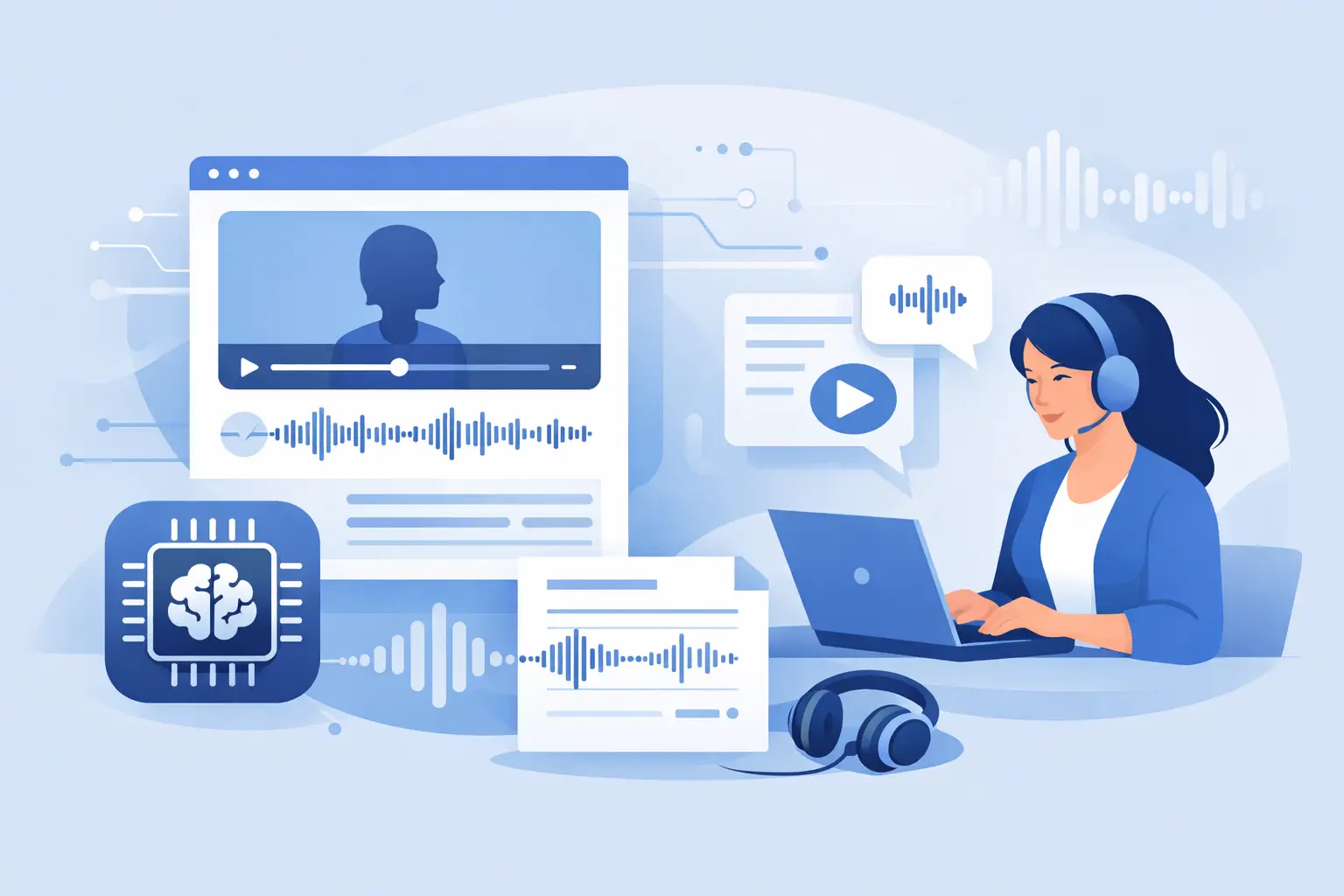
You can feel the bottleneck fast when one short video turns into five extra tasks - captions, blog snippets, quotes, subtitles, show notes, and searchable archives. A free ai video transcription tool sounds like a simple fix, but for creators and marketing teams, the real question is whether it fits the way social video actually gets made.
That matters because not all transcription tools are built for the same job. Some are made for meetings. Some are built for legal or enterprise workflows. And some can handle the speed, messiness, and volume of TikTok clips, YouTube videos, Instagram Reels, and creator-led publishing. If your workflow starts with social video, the best tool is the one that gets text out fast and keeps moving.
What a free AI video transcription tool should actually do
For creator and marketing workflows, transcription is rarely the final output. It is the raw material for everything that comes next. You might turn one video into captions, a YouTube description, an email, a blog draft, or social copy for three other platforms. That means speed matters, but structure matters too.
A useful tool should handle uploaded video without friction, return readable text quickly, and support the kind of content you are already producing. If you work across TikTok, YouTube, and Instagram, platform compatibility is not a nice extra. It is the baseline.
Accuracy also needs context. A transcript does not need to be courtroom-perfect to be valuable for a creator workflow. But it does need to be strong enough to save editing time instead of creating more of it. If every transcript needs a full rewrite, free becomes expensive very quickly.
Where free tools help and where they usually fall short
A free AI video transcription tool can be a great starting point, especially if you are testing a workflow or working with a light content schedule. It lets you validate whether transcription will save time before you commit budget. For solo creators and small teams, that low-friction entry point is a real advantage.
The trade-off usually shows up in limits. Some free tools cap video length. Others restrict export options, language support, or monthly usage. A few work well for single files but break down when you need to process ten, twenty, or fifty videos in a batch.
That difference is easy to miss if you only test with one clean clip. The moment you are handling weekly content calendars, client deliverables, or multilingual campaigns, the cracks show. Free is useful, but only if it supports the pace you need.
Best use cases for social video teams
Transcription is especially valuable when video is your source content, not your final destination. Social teams often publish once and repurpose everywhere. In that setup, text becomes the asset that keeps the machine running.
A transcript can become on-screen captions for better watch time and accessibility. It can turn into pull quotes for social posts, talking points for newsletters, or drafts for articles and landing page copy. It also makes video content searchable internally, which matters more as your library grows.
For agencies and media teams, transcription also helps with review and approval. It is faster to scan text than rewatch every cut from the start. When clients want messaging tweaks, a transcript gives everyone a shared reference point.
Free AI video transcription tool features that matter most
The feature list gets crowded fast, but a few capabilities matter more than the rest if your work lives in short-form content.
Fast turnaround is first. Social workflows move quickly, and waiting hours for a transcript defeats the point. If you publish daily or manage several channels, the tool has to keep up with your schedule.
Language support is next. Many creators and brands publish for multilingual audiences or repurpose content across markets. A tool that supports a wide range of languages gives you more flexibility without forcing separate workflows.
Bulk processing is another major separator. If you only transcribe one file a week, you can live without it. If you manage content at scale, batch handling saves real operational time. This is where many basic free tools start to feel narrow.
Finally, output quality matters in practical terms. You want text that is easy to scan, edit, copy, and repurpose. Fancy features are secondary if the actual transcript is messy or hard to use.
How to evaluate a free AI video transcription tool
Start with your real content, not a polished sample. Use a typical TikTok, a talking-head Reel, a podcast clip, or a YouTube segment with the kind of audio quality you normally deal with. That gives you a more honest view of performance.
Then look at turnaround time. If the transcript arrives fast but needs heavy cleanup, the time savings disappear. If accuracy is solid but exports are clunky, that also slows the workflow. The right test is not just whether the transcript exists. It is whether you can use it right away.
You should also test scale early. Process multiple clips, not just one. That is the fastest way to see whether the tool is a useful part of your workflow or just a one-off helper.
If multilingual content matters to your team, test that too. Language support can look good on paper but vary in actual output quality. One English clip and one non-English clip will tell you more than a features page ever will.
Why generic transcription tools miss creator workflows
A lot of transcription software was built around meetings, interviews, or enterprise documentation. Those are valid use cases, but they are not the same as social publishing. Creator workflows are faster, more repetitive, and more format-driven.
Social teams need to move from video to captions, then from captions to repurposed content, often in the same session. They need support for platform-native content, short clips, and recurring batches. A general-purpose tool may still work, but it often adds steps that creators do not need.
That is where a platform built around video-first publishing has an edge. Instead of treating transcription as a standalone task, it fits into content operations. That is a better match for marketers, agencies, educators, and creator teams that publish constantly.
When free is enough and when it is not
If you are a solo creator posting a few videos a month, a free tier may cover everything you need. The same goes for testing a new repurposing process or building a lighter caption workflow. In those cases, free is practical and low risk.
But once content volume rises, the question changes from cost to throughput. If slow processing, usage caps, or missing batch support force manual work back into the system, the tool stops saving time. At that point, the cheapest option is not the most efficient one.
For growing teams, a better approach is to treat free as the starting line, not the full strategy. Use it to validate value, then decide whether the workflow needs more speed, more volume, or broader language support.
A smarter standard for social video transcription
The best free AI video transcription tool is not the one with the longest feature list. It is the one that gets usable text from your video fast enough to keep your publishing workflow moving. For creators and marketers, that usually means platform relevance, multilingual support, and the ability to handle more than one file without friction.
ReelScribe fits that standard because it is built around the way short-form content teams actually work - quick turnaround, support for TikTok, YouTube, and Instagram, broad language coverage, and batch-friendly processing when volume picks up.
If you are comparing options, keep the bar simple. Does it save time on real content? Does it support the platforms you already use? Can it keep up when your content calendar gets busy? If the answer is yes, you have something useful. If not, free is just another delay dressed up as a feature.
The right tool should make your next piece of content easier to publish, repurpose, and scale. That is the standard worth using.
Ready to turn your videos into text?
Start with 25 free credits — no credit card required. Works with Instagram, TikTok, Facebook and YouTube.
Try one free — no sign-up →See plans and pricingAlso see: Best AI Tool for Video Transcription · 7 Best Multilingual Transcription APIs for Video · Best TikTok Video to Text Converter Online Free · Best Free Video Transcription Tools (2026): 10 Tested