Social Media Video Transcription That Saves Time
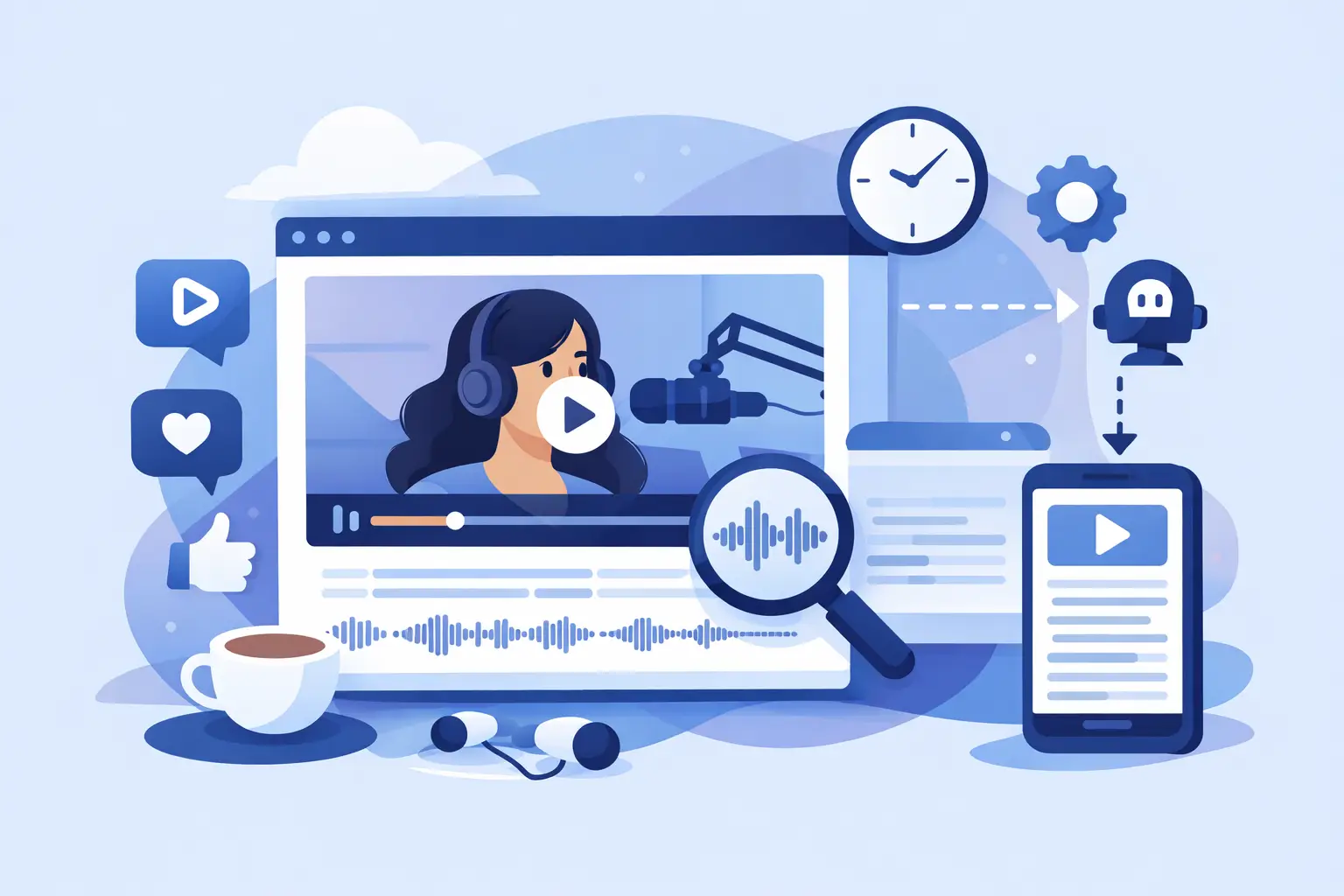
A 45-second Reel can take hours to turn into a captioned post, a blog snippet, a client note, and a searchable content record. Social media video transcription removes that bottleneck by converting spoken video into usable text in minutes, so your team can keep publishing instead of replaying the same clip over and over.
For creators and social teams, the value is bigger than a written record. A transcript gives every video a second life. It helps you build captions, pull quotes, create carousels, organize research, localize content, and find a specific point from a video weeks after it was posted.
Why Social Media Video Transcription Matters
Short-form video moves fast, but the work around it often does not. Someone still has to write captions, check what was said, pull key moments for repurposing, and share clear notes with collaborators. When this work is manual, it becomes the quiet task that delays the next post.
Transcription creates a text layer for video. That layer makes content easier to search, edit, reuse, and distribute. A social media manager can scan a transcript for a product mention. A creator can turn a strong 20-second explanation into a newsletter section. An agency can send a client the exact wording from a campaign video without asking anyone to scrub through timestamps.
It also supports accessibility. Captions help viewers follow along when sound is off, when they are in public, or when they process written information more easily. Captions and transcripts are related, but they serve different jobs: captions are designed for viewing alongside video, while a transcript is the flexible source text behind them.
What a Useful Transcript Looks Like
Not every transcript is ready for social workflows. Raw automated text can include filler words, missing punctuation, incorrect brand names, or unclear speaker changes. The goal is not perfection before you see the first draft. The goal is a clean, fast starting point that takes minutes to review instead of hours to create.
For most social content, prioritize readable text, sensible punctuation, and accurate names, products, and calls to action. If your video includes technical terms, slang, fast speech, or multiple speakers, plan for a quick human pass. AI is excellent at handling the first draft at speed. Your review makes the final version match your voice and context.
Timing matters, too. If you are creating on-screen captions, you need timestamps or caption-ready segments that can be matched to the video. If you are turning a YouTube interview into an article, a clean speaker-attributed transcript may be more useful than tightly timed lines. Choose the output based on what happens next.
A Fast Social Media Video Transcription Workflow
The best workflow starts before you upload anything. Keep original video files organized by campaign, client, platform, or recording date. Clear file names make it easier to find the right transcript when a post suddenly performs well and you want to reuse it.
1. Transcribe the original video
Use the best available source file whenever possible. Audio quality has a direct effect on accuracy, especially when there is background music, street noise, overlapping voices, or an energetic voiceover. A clean original file usually delivers better results than a compressed download from a social platform.
For platform-first work, use a tool built to handle TikTok, Instagram, and YouTube content rather than forcing social clips into an enterprise-style process. ReelScribe is designed for that workflow, turning social video into text quickly while supporting 99+ languages.
2. Review the high-value details
Do not read every transcript with the same level of scrutiny. For an internal research clip, a quick scan may be enough. For paid ads, client approvals, educational content, or anything with legal or financial claims, review the full text carefully.
Start with the moments that matter most: the hook, product names, statistics, URLs spoken aloud, names, and the closing call to action. These are the places where a small transcription error can create confusion or make a polished post look careless.
3. Create the version you actually need
One transcript can produce several assets, but each asset needs different editing. Caption copy should be short, easy to read, and broken at natural pauses. A blog draft can keep fuller sentences and more context. A content brief may only need the strongest claims, objections, examples, and quotes.
This is where teams save real time. Instead of treating every video as a one-use post, treat the transcript as source material. A single product demo can become a caption, a FAQ response, a sales enablement note, three quote graphics, and a list of future video ideas.
4. Store it where your team can find it
A transcript has little value if it disappears in a downloads folder. Save it alongside the video, campaign brief, and final caption. Use a consistent naming system so anyone on the team can locate the text without asking who posted the original clip.
For recurring formats, create a simple convention. Include the platform, topic, date, and content type in the file name. That small habit makes your content library more searchable as your volume grows.
Turn Transcripts Into More Content Without Repeating Yourself
The strongest repurposing is not copy-and-paste. A spoken explanation often needs structure before it works as written content. Start by identifying the central claim, the proof behind it, and the practical takeaway for the audience.
A creator explaining three editing mistakes can turn the transcript into a carousel with one mistake per slide. A podcast clip can become an email opening that leads with a sharp quote. A founder video can become a concise LinkedIn post built around one opinion, not every sentence that was spoken on camera.
Transcripts are also useful for content research. Search across your previous videos for themes you have already covered, customer questions you keep answering, or phrases that consistently appear in high-performing clips. This prevents accidental repetition while helping you build on topics your audience already understands.
There is a trade-off: repurposing only works when the new format earns its place. A transcript should provide the raw material, not dictate the final piece. Edit for the platform, the reader, and the goal of the content.
Multilingual Video Needs More Than Translation
If you publish for audiences in multiple languages, transcription is the first step in a larger localization process. Getting the spoken words into text gives your team something concrete to review, translate, subtitle, and adapt.
But direct translation is not always enough. A phrase that works as a casual TikTok hook in English may sound unnatural in another language. Brand names, local references, jokes, measurements, and calls to action may need adjustment. Use the transcript to preserve the original meaning, then make deliberate decisions about how the message should land for each audience.
For multilingual teams, confirm the spoken language before processing and check proper nouns after transcription. If a video switches between languages, review those transitions closely. The faster your first text draft arrives, the more time your team has for the editorial choices that actually require human judgment.
Scale Social Video Transcription for a Busy Content Calendar
A single weekly post does not create much operational pressure. Ten creators, several clients, daily short-form clips, and a library of old footage are different. At that point, the issue is not whether transcription is useful. It is whether your process can keep up.
Bulk processing helps teams clear a backlog and standardize work across campaigns. Instead of assigning manual transcription clip by clip, process multiple files and move the team directly into review, editing, and repurposing. This is especially useful for agencies onboarding a new client, media teams covering an event, or educators turning a course library into accessible material.
Set clear review rules as volume grows. Decide which content gets a full accuracy check, which only needs caption cleanup, and who owns final approval. Automation handles repetitive conversion. A defined workflow prevents the last-mile edits from becoming another bottleneck.
Every social video already contains ideas, language, and audience insight. The useful question is not whether you have time to manually capture all of it. It is how quickly you can turn it into text your team can use before the next publishing deadline arrives.
Ready to turn your videos into text?
Start with 25 free credits — no credit card required. Works with Instagram, TikTok, Facebook and YouTube.
Try one free — no sign-up →See plans and pricingAlso see: Short Video Transcription Software That Saves Time · n8n automation for social video transcription · Transcription tools for social video workflows · n8n transcription node review for social video