Bulk Video Transcription for Creators at Scale
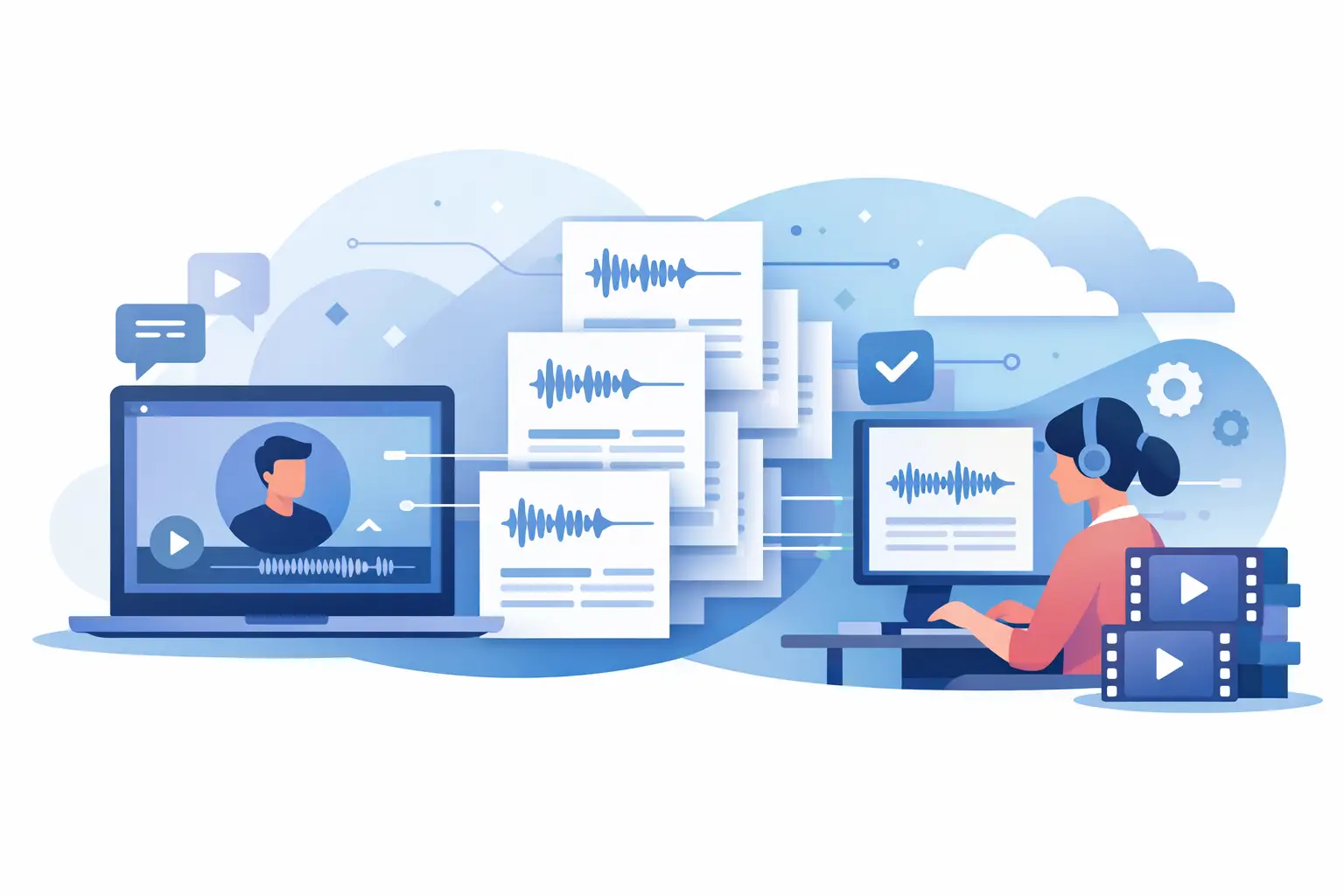
A folder of 40 finished Reels should feel like a content asset library. Too often, it feels like a dead end. The ideas are trapped inside videos, captions are inconsistent, and finding one useful quote means scrubbing through clips again. Bulk video transcription for creators changes that by turning a publishing backlog into usable text in one pass.
For creators, social managers, and lean agency teams, transcription is not just an accessibility task. It is the starting point for captions, searchable archives, content repurposing, client approvals, and better ideas for the next post. The value grows quickly when you are handling dozens of TikTok, YouTube, or Instagram videos each month.
Why bulk video transcription for creators matters
Manual transcription breaks down when content volume rises. Even short clips create a hidden workload: listening closely, typing dialogue, checking names, formatting captions, and exporting everything into the right place. A 30-second video may take far longer than 30 seconds to turn into clean, reusable text.
That time cost becomes more obvious across a content calendar. A creator publishing daily can easily produce 20 to 30 short videos a month. A social team managing multiple accounts may be working with hundreds. Processing videos one by one creates unnecessary switching between uploading, waiting, downloading, reviewing, and organizing.
Bulk processing removes the repeated setup work. Instead of treating each video as a separate administrative task, you submit a batch and receive text outputs that can be reviewed, searched, and reused together. The difference is operational: your team spends less time preparing content for use and more time deciding what to make from it.
There is also a creative advantage. When every video has a transcript, past content becomes easier to mine for hooks, recurring questions, product language, customer objections, and strong one-liners. A spoken answer from six weeks ago can become a carousel, newsletter section, FAQ entry, or script for a follow-up video.
Start with batches that have a clear job
The fastest workflow is not necessarily uploading every video you own. Start by grouping files around a practical outcome. For example, transcribe a month of product tutorials to build help-center copy, a campaign's short-form videos to pull ad variations, or a podcast clip series to find quotes for social posts.
A clear batch gives the resulting transcripts a destination. Without one, teams can end up with a large export of text that nobody has time to use. Before uploading, decide what the batch needs to produce: captions, a content database, articles, sales enablement notes, video descriptions, or multilingual versions.
Use simple file naming before you process the batch. Include the channel, topic, campaign, and date where possible. Names like IG_skincare-routine_2026-07 are much easier to locate later than final-final-3.mp4. Transcripts become significantly more useful when the surrounding file organization makes sense.
For ongoing work, organize batches by week, client, campaign, or series. Agencies may prefer one batch per client and content pillar. A solo creator may find a weekly batch easier to review between filming and scheduling. The right system depends on volume, but consistency matters more than complexity.
Turn transcripts into a working content system
A transcript should not sit in an export folder after captions are created. Treat it as source material. The text captures the actual language used on camera, including phrases that are often more natural than what gets written in a content brief.
First, use the transcript to improve captions. Automated output gives you a fast first draft, but a quick human pass is still worthwhile for names, brand terms, numbers, slang, and calls to action. Accuracy matters most when a mistake could confuse viewers or change the meaning of an offer.
Then look for reusable sections. A short video often contains more than one content idea: a hook, a problem statement, a step, an example, and an opinion. Those pieces can become a LinkedIn post, an email opener, a carousel slide, a pinned comment, or a longer YouTube description. The transcript makes that extraction much faster than replaying video after video.
Searchability is another major gain. If a client asks, "Have we already talked about shipping times?" or "Which video mentioned the free trial?" text lets you find the answer without guessing based on thumbnails. Over time, a transcript library becomes an internal record of what your brand has said and how it has said it.
This is especially useful for teams with multiple contributors. A strategist can review message themes, a copywriter can turn spoken points into written content, and a community manager can pull accurate answers from past videos. Nobody needs to own every original file to benefit from the work.
Build review into the process, not after it
AI transcription is fast, but it is not a substitute for judgment. Audio quality, fast speech, multiple speakers, niche terminology, background music, and overlapping dialogue can affect the result. The right approach is not to avoid automation. It is to use automation for the heavy lift, then review the parts where precision matters.
Prioritize review according to risk. A casual behind-the-scenes Reel may only need a quick read before captions go live. A legal claim, medical topic, pricing explanation, sponsored post, or educational lesson deserves closer checking. You do not need the same review standard for every asset.
Create a short style reference for recurring terms. Include product names, people, industry acronyms, preferred capitalization, and words the AI may mishear. That reference helps reviewers work faster and keeps text consistent across a large library.
Also watch for formatting choices that affect readability. Captions need short, scannable lines. Blog drafts can use fuller sentences and paragraph breaks. Internal notes may only need clean speaker text. One transcript can support all three, but the final format should match the channel.
Use multilingual transcription to extend content reach
Creators increasingly build audiences across languages, markets, and communities. Transcription in 99+ languages makes it easier to document what was said, prepare captions for different audiences, and identify content worth adapting for another market.
The trade-off is that translation and localization are not identical. A direct translation may preserve the words while missing a cultural reference, a joke, or a phrase that does not carry the same meaning. Use the transcript as the accurate source layer, then adapt high-value content for the audience you want to reach.
For teams that publish in several languages, bulk processing is particularly valuable. It provides a repeatable first step for a full campaign rather than forcing separate manual workflows for every clip. You can move from a set of videos to reviewable text quickly, then put human attention where it improves clarity and relevance.
Choose a tool built for social video volume
Generic transcription software can work for a single interview or meeting recording. Social video workflows have different needs: short clips, frequent publishing, mixed file sources, quick turnaround, and lots of content that needs to be repurposed rather than merely archived.
Look for bulk upload support, fast processing, clear exports, and language coverage that fits your audience. Platform relevance matters too. If your work centers on TikTok, Instagram, and YouTube, the tool should fit the way those files enter your workflow instead of adding extra steps.
ReelScribe is designed around that reality, helping creator teams convert social video into text quickly while processing batches at scale. The practical benefit is simple: fewer repetitive tasks between recording a video and getting value from the words inside it.
Make every published video easier to reuse
The best time to transcribe content is while it is still part of an active workflow. Add it to your publishing checklist: edit the video, publish it, process the transcript, review priority sections, and save the final text with the asset. This prevents a backlog from building and keeps your archive current.
Start with one recent campaign or one month of short-form content. Once the transcripts are available, challenge the team to create two additional assets from each video. You may find that the real bottleneck was never a lack of content ideas. It was the lack of a fast way to access the ideas you had already recorded.
Ready to turn your videos into text?
Start with 25 free credits — no credit card required. Works with Instagram, TikTok, Facebook and YouTube.
Try one free — no sign-up →See plans and pricingAlso see: Multilingual Video Transcription Software for Creators · 7 Best Bulk Video Processing Tools for Teams · 7 Best Multilingual Transcription APIs for Video · n8n automation for social video transcription