How to Transcribe Videos in Multiple Languages
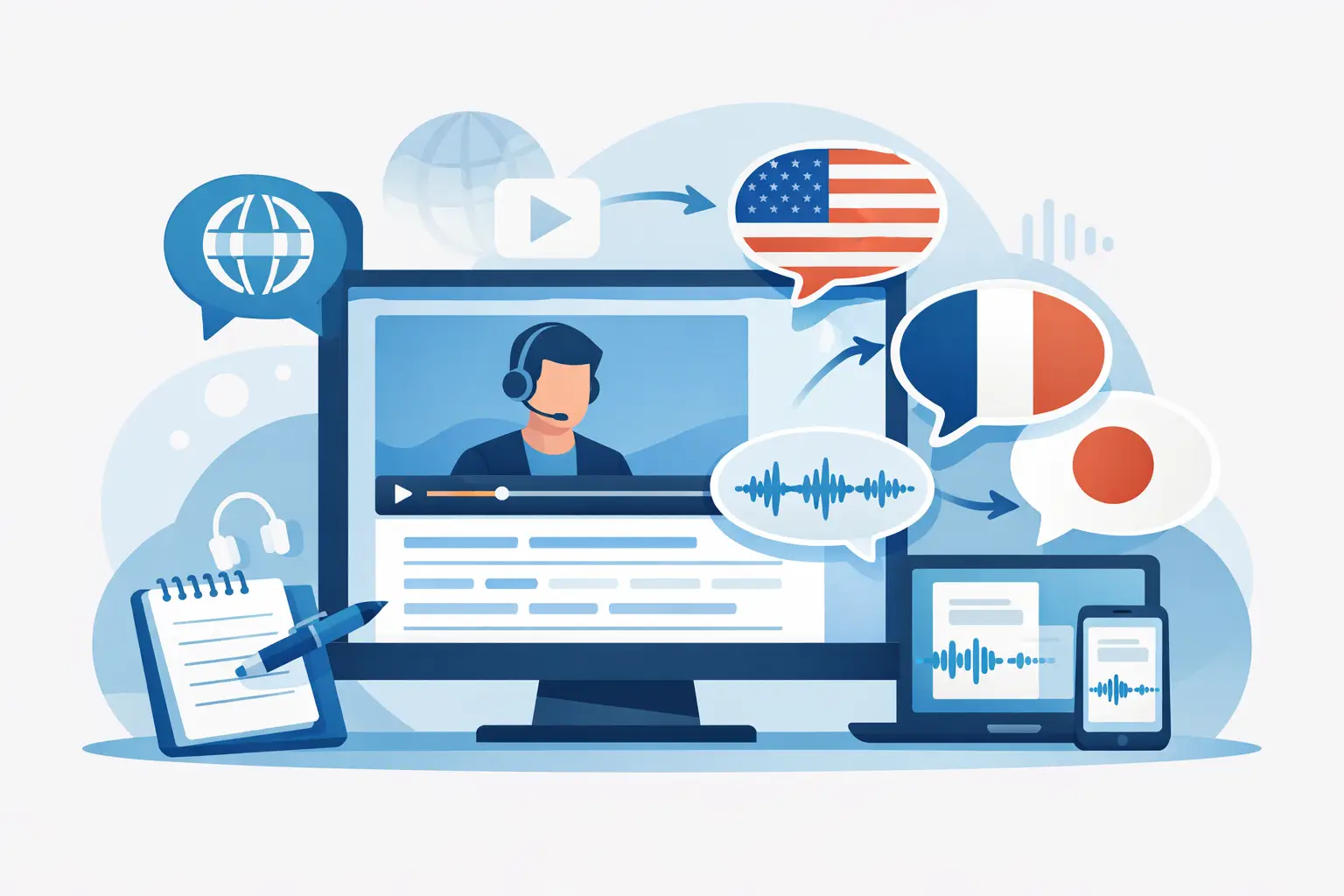
A TikTok that performs well in English can become a captioned Reel for Spanish-speaking viewers, a searchable YouTube Short, and a source for a localized newsletter. But none of that happens quickly if someone has to type every spoken word by hand. The ability to transcribe videos in multiple languages turns short-form video from a single post into usable content for more audiences, channels, and teams.
For creators and marketers, multilingual transcription is not just about translating a script. It is a faster way to create captions, pull quotes, content briefs, searchable archives, and repurposing material from the videos already being published.
Why multilingual video transcription matters for social content
Short-form video moves fast, but the work around it can be slow. A 45-second Instagram Reel may contain a strong hook, an audience question, product messaging, and a call to action. Without a transcript, that information is trapped in the video. Without captions, some viewers will scroll past before they hear the first sentence.
Transcription makes spoken content usable. Multilingual transcription makes it usable across markets and language preferences. That matters when your audience is spread across the US, when your creator roster speaks more than one language, or when a campaign needs localized versions without rebuilding every asset from scratch.
There is also an accessibility benefit. Clear captions help people watching with sound off, people in noisy environments, and people who process written content more easily than audio. On social platforms, where silent autoplay is common, captions can be a practical retention tool as much as an accessibility feature.
The value compounds when you publish often. One transcript can support a caption file, a translated subtitle draft, a carousel outline, a blog section, an email quote, and a searchable record of what was said on camera. For an agency or media team processing dozens of clips each week, that is a meaningful reduction in manual work.
Transcription and translation are different jobs
These terms often get grouped together, but they solve separate problems. Transcription converts speech into written text in the language spoken. Translation converts that written text into another language.
If a creator records a video in Portuguese, the Portuguese transcript is the source of truth. An English version is a translation of that transcript. Starting with an accurate source-language transcript gives you a cleaner foundation for captions, localization, and review.
This distinction matters most when the video includes product names, slang, technical terms, or a specific regional dialect. A direct translation can be technically correct and still sound unnatural to the intended audience. For promotional content, the goal is not only to preserve words. It is to preserve meaning, tone, and the action you want viewers to take.
For example, a fast English hook such as “Stop wasting time on manual captions” may need a different sentence structure in another language to feel natural and fit the timing of the video. Treat automated translation as a fast first draft, then review the lines that carry the brand message, offer details, and call to action.
How to transcribe videos in multiple languages without slowing down
The most efficient workflow starts before you upload a file. Give the transcription tool the cleanest audio you can. Clear speech, limited background music, and fewer people talking over one another will improve results in every language.
First, identify the spoken language in each video. If your content is in one language per clip, this is straightforward. If a creator switches between English and Spanish in the same post, use a tool that can handle multilingual audio or plan on reviewing those sections more closely. Language switching, names, and slang are common places for automated transcripts to need edits.
Next, process the source video and generate the transcript in the language actually spoken. Do not select English simply because your team works in English if the audio is in French, Korean, or Arabic. The right source-language setting gives the AI a better chance of recognizing words correctly.
Then review the transcript with purpose. You do not need to edit every filler word in a casual video, but you should check the details that affect trust or meaning: names, numbers, pricing, URLs spoken aloud, product terminology, and the final call to action. In a 20-second short, a single incorrect number can matter more than five missing “ums.”
After the source text is clean, create translated versions for the markets you want to serve. Keep the original transcript available during review. It helps reviewers confirm that a translated caption has not changed a claim, omitted context, or introduced an awkward phrase.
Finally, export or copy the text into the format your workflow needs. A social manager may need caption text. A content marketer may need a clean transcript for an article draft. An agency may need organized files for a client approval process. The transcript should move easily into the next step, not become another file your team has to hunt down later.
Choose a tool built for your publishing volume
A generic transcription workflow can work for one interview. It becomes frustrating when you are handling daily Reels, TikToks, Shorts, creator submissions, and campaign variations.
Look for a platform that supports the languages your audience and creators use, accepts the social video formats you already publish, and can process multiple files at once. Bulk processing is especially useful for agencies, podcast teams cutting clips from long recordings, and brands managing creator campaigns. Uploading and handling files one by one creates a bottleneck before anyone has started repurposing.
Speed matters, but accuracy still decides whether the transcript is useful. The best setup gives you fast automated output and makes it easy to review, correct, and reuse that output. ReelScribe is designed around this social-video workflow, with transcription for TikTok, YouTube, and Instagram content, support for 99+ languages, and bulk processing for teams working at volume.
It also helps to think about the handoff. If transcripts are only used by the person who uploaded the video, a plain text file may be enough. If captions are reviewed by a client, translated by a regional team, and reused by a copywriter, establish a simple naming system from the start. Include the campaign, platform, language, date, and version in each file name. That small habit prevents confusion when a campaign has 30 nearly identical assets.
Where AI transcription needs a human check
AI transcription is fast because it recognizes patterns in speech at scale. It is not a substitute for judgment. The more complex the audio, the more valuable a quick review becomes.
Music-heavy edits can cover consonants and soften words. Multiple speakers can create unclear speaker changes. Creator slang may be misheard, particularly when it is brand new or highly regional. If your video includes legal language, health claims, financial details, or product instructions, review it carefully before publishing translated captions.
Timing is another trade-off. A literal translation may be too long to read comfortably before the next cut. For subtitles, prioritize clarity and pace over matching every word exactly. Break long thoughts into short lines, keep captions on screen long enough to read, and avoid placing critical text where platform buttons will cover it.
For global campaigns, involve a native speaker or market owner for the final pass when possible. They can catch cultural references that software will not fully understand and make sure a casual joke does not land as confusing or too formal. AI gets the team to a usable first draft quickly. Human review makes it audience-ready.
Build multilingual transcripts into your content system
The biggest gain comes from making transcription a standard step, not a rescue task after a post has already gone live. Add it to the workflow when a video is approved or scheduled. That gives your team time to generate captions, create localized versions, and pull copy before the asset starts performing.
For recurring content, create a repeatable path: upload the finished video, generate the source-language transcript, review key details, produce needed language versions, and save the approved text alongside the final asset. Once this becomes routine, the transcript is no longer an extra deliverable. It is the raw material behind every version of the content.
Start with the videos that already have traction. A high-performing clip has proven that its message earns attention. Transcribe it accurately, adapt it for the languages your audience uses, and give that idea more places to work.
Ready to turn your videos into text?
Start with 25 free credits — no credit card required. Works with Instagram, TikTok, Facebook and YouTube.
Try one free — no sign-up →See plans and pricingAlso see: How to Transcribe TikTok Videos Fast at Scale · How to Batch Transcribe Facebook Video Links · Can n8n Transcribe Public Videos From a URL? · How to Transcribe Non-English Social Clips Fast