How to Convert Video Captions to Text Fast
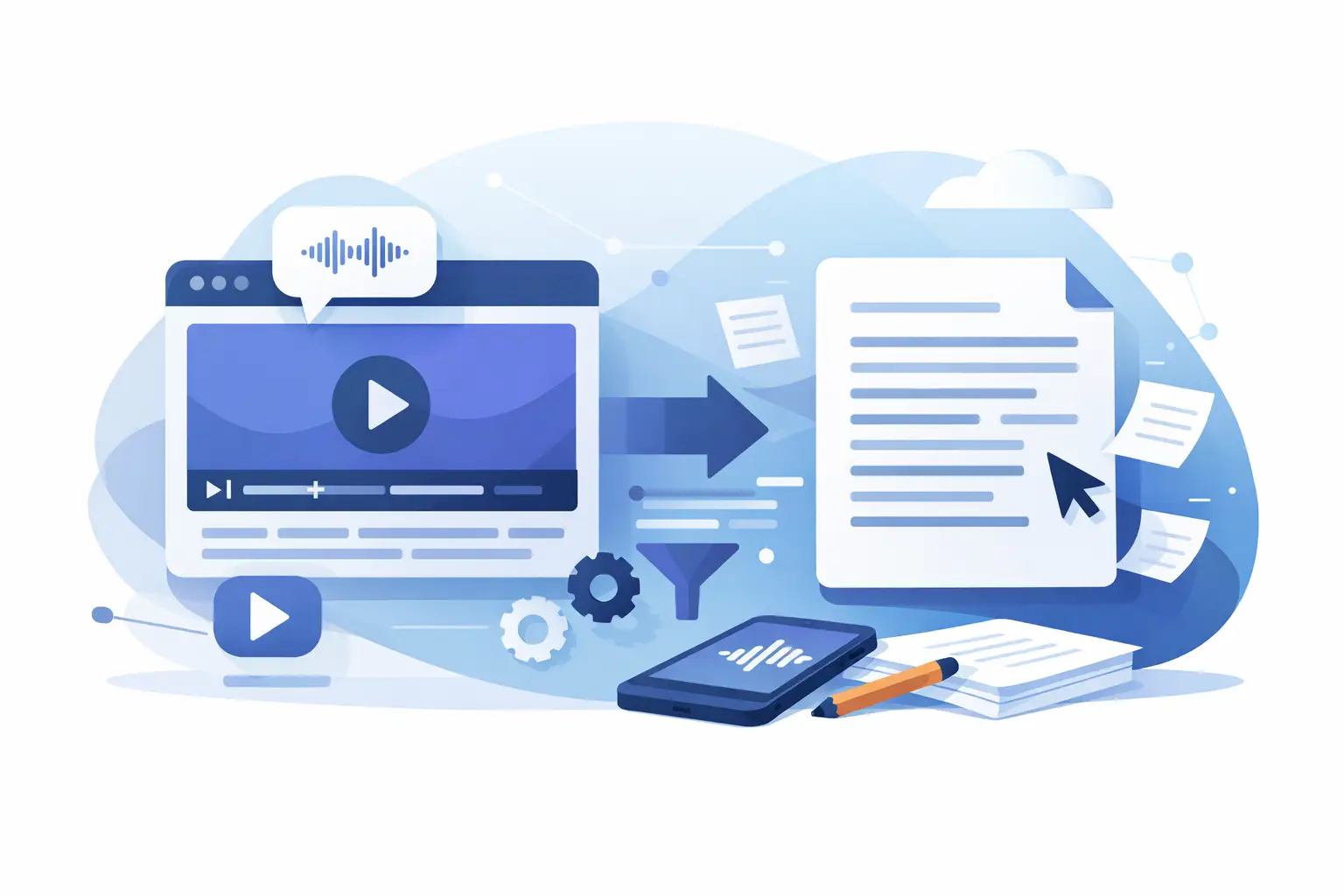
A 45-second Reel can contain the hook for a newsletter, five post ideas, a sales objection, and a customer quote. But none of that is easy to reuse when it is trapped inside a video file. When you convert video captions to text, you turn fast-moving social content into an asset your team can search, edit, share, and publish again.
For creators and marketers, this is not just an accessibility task. It is a content operations shortcut. The right transcript lets you move from one TikTok, Instagram Reel, or YouTube Short to a week of usable written content without replaying the clip ten times.
Why convert video captions to text?
Video captions and a text transcript are related, but they are not always the same thing. Captions may be embedded visually into the video, stored as a caption file, or generated by the platform. A transcript is the clean, editable copy of what was said, usually without distracting timestamps, line breaks, or on-screen styling.
That distinction matters when your goal is reuse. A caption file can help viewers follow a video. Clean text can power a blog outline, email draft, carousel script, content brief, meeting notes, product research file, or searchable content library.
Text also makes social content easier to work with across a team. A strategist can pull the strongest talking points. A copywriter can reshape the message for LinkedIn. An editor can spot a phrase worth turning into a new short. Instead of asking, “Where did we say that?” your team can search for it.
For brands publishing in multiple markets, transcription creates another practical advantage: a reliable starting point for translation, localized captions, and multilingual review. That is especially useful when one creator video needs to reach more than one audience.
Start with the type of captions you have
The fastest method depends on where the captions live. If you have a platform-generated caption file, you may be able to export or copy it directly. This works well when the captions are already accurate and you only need the spoken words.
The catch is that exported captions often include timestamps, duplicated lines, awkward breaks, sound labels, or formatting designed for playback rather than reading. A quick cleanup may still be needed before the text is ready for a post or document.
If captions are burned into the video itself, they are part of the image. You cannot simply copy and paste them. Optical character recognition can read visible words from frames, but it can struggle with animated text, low contrast, fast cuts, stickers, and captions that disappear before a full line is shown.
For most social video workflows, AI transcription from the audio is the more dependable option. It listens to the spoken track and creates editable text, whether or not the video includes visible captions. That means you are not limited by a platform export or the design of the original subtitles.
How to convert video captions to text in a practical workflow
The goal is not merely to produce a transcript. The goal is to get usable copy quickly. A simple workflow keeps the process moving.
1. Choose the original video whenever possible
Upload the highest-quality version you have rather than recording the clip from a phone or downloading a compressed repost. Clear audio gives speech recognition a better chance to identify names, product terms, and quick delivery.
If the original is unavailable, a social download can still work well. Just listen for background music, overlapping voices, and aggressive compression. Those are common reasons a transcript needs more review.
2. Transcribe the audio, not just the visible words
Use an AI transcription tool that accepts the format and platform videos you work with. ReelScribe is built for short-form social workflows, so creators and teams can turn TikTok, YouTube, and Instagram video into editable text without building a more complicated production process.
Audio transcription captures the actual spoken message, including words that may never appear in on-screen captions. It also avoids relying on the style, position, or timing of visual subtitles. If the speaker says a useful detail while the screen displays only a short hook, the transcript preserves both the context and the detail.
3. Review the moments that matter
AI saves the first draft, not necessarily the final approval. Review names, brand terms, numbers, calls to action, industry jargon, and any sentence you plan to quote publicly. A transcript can be highly accurate overall while still missing one product name that changes the meaning of a paragraph.
This review is usually fast when you focus on high-value sections instead of proofreading every filler word. For internal research, light cleanup may be enough. For customer-facing captions, legal claims, educational content, or published articles, give the text a closer pass.
4. Clean the transcript for its next job
A raw transcript is not automatically good copy. Remove repeated words when they do not add meaning, turn fragments into readable sentences, and separate ideas into short paragraphs. Keep the speaker's voice, but make the text easy to scan.
For a video caption, retain the concise rhythm of the original. For a blog post or newsletter, add transitions and context the viewer would have gotten from visuals. For a content database, preserve timestamps or speaker labels if your team needs to find the original moment later.
5. Save it in a reusable format
Give the text a useful name that includes the creator, topic, platform, and date. That small habit prevents a folder full of files called “final transcript” from becoming another bottleneck.
If you publish at volume, process videos in batches and use a consistent naming convention. Bulk transcription is less about saving a few seconds per clip and more about keeping a campaign, content series, or creator program organized when dozens of videos arrive at once.
What to do with the text after transcription
The fastest teams do not treat a transcript as the final output. They treat it as source material. One strong social clip can become a written post, a FAQ response, an outline for a longer video, a quote for a sales deck, or a set of customer language insights.
Start by finding the hook. The first sentence of a short-form video often contains the strongest angle because it was designed to stop the scroll. Then highlight useful proof points, questions, objections, and phrases that sound natural in the creator's voice. These pieces can guide your next scripts without forcing your team to invent new angles from scratch.
Transcripts are also useful for accessibility and discoverability. Captions help viewers who watch without sound or need text support. Searchable transcripts help your own team locate the right clip when a client asks for an example, a product claim, or a previously approved message.
There is a trade-off, though. Reusing a transcript word for word can make written content feel too conversational or incomplete. Video has facial expressions, editing, visuals, and tone doing part of the communication. Rewrite with the destination in mind rather than assuming spoken language will perform the same way on a page.
Accuracy depends on more than the tool
Even strong AI transcription can be challenged by poor source audio. Music beds, multiple speakers talking at once, unfamiliar accents, noisy street recordings, and rapidly spoken slang all raise the odds of mistakes. The language you select matters too. Choose the language actually spoken in the clip, not simply the audience's location.
Short-form video adds a few unique complications. Creators often cut themselves off, jump between scenes, use text overlays that contradict or expand on the spoken audio, and refer to something visible on screen. If the visual context matters, add a short editorial note to the final text rather than expecting a spoken-word transcript to explain every frame.
For multilingual content, decide whether you need a verbatim transcript, a translated version, or both. Keep the original-language transcript when possible. It gives native speakers a source to check and makes later corrections much easier.
Build transcription into your publishing process
The biggest gain comes when transcription is routine, not a rescue task at the end of a campaign. Transcribe soon after a video is approved or published. The message is still fresh, files are easy to locate, and your team can immediately pull ideas for the next asset.
Create a simple handoff: video enters the content folder, transcription is generated, key lines are reviewed, and the final text is saved beside the source clip. That is enough structure for a solo creator, and it scales cleanly for agencies and media teams.
Every video you publish already contains more than one piece of content. Converting its captions to text is how you make that value available while the idea is still working.
Ready to turn your videos into text?
Start with 25 free credits — no credit card required. Works with Instagram, TikTok, Facebook and YouTube.
Try one free — no sign-up →See plans and pricingAlso see: How to Convert TikTok Video to Text Fast · How to Repurpose Video Content Into Text Fast · How to Turn Video Clips Into Transcripts Fast · How to Batch Transcribe Facebook Video Links