Instagram Reels Download: Fast, Watermark-Free Methods
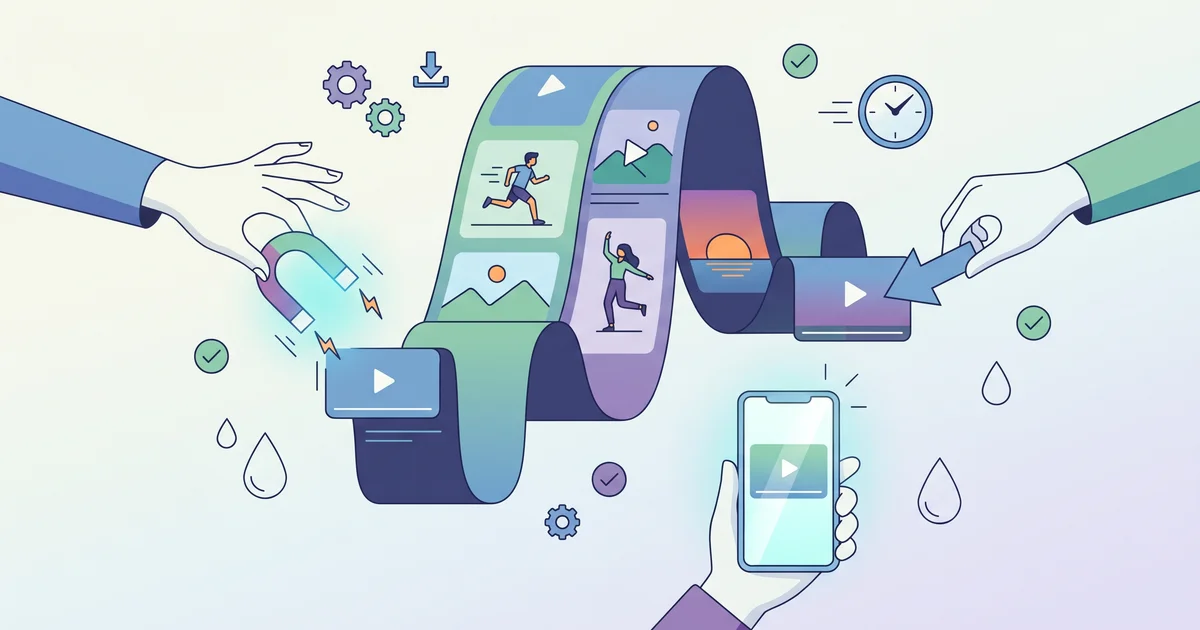
Downloading public Instagram Reels without watermarks is straightforward with the right tools. Start by copying the link to a public Reel, then pick the best workflow for your device, browser downloader, mobile app, or screen recording as a fallback. If you only need the words, you can extract a transcript instead of the full video.
How does Instagram Reels downloading work?
You need the public Reel's link before you can copy or convert it. Most downloader tools fetch the video behind the link and let you save it to your device. If you want just the text, ReelScribe's Instagram transcript generator accepts public Reel links and turns them into a transcript, along with captions and hashtags. This works for transcription only, not for downloading the video file itself.
What are the limits of Instagram’s built-in download option?
Instagram’s Download button sometimes appears under public Reels in the mobile app, but creators can disable it for any video. Even if you see the option, saves often include a watermark, the creator's username, and sometimes omit sound, especially when the Reel uses licensed audio rather than original sound. Even with the button, the saved file isn't always a full-quality backup as explained by KlipJar.
Fastest ways to download Instagram Reels without a watermark
Browser-based downloaders work on desktop and mobile and don't require an account or install. Workflow:
- Copy the link to a public Reel from Instagram
- Paste it into a downloader’s input box
- Click or tap Download to save the MP4 file with audio
InstaLoadr's Reel downloader returns the original video with audio and no watermark. iGram Tools matches this workflow, saying it works across iOS, Android, and desktop browsers. Always use these for public content you have the right to save.
Are there apps for repeat Reel downloads on Android?
Yes. InSaver detects copied links, downloads public Reels in HD without a watermark, and includes a built-in browser for finding Reels; it doesn’t require you to sign in for public posts. insta4dl installs as a web app that appears in Android’s share menu for direct download. Both save videos straight to your Downloads or gallery folder.
What if the download fails or has missing audio?
Failures often trace to private, deleted, or age-restricted posts, or to unsupported link formats. For downloads missing sound, it’s usually because the Reel used licensed music, Instagram and most browser tools only deliver audio for Reels with original sound detailed by KlipJar. If nothing works, screen recording is a backup, but it lowers quality and captures whatever’s displayed on your screen.
Quick comparison of Instagram Reel download methods
| Method | Watermark-free? | Audio kept? | Setup | Best for |
|---|---|---|---|---|
| Instagram app download | No | Sometimes | Built in | Fast saves, watermark present |
| Browser downloader | Yes | Usually yes | None | Cross-device, watermark-free |
| Android app | Yes | Usually yes | Install required | Bulk/quick, gallery integration |
| Screen recording | No | Yes | None | Anything that can’t be saved |
Downloading and reusing: what’s allowed?
Download only Reels you have rights to save or reuse. Public access doesn't grant permission for redistribution. For research, quoting, or content briefs, consider extracting a transcript with ReelScribe, it gives you text and caption info from public Reels, skipping any video download. If you work with public social video regularly, your best workflow is to copy the Reel link, run it through a downloader or transcription tool, then move that file or text into your own systems.
For deeper guides on Reel transcription and script extraction, see these Instagram repurposing tips.
Ready to turn your videos into text?
Start with 25 free credits. No credit card required. Works with TikTok, YouTube, Instagram, Facebook, Threads, LinkedIn, X and Bluesky.
Also see: YouTube Shorts Fund Eligibility in 2027 · Instagram Reels Guide 2026: Create, Optimize, Automate · TokScript Alternatives in 2026: ReelScribe, Supadata and PixScript Compared · TikTok Script Downloader: Use Cases and Workflow