Multilingual Video Transcription Software for Creators
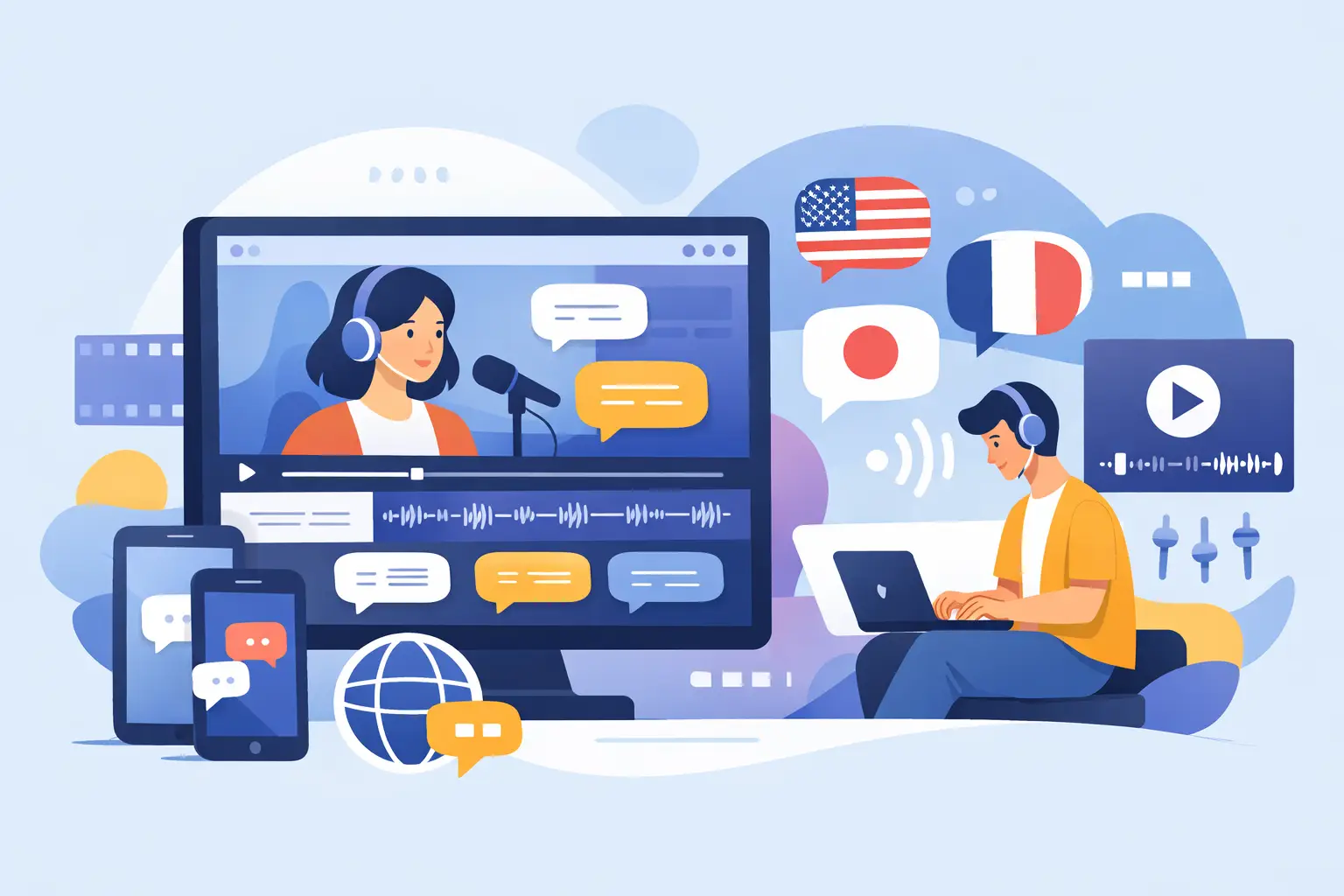
A 45-second Reel can contain the hook for your next newsletter, three caption ideas, a customer quote, and a searchable record of what your team published. The problem is getting that value out of the video before the trend moves on. Multilingual video transcription software turns spoken social content into usable text fast, so your best videos do not stay trapped in an audio track.
For creators, agencies, and social teams, transcription is no longer just an accessibility task. It is part of content production. A clean transcript gives you material to repurpose, review, translate, caption, archive, and share across the people who keep your publishing calendar moving.
Why social teams need multilingual transcription
Short-form video moves across borders quickly. A creator may post in English, respond to comments in Spanish, interview a guest in French, or produce regional content for audiences in Portuguese, German, or Japanese. If the only record of those videos is the video file itself, every reuse request becomes manual work.
Multilingual transcription gives your team a text layer for every language you publish. That means a social manager can find a specific talking point without scrubbing through clips, a marketer can turn a spoken tip into a carousel, and an editor can build captions without typing every line from scratch.
The practical gain is speed, but the operational gain is consistency. Instead of treating each video as a one-off asset, you can turn it into part of a searchable content library. That matters when you are posting daily, managing several client accounts, or building campaigns across TikTok, Instagram, and YouTube.
What multilingual video transcription software should do
Not every transcription tool fits a social video workflow. A platform designed around long meetings or legal recordings may produce text, but it can add unnecessary steps when your source material is a TikTok, Reel, or YouTube Short.
The right multilingual video transcription software should handle the formats and volume your team actually uses. Look for support across the social platforms where you publish, broad language coverage, fast turnaround, and a simple way to process multiple videos at once.
Recognize speech in the languages you actually publish
A long language list looks good on a feature page, but relevance matters more than the number. Start with your current audience and the markets you plan to reach next. If your team regularly works with English and Spanish content, those languages need dependable results. If you publish localized creator campaigns, the tool should also support the languages used by your partners and customers.
Language support also affects how useful your archive becomes. A transcript is only valuable when someone on the team can search, understand, and reuse it. Before committing, test the software with real clips that include your usual accents, pacing, music beds, product names, and creator-style delivery.
Keep up with short-form publishing volume
One video is easy. Fifty clips from a campaign, a podcast season, or a client content day create a different problem. Uploading files one by one and waiting on each result turns transcription into a bottleneck.
Bulk processing is especially useful for agencies and media teams. You can move a batch of clips into transcription, then hand text outputs to writers, editors, and community managers without stopping the production flow. ReelScribe is built around this kind of social-first workflow, supporting transcription for TikTok, YouTube, and Instagram videos across 99+ languages.
Produce text that is easy to work with
Accuracy is not a pass-or-fail checkbox. A transcript can be mostly correct and still create cleanup work if it misses names, slang, brand terms, or key calls to action. For social content, the goal is usable text quickly - not necessarily a courtroom-ready record of every pause and filler word.
Consider what happens after transcription. Can your team quickly copy the text into a caption draft? Can a writer pull quotes for an email? Can an editor scan the transcript to find a specific segment? The best output reduces the time between video upload and the next piece of content.
Put transcripts into your content workflow
The biggest mistake is treating transcription as the final step. It works better near the beginning of your repurposing process, right after a video is published or while a campaign is still active.
For a single creator, the workflow can be simple: transcribe the finished video, highlight the strongest lines, and turn them into a LinkedIn post, email section, or follow-up script. For a team, add a lightweight review stage. One person checks obvious errors, another pulls campaign messaging, and the final text gets stored with the original asset.
A useful transcript can support several deliverables without forcing you to reinvent the original idea. A product demo can become a caption, a help center draft, a list of FAQ responses, and a set of talking points for the next video. A customer interview can surface testimonial quotes and recurring objections. A podcast clip can become a searchable source for future short-form edits.
This approach also helps protect good ideas from disappearing into your feed history. When a video performs well, the transcript gives you a clear record of the language that resonated. You can study the hook, identify audience questions, and adapt the concept for another platform or language.
Accuracy depends on the source video
AI transcription can save serious time, but it cannot fully compensate for poor source audio. A creator talking over loud music, two people speaking at once, or a video recorded in a crowded event space will be harder for any tool to interpret.
If transcription will be part of your regular workflow, make audio quality a production habit. Record voices close to the microphone when possible, avoid burying speech under music, and make sure featured speakers state names and product terms clearly. These small changes improve captions and make your videos easier for audiences to follow, too.
You should also plan for a quick human check when the transcript will be customer-facing. Review headlines, names, numbers, URLs, pricing, medical or legal references, and brand language. For internal notes or first-draft repurposing, automated text may be enough. For published captions and translated campaign assets, a short review protects accuracy and trust.
Use multilingual transcripts to expand, not just translate
Transcribing a video in its original language is often the first move. Translation may be the next one, but it should not be automatic in every case. Direct translation can miss humor, cultural references, or the platform-native phrasing that makes short-form content feel natural.
Use the original-language transcript as your source of truth, then adapt the message for the intended audience. A U.S. creator's fast, casual product pitch may need a different hook in another market. The transcript gives your local writer or collaborator the full context without requiring them to watch every asset repeatedly.
This is also useful for multinational teams. A U.S.-based strategist can review the English content plan while a regional manager works from the transcript of a video recorded in another language. Both teams can collaborate on the same message without losing the details inside the video.
Choose for speed, then validate for fit
The fastest tool is not always the best choice if it cannot handle your languages, platforms, or content volume. On the other hand, a feature-heavy system can be a poor fit if your team needs several clicks just to transcribe a Reel.
Run a practical test with a small batch of real videos. Include a clean talking-head clip, a fast-paced video with music, and content in the languages your team uses most. Measure more than transcription accuracy. Check how long it takes to get from video to a caption-ready or repurposing-ready text file.
The right setup should make transcription feel invisible: upload the videos, get the text, and put it to work. When every spoken idea becomes searchable and reusable, your content operation has more to build from before the next post is even published.
Ready to turn your videos into text?
Start with 25 free credits — no credit card required. Works with Instagram, TikTok, Facebook and YouTube.
Try one free — no sign-up →See plans and pricingAlso see: 7 Best Multilingual Transcription APIs for Video · Transcription Software Comparison for Video Workflows · AI Transcription Software for Social Video Teams · Bulk Video Transcription for Creators at Scale