n8n automation for social video transcription
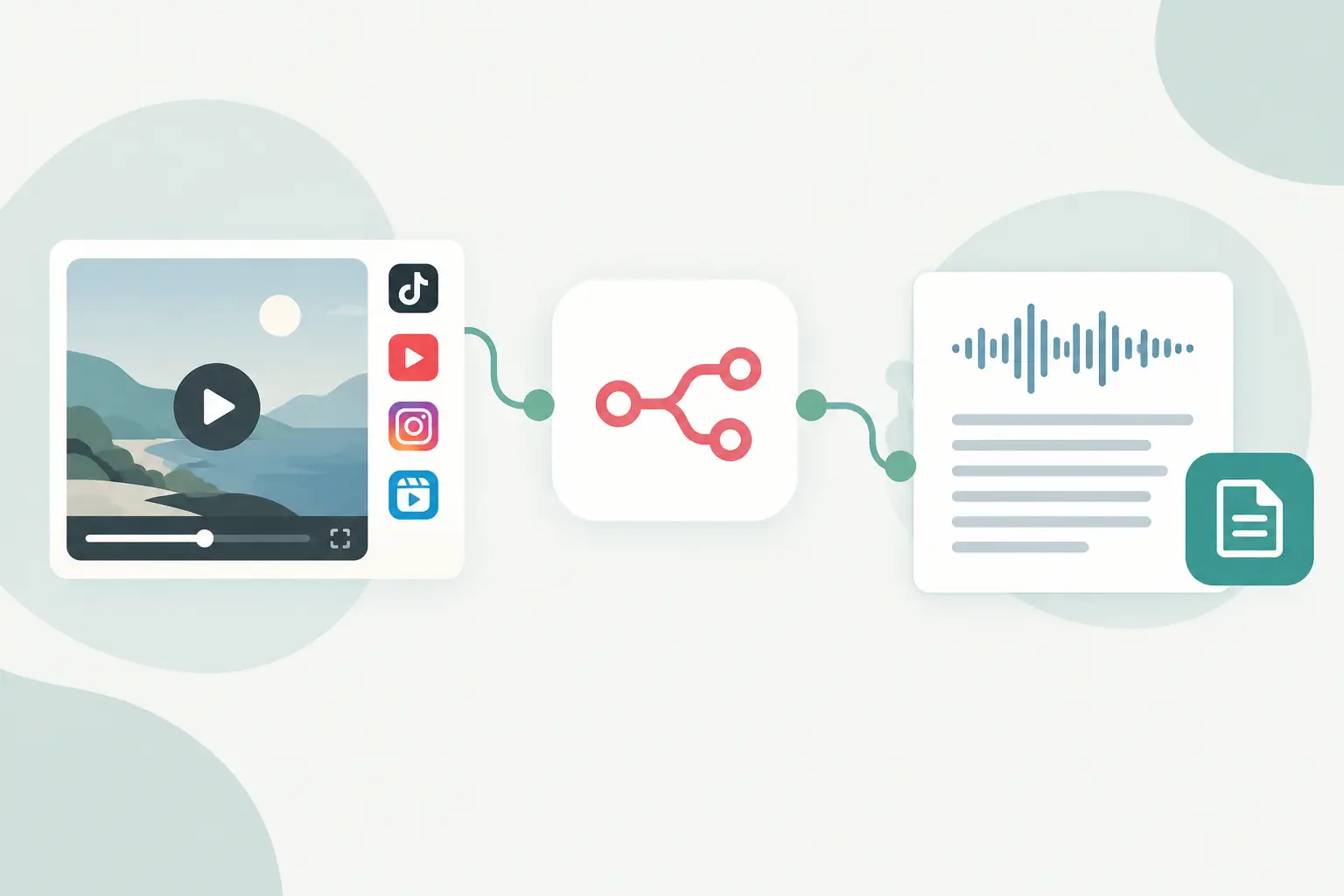
A folder of competitor Reels, creator clips, and YouTube Shorts becomes a research problem the moment you need to search, summarize, or reuse what was said. n8n automation fixes the handoff: a new URL enters your workflow, transcription runs, and the resulting text moves into the system where your team already works.
TL;DR
n8n works well for social video transcription when the transcript is one stage in a larger process, not the final output.
Start with a small URL batch, keep the original source URL with every transcript, and add retry paths for failed jobs.
ReelScribe's n8n community node lets you send public TikTok, YouTube, Instagram, and Facebook URLs into a workflow, including bulk jobs and multilingual transcription.
Where n8n automation helps with video transcripts
The useful part is rarely the act of transcription by itself. It is what happens next. A content team may turn a weekly set of short-form videos into a topic database. An agency may route transcripts into client folders, then produce a first-pass brief. A developer may store the text and metadata for retrieval in an internal product.
Browser-based transcription adds manual work at every one of those handoffs. You paste a URL, wait, copy the result, name a file, then paste it into another system. That is fine for one clip. It falls apart when you handle dozens of URLs across multiple accounts and languages.
With n8n, each result can carry its context through the workflow: source URL, account name, campaign, date collected, target language, and processing status. That context makes a transcript usable later. A plain block of text without a source is hard to verify and harder to act on.
Pick the workflow shape before adding nodes
Your source and destination should determine the design. Do not build a large workflow because you expect to need it later. Build the smallest path that gets a transcript to the place where someone or something will use it.
| Workflow type | Trigger | Transcript destination | Best use | Main trade-off |
|---|---|---|---|---|
| Content intake | Form, sheet row, or webhook | CMS draft or project tool | Repurposing approved clips into posts, captions, and briefs | Someone still needs to review the output before publishing |
| Competitor monitoring | Schedule plus URL list | Database or spreadsheet | Tracking recurring topics, hooks, and product mentions | You need a clear collection process for URLs |
| Knowledge ingestion | Webhook or batch import | Vector store or document database | Making social video text searchable in an internal tool | Metadata design matters as much as the transcript |
| Agency batch processing | Shared sheet or client portal | Client-specific storage | Routing high volumes across brands and campaigns | Rate limits and error handling need more attention |
For most teams, content intake is the right first build. It gives you an immediate result and exposes the decisions you will need for a larger pipeline: how URLs enter, where transcripts live, and who checks failures.
Build an n8n automation for public video URLs
The exact labels in a community node can change by version, so use the fields shown in the installed ReelScribe node rather than copying field names from an old screenshot. The core workflow stays the same.
- Create a source of truth for incoming URLs. A Google Sheet, Airtable table, n8n Form, webhook, or database query all work. Include columns or properties for
videoUrl,status, and an internal ID. If you process multiple brands, addclientorworkspacenow.
- Add the trigger that fits your source. For scheduled batch work, use a Schedule Trigger followed by a query for rows where
statusequalspending. For immediate processing, accept a webhook payload that contains a public video URL.
- Validate the URL before sending it to transcription. An IF node can reject empty values and route unsupported domains to a review queue. Keep this check simple: verify that the value exists and that it matches a platform your transcription provider accepts.
- Add the ReelScribe community node and connect your account credentials. Map the incoming URL with an n8n expression such as
{{$json.videoUrl}}. If your workflow processes several items at once, confirm that the node receives one URL per item or use its documented bulk capability.
- Save the transcript with the original URL and your internal ID. This is where teams often lose traceability. Store the response in a database, document tool, spreadsheet, or another destination alongside the source fields that triggered the job.
- Route errors separately from completed work. Update the input row to
completeonly after the transcript has been written successfully. Set failed items toretryorneeds_reviewso the next scheduled run does not silently skip them.
A minimal incoming item can look like this before it reaches the transcription node:
{
  "id": "clip_1042",
  "videoUrl": "https://www.youtube.com/shorts/example",
  "client": "northstar",
  "status": "pending"
}
That JSON does not call an external endpoint. It is the data shape your upstream n8n node can produce, and it gives downstream nodes enough information to store and audit the result.
Keep batches small while you test
Bulk processing is useful, but a batch can hide bad assumptions. Start with five to ten public URLs from the platforms you actually use. Check how each platform URL enters your sheet or webhook, whether the returned text lands in the expected field, and how your workflow behaves when one item fails.
Then raise the batch size. Use Split in Batches when downstream systems need controlled throughput, particularly if you also send transcripts to an AI model, a database, and a notification channel. A single transcription step may finish while another service becomes the bottleneck.
Handle the platform friction that causes failed runs
Social video URLs are less uniform than they look. A copied URL may contain tracking parameters, redirect behavior, or a short link that your team cannot easily identify later. Store the submitted URL, but consider normalizing a separate canonical URL in a Code node if your source often creates duplicates.
Only send public URLs that the platform makes accessible. A workflow cannot reliably process private posts, paid content, or membership-gated videos, and it should route those entries to review instead of retrying them repeatedly.
Instagram and Facebook workflows deserve an extra check because teams frequently collect links from mobile apps, copied shares, and campaign trackers. Build a simple review branch for URLs that do not match your expected patterns. That is faster than investigating a failed batch after it has reached three other services.
Use n8n's error workflow support or an error branch to capture the item ID, source URL, node name, and error message. Send that record to a table or a team channel. Do not send the whole batch through again just because one URL failed.
Turn transcripts into useful downstream data
A transcript should remain the source record. Summaries, tags, and extracted claims are derived data that you may want to regenerate when your prompt or taxonomy changes.
For content repurposing, send the transcript to a text-generation step with the platform, campaign, and desired output format. Ask for a draft outline or a list of quoted moments, then keep the transcript attached to the draft for review. If a creator says something nuanced, the source text is where your editor checks it.
For competitor research, extract fields that support comparison over time: opening hook, product category, named feature, call to action, and repeated phrases. Use a structured output format in your extraction step, then write one record per video. After a few weeks, you can query patterns instead of replaying clips from memory.
For a RAG workflow, split long transcripts only after storing the full text. Put the source URL, platform, publishing date if known, and account name into each chunk's metadata. Retrieval quality drops when chunks lose the information that explains where they came from.
Cost and reliability are workflow decisions
Credit-based transcription fits variable volume because you use capacity as URLs arrive. Still, measure the whole pipeline rather than looking at one node. A workflow that transcribes every duplicate link, generates three unnecessary summaries, and writes to a slow destination wastes more than a carefully designed intake process.
Use a deduplication key before transcription. In many cases, the normalized source URL is enough. If the same content can arrive through multiple URLs, keep a record of processed URLs and check it before creating a new job.
Retries need limits. Retry temporary failures with a delay, but route repeat failures to a person or a review table. Repeated automatic retries can consume workflow executions and make it harder to see the original cause.
Start with one real batch
Create a sheet with ten public URLs your team already needs to analyze, add a pending status column, and wire the path through transcription into your existing database or content tool. Run it once, inspect the saved metadata and error path, then make the batch larger.
Ready to turn your videos into text?
Start with 25 free credits — no credit card required. Works with TikTok, YouTube, and Instagram.
Start Free Transcription →Also see: n8n transcription node review for social video · Transcription tools for social video workflows · Manual Transcription vs AI for Social Video · How Accurate Is AI Transcription for Social Video?