Manual Transcription vs AI for Social Video
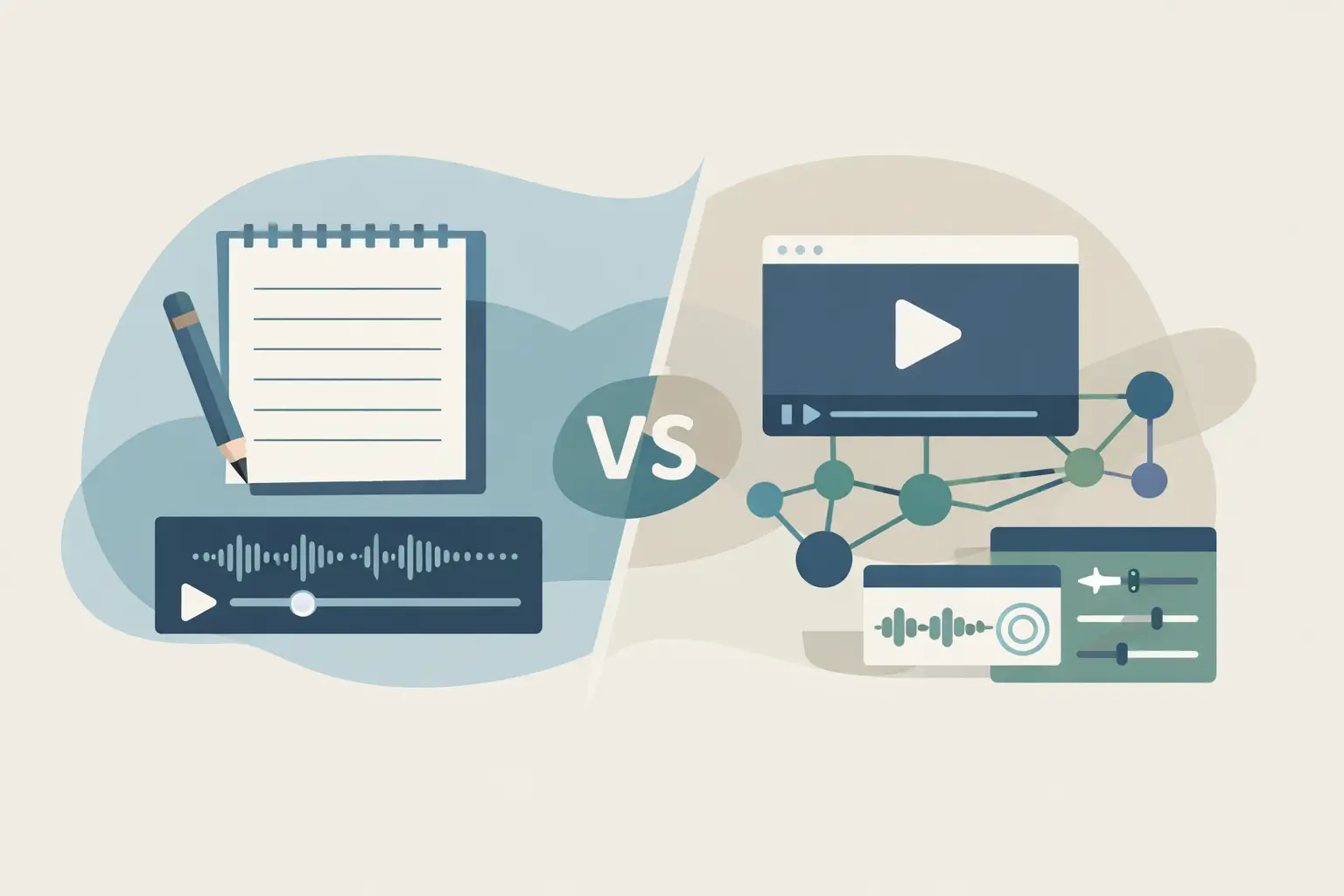
A 45-second Reel can become a caption, a competitor research note, a newsletter quote, or a row in your content database. The bottleneck is usually turning spoken audio into text, which is why manual transcription vs AI is a workflow decision, not a formatting preference.
TL;DR
Manual transcription gives you close control when every word and formatting choice needs review. AI transcription is usually the better default for public social video, especially when you need volume, multiple languages, or an automated pipeline.
A hybrid path works well when AI creates the first draft and a person reviews only the transcripts that will be published or reused heavily.
Why this choice affects more than transcript quality
Manual transcription means a person listens, types, rewinds, and formats the result. It can produce a carefully edited document, but its turnaround time scales with the length and number of videos.
AI transcription converts speech to text automatically. For social teams, the benefit is not that every transcript needs zero edits. The benefit is that a batch of videos can enter your workflow quickly, so you can search, summarize, classify, and reuse the text before a human spends time on it.
The right option depends on what happens after transcription. A single founder interview headed for a polished article has different requirements from 200 TikToks collected for competitor monitoring.
| Factor | Manual transcription | AI transcription | AI transcription with targeted review |
|---|---|---|---|
| Turnaround | Tied to human listening and typing time | Processes transcripts automatically | Fast first draft, then review where needed |
| Best volume | Small batches and one-off recordings | Large batches and recurring social content | Medium to large batches with selected high-value outputs |
| Wording and formatting | Controlled during creation | May need cleanup for names, slang, and formatting | Controlled after automated draft generation |
| Cost pattern | Increases with human time | Usually tied to usage | Includes automated usage plus reviewer time |
| Workflow automation | Requires handoffs between people | Can feed downstream systems | Automates intake and routes exceptions to people |
| Multilingual content | Requires writers for each language | Can process supported languages in the same system | Uses review only for languages and assets that need it |
Where manual transcription still makes sense
Manual work is a reasonable choice when the transcript itself is a final deliverable and the recording is short. A creator may want to preserve pauses, false starts, tone markers, or a particular editorial style that goes beyond spoken words.
It also fits when the audio has conditions that make review unavoidable: several people talking over each other, brand names with unusual spelling, or a niche subject full of internal terminology. In those cases, someone still has to listen carefully. Starting manually can be simpler than creating an automated draft and rebuilding it from scratch.
Manual transcription has a hidden operational cost, though. You need assignment, status tracking, file or URL handoff, review standards, and a place to return the final text. That overhead is tolerable for five videos a month. It gets expensive when a campaign creates dozens of clips every week.
You should also separate transcription from editorial writing. A person who turns raw dialogue into readable copy may remove filler words, reorder fragments, and add context. That is useful work, but it is editing. Treating it as transcription makes it hard to compare time and cost against an automated transcript.
Where AI transcription is the practical default
AI works best when text is an input to another job. For example, you may need to pull recurring topics from competitor videos, find every mention of a product category, create draft captions, or load transcripts into a retrieval system.
Those jobs depend on coverage. A transcript that needs a quick correction on a product name can still be useful for search, categorization, and first-pass analysis. A video that never gets transcribed because the manual queue is full cannot.
Social video adds platform-specific friction. Videos arrive as public TikTok, YouTube, Instagram, and Facebook URLs, often from multiple people and tools. A URL-based transcription service removes the file collection step and gives your workflow a consistent text output to work with.
ReelScribe is built around that use case: it turns public short-form and social video URLs into text, supports 99+ languages, and can handle bulk jobs. The same capability is available through an API and an n8n community node, which matters when transcription is one step in a larger process rather than a task someone runs in a browser.
Manual transcription vs AI in automated workflows
Automation changes the comparison because a transcript is rarely the endpoint. It is often the data that triggers the next action.
A manual process can still be automated around the edges. You can collect URLs in a database, assign a transcription task, and notify an editor when it is done. But the central conversion step waits for a person, so downstream steps wait too.
With AI, the pipeline can move from URL intake to transcript processing without a manual handoff. You should still plan for exceptions, but exceptions become a queue rather than the default path.
A useful n8n workflow can look like this:
- Start with a trigger that receives or finds public video URLs. This might be a scheduled database query, a webhook from a content form, or a social monitoring step.
- Pass each URL to the ReelScribe community node. Map the URL from the prior node rather than copying it into the node configuration, so every execution processes its own item.
- Send the returned transcript to the next step based on the job. Store it in a database, send it to a summarization step, or split it into chunks for a retrieval pipeline.
- Add a review branch for assets that need publication-level cleanup. Use a field such as content type, campaign name, or destination channel to decide what enters that branch.
This design keeps transcription separate from editorial approval. Your database can store the raw transcript immediately, while an editor works on the subset that becomes public-facing copy.
Do not build the workflow around an assumption that each platform will behave identically. A public URL may point to a short clip, a longer upload, or a video whose spoken language differs from its caption language. Keep the source URL, detected or selected language settings where available, transcript output, and processing status together in the same record.
Review the parts that carry risk
AI output needs a review policy, not a vague request to check everything. The best policy follows the transcript's destination.
For internal research, search, topic tagging, and rough summaries, a spot check may be enough. Check the beginning, a section with names or numbers, and the final section. If the source has poor audio or frequent jargon, route it to a fuller review.
For published articles, newsletters, customer quotes, or quoted claims, compare the relevant passages with the video before publishing. This is where small errors matter: a misspelled company name, a missing qualifier, or a number transcribed incorrectly can change meaning.
Language coverage also changes the review plan. If your team analyzes English-language video but collects clips in Spanish, French, Japanese, or other markets, use the transcript as a searchable source first. Assign language-capable review only when a specific clip becomes important enough to cite, translate, or repurpose.
Choose based on throughput and destination
Use manual transcription when you have a small number of high-stakes recordings and the transcript needs editorial treatment from the first pass. It is also appropriate when a human has to interpret context that the audio alone cannot provide.
Use AI transcription when you need text from many public videos, need to process content in several languages, or want transcript data to enter an automated system. The value compounds when the same transcript supports search, summaries, content briefs, and reporting.
Use the hybrid approach when both conditions are true: you need volume, and some outputs need a careful final read. Most social video operations end up here. Automate the repeatable intake and first draft, then reserve human attention for content that reaches an audience or informs a decision.
Your next step is simple: take one recent batch of public social video URLs and classify each transcript by destination - internal research, draft content, or publish-ready copy. Run the first two groups through an AI workflow, then measure how many actually need a person to intervene.
Ready to turn your videos into text?
Start with 25 free credits — no credit card required. Works with Instagram, TikTok, Facebook and YouTube.
Try one free — no sign-up →See plans and pricingAlso see: n8n automation for social video transcription · Transcription tools for social video workflows · n8n transcription node review for social video · How Accurate Is AI Transcription for Social Video?