n8n transcription node review for social video
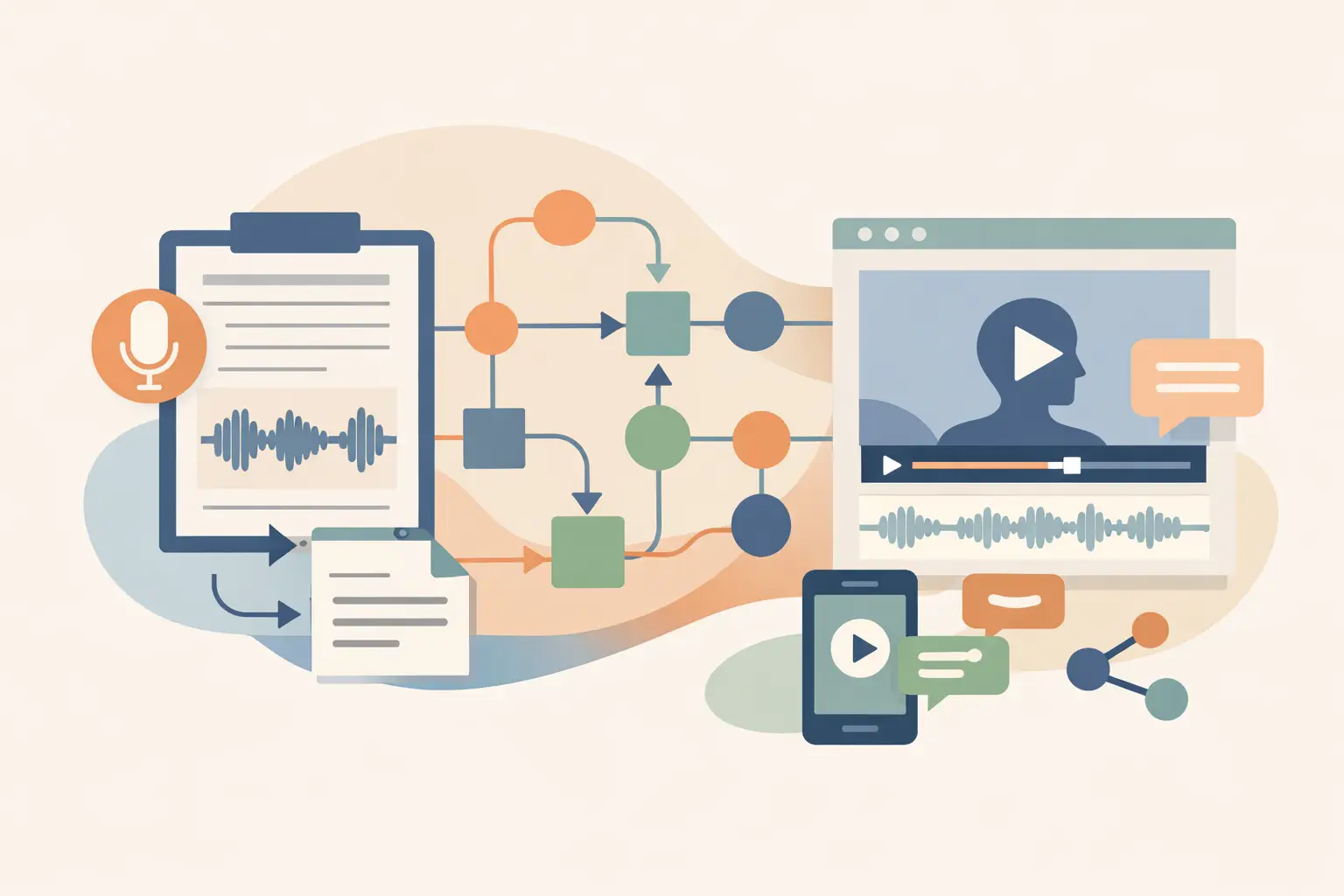
A social-video workflow usually breaks at the handoff between a URL and usable text. You can paste links into a browser tool, wait for a result, and copy it onward, but that falls apart once you track campaigns, competitors, or creator posts at volume. This n8n transcription node review looks at where a dedicated node fits, what it removes from your workflow, and where you still need to handle the edge cases yourself.
TL;DR: A transcription community node makes sense when public social video URLs already enter n8n and the transcript needs to trigger another step. It cuts custom request handling, but you still need to validate URLs, plan for failed source access, and store outputs in a format your downstream nodes can use.
The job a transcription node should do
For automation builders, transcription is rarely the final output. It is an intermediate artifact that feeds a summary, a content database, a search index, a newsletter draft, or a RAG ingestion pipeline.
The useful implementation starts with a URL from TikTok, YouTube, Instagram, or Facebook. The node sends that public URL for transcription, returns text, and keeps the result inside the same execution where you can route it, clean it, and save it.
That sounds basic, but it avoids an annoying amount of glue code. With a generic API request, you usually manage authentication, payload structure, response parsing, error branches, and changes to an endpoint yourself. A purpose-built node should put those details behind credential configuration and a focused operation.
ReelScribe is built around this social-video input model. Its community node lets you run the same URL-to-text process inside n8n, with support for 99+ languages and bulk-oriented workflows rather than a browser-only handoff.
The boundary matters. The source needs to be public and accessible at run time. A transcription node reads the video URL for transcription; it is not a tool for downloading content, and it cannot make private, paid, or membership-gated posts available to your workflow.
n8n transcription node review: node versus other routes
A community node is not automatically the right choice. If your team already has an internal transcription service, use that service. If you are testing a one-off workflow, an HTTP Request node can be enough.
The dedicated-node route wins when the task repeats and social URLs are the primary source. This table compares the common ways to put social-video transcription into n8n.
| Route | Best fit | What you manage | Main trade-off |
|---|---|---|---|
| Community transcription node | Repeated public social-video workflows | Credentials, URL mapping, downstream branches | You depend on the node's supported operations and update cycle |
| HTTP Request node | Custom APIs or unusual request logic | Authentication, request body, response parsing, retries | More workflow code and more places for schema mistakes |
| Browser transcription workflow | Small, manual batches | Copying URLs and moving results into other tools | The result sits outside your automation until you move it |
The practical benefit is smaller workflows. A node built for this task gives you a clear point where video becomes text, instead of scattering request details across several Set, Code, and HTTP Request nodes.
That said, inspect the returned data before building the rest of your automation. Do not assume every provider returns the same property names, language metadata, timestamps, or job-status behavior. Put a Set or Edit Fields node immediately after transcription and create your own stable fields, such as sourceUrl, transcript, language, and capturedAt.
Your downstream workflow should read those internal names, not raw provider output. If the node later changes its response shape, you update one mapping step instead of every database, AI, and notification node after it.
Build a URL-to-transcript workflow in n8n
Use a short workflow first. It exposes bad inputs and output-shape assumptions before you add loops, databases, and notifications.
- Start with a trigger that produces one public social-video URL. A Webhook works for an external app, while a Schedule Trigger works for a recurring content-monitoring job.
- Add a Set or Edit Fields node and normalize the input into one field named
videoUrl. Keep the original source identifier too, especially if URLs come from a sheet, Airtable, or a social-monitoring feed.
- Add the transcription community node and map its URL input to your normalized field. n8n expressions use the current item JSON, so the value mapping looks like this:
{{$json.videoUrl}}- Select a language only when your workflow already knows it. If your source feed contains posts in several languages, preserve the detected or returned language data with the transcript rather than forcing all jobs into a single assumption.
- Add an Edit Fields node after transcription. Copy the transcript response into your own
transcriptfield, then pass only the fields the next node needs.
- Route successful items to storage or processing. For example, send the text to a database table, summarize it, extract topics, compare it with a content brief, or split it into chunks for retrieval.
- Add an error branch before you run a batch. Record the source URL, the workflow execution ID, and a short failure reason where possible. This gives you a retry queue instead of an invisible gap in your content dataset.
The configuration detail that matters most is the URL mapping. Avoid placing a fixed URL directly in the transcription node while testing, then forgetting to switch it to an expression before activation. A fixed value can make an otherwise healthy workflow process the same video every time.
For batch jobs, feed the node one item per URL. n8n will process item data through the workflow, which keeps each transcript tied to its source metadata. Start with a small batch and inspect execution data before increasing the input volume. That is where you will see whether your source platform produces duplicate links, redirect URLs, removed posts, or links that point to a profile instead of a video.
Where the friction still lives
A node removes API plumbing. It does not remove source-platform variability.
Public social URLs can change, posts can disappear, and a platform can respond differently to a request based on region, age restrictions, or access conditions. Treat a failed transcription as a source-access event first, not proof that your n8n workflow is broken.
URL normalization also deserves attention. If your feed can produce short links, tracking parameters, or several URL forms for the same post, clean and deduplicate them before transcription. Otherwise, you spend credits and execution time on repeated content.
Language handling depends on the purpose of the text. For a searchable archive, keep the transcript in its original language and store language as metadata. For an editorial workflow, you may send it to a separate translation or summarization step after transcription, where you can apply a different prompt and review path.
You should also keep raw transcripts separate from derived text. A transcript may feed a summary today and a semantic search index next month. If you overwrite it with a rewritten version, you lose a useful source record and make troubleshooting harder.
What to check before committing a larger workflow
Test the node with the actual mix of platforms your workflow will receive. A YouTube-heavy pipeline can behave differently from one that mostly ingests Instagram Reels, even when both start with a URL.
Check four things during that test:
- The exact transcript field returned by the node and how empty results appear.
- How the workflow behaves when a public post has been removed or cannot be read.
- Whether multiple input items keep their source metadata after the transcription step.
- How you will monitor remaining credits and route jobs when a run cannot continue.
The last point is operational rather than technical, but it prevents surprise. Credit-based usage with a free tier works well for testing and variable workloads. Once transcription becomes part of a scheduled pipeline, make usage checks and failure logging part of the workflow design instead of an afterthought.
Who should use this approach
Use a dedicated n8n transcription node if your workflow begins with public social-video URLs and ends with structured text somewhere else. It is a good fit for agencies collecting campaign references, creators turning clips into writing material, and small teams building internal content intelligence.
Use an HTTP Request node instead if you need an API behavior the community node does not expose, or if your team wants complete control over every request and response. That flexibility has a maintenance cost, so it makes more sense when the custom behavior is real rather than hypothetical.
For most repeated social-video tasks, the node is the cleaner default. The value is not that transcription becomes magical. The value is that it becomes one predictable step in a larger n8n execution.
Your next step
Create a four-node test workflow with one public video URL, the transcription node, an Edit Fields mapping, and your preferred storage destination. Run it against a small set from the platforms you actually track, then use the returned field structure to build the batch version.
Ready to turn your videos into text?
Start with 25 free credits — no credit card required. Works with Instagram, TikTok, Facebook and YouTube.
Try one free — no sign-up →See plans and pricingAlso see: n8n automation for social video transcription · Social Video URL Tool Review for Automation · Top n8n Video Workflow Nodes for Social Video · Transcription tools for social video workflows