Top n8n Video Workflow Nodes for Social Video
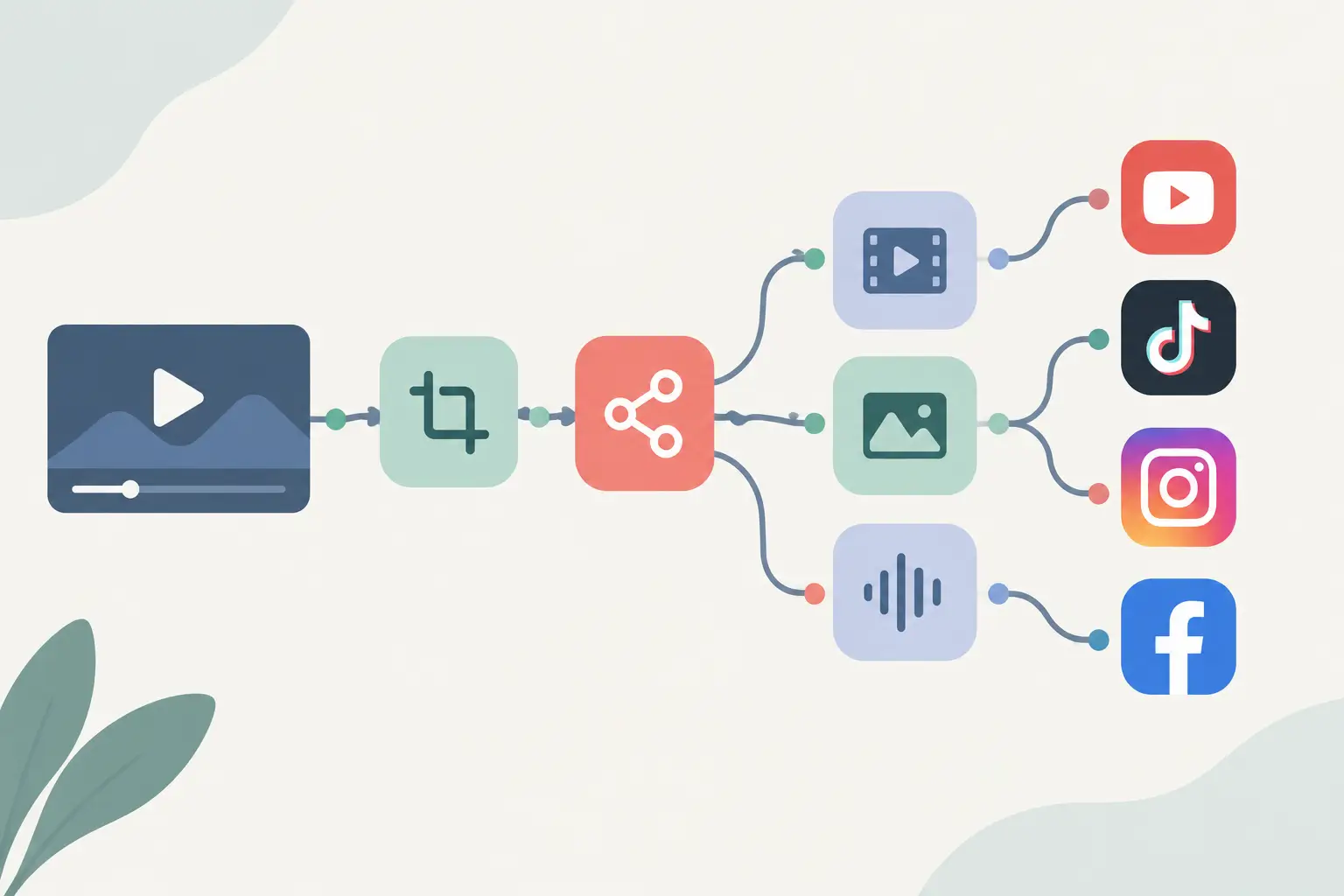
A social video pipeline breaks down when it treats every URL as a one-off task. The top n8n video workflow nodes turn a queue of public TikTok, YouTube, Instagram, or Facebook URLs into text your team can search, route, and reuse without copying links between tabs.
TL;DR
Use Webhook or Schedule Trigger to start the workflow, Loop Over Items to control batches, and a transcription node or HTTP Request to get text from public video URLs. Add Code and IF nodes only where you need cleanup or routing logic. Keep raw URLs, transcript text, language, and processing status together so retries do not create duplicate work.
What the top n8n video workflow nodes need to do
A useful video workflow has four jobs: collect URLs, process each URL at a controlled rate, turn the result into a predictable data shape, and send it somewhere useful. The nodes below cover those jobs without turning a small workflow into a maze of custom JavaScript.
| Node | Job in the workflow | Best use | Main trade-off |
|---|---|---|---|
| Webhook | Receives URLs from another app | On-demand transcription requests | You need the sending app to format requests consistently |
| Schedule Trigger | Starts recurring checks or batch runs | Daily competitor monitoring or content audits | It needs a source that already contains the URLs |
| Google Sheets, Airtable, or database node | Reads and writes a work queue | Teams tracking status outside n8n | Each destination has its own credential and field mapping setup |
| Loop Over Items | Runs one item at a time or in controlled batches | Large URL lists | Lower concurrency can increase total completion time |
| ReelScribe community node | Sends a public social video URL for transcription | URL-to-text flows with less API glue code | Your workflow still needs downstream storage and error handling |
| HTTP Request | Calls a service API directly | Custom integrations or services without a native node | You must maintain authentication and request mapping yourself |
| Code | Cleans text and standardizes fields | Normalizing outputs before storage | More logic means more workflow maintenance |
| IF | Routes success, failure, language, or status branches | Retry queues and language-specific destinations | Conditions can become hard to inspect if nested too deeply |
The point is not to use every node. A creator handling ten clips a week may need a trigger, transcription step, and destination. An agency tracking several accounts may add queue management, deduplication, retries, and language routing.
Build a URL-to-transcript workflow in n8n
Start with the smallest flow that preserves enough context to debug a failed item. Put the source URL and a stable ID on every item before you call a transcription service.
- Choose a trigger that matches how URLs enter your process. Use a Webhook when another tool posts a video URL as soon as it finds one. Use Schedule Trigger when n8n should poll a spreadsheet, database, or content queue on a fixed interval.
- Create a consistent input field. Use an Edit Fields node and store the public URL under
videoUrl. Also keep a source ID, campaign name, or row ID if you have one. That lets you write the transcript back to the exact record that started the job.
A simple Edit Fields configuration looks like this:
Field name: videoUrl Value: {{ $json.videoUrl }}If your source uses a different column name, map it here once instead of changing expressions throughout the workflow.
- Add Loop Over Items before the transcription call. This matters when a spreadsheet or database returns dozens of URLs at once. Process one item or a small batch, then test how the provider and the social platforms behave with your real workload.
- Send only public video URLs to the transcription step. The transcription node should receive the
videoUrlfield from the current item. Keep the call focused: URL in, transcript data out. Do not build a workflow around private, paid, or membership-gated posts, since access rules can block processing.
- Normalize the transcript before storage. Providers and nodes can use different field names, and raw text can include repeated whitespace. Pick one field name, such as
transcript, and make every downstream node use it.
This Code node example expects the prior node to output a transcript field:
return items.map(({ json }) => ({ json: { ...json, transcript: String(json.transcript || '') .replace(/\s+/g, ' ') .trim(), }, }));- Write the result and status together. Store the transcript beside
videoUrl, source ID, completion timestamp, and a status such ascompleteorfailed. A status field gives you a clean retry queue instead of forcing you to inspect execution history for every problem.
Community node or HTTP Request?
This choice depends on where you want the maintenance work to live. A community node makes sense when it exposes the transcription action you need and maps credentials inside n8n. HTTP Request makes sense when you need an API feature the node does not expose, or you already manage API calls in a shared workflow pattern.
Do not guess at an API endpoint, request body, or response field when you build the HTTP route. Copy those details from the service documentation, then map the returned text into your standard transcript field. That boundary keeps the rest of your workflow unchanged if the provider response changes later.
A community node is usually the shorter path for public social-video transcription because it removes the request construction step. It does not remove the need to handle partial failures, quota limits, or source URLs that stop resolving.
Use routing nodes where they change the outcome
An IF node earns its place when the next action differs. For example, route items with an empty transcript or failed status into a retry queue, while completed items move to your content system or knowledge base.
You can also branch on language when your team has separate review queues or prompt templates. Keep that logic near the transcript output, not buried after several storage nodes, so you can see why an item took a specific path.
Avoid building a separate branch for every destination. If the transcript needs to go to a spreadsheet, a database, and a content-generation step, write the normalized record once and let downstream workflows react to that stored record when possible. This reduces duplicate transcription calls if one destination node fails.
Batch processing needs idempotency
Batch jobs create a specific problem: a workflow can stop after the transcription step but before the storage step. If you simply rerun the full batch, you may process URLs that already have transcripts.
Use the source URL or a platform-specific post ID as a deduplication key in your queue. Before sending an item to transcription, check whether a completed record already exists for that key. If you need to retranscribe after a content update, store a version or a separate processing date instead of overwriting the only record.
The exact storage choice depends on your stack. A spreadsheet is quick for a lightweight editorial queue. A database is easier when multiple workflows need to query records, track retries, or feed transcripts into a retrieval system.
Keep errors useful instead of silent
Turn on error handling for the transcription and destination nodes. Store the original URL, source ID, node name, and error message in a failed-items table or queue. You need enough context to retry one URL without running the whole batch again.
Treat failures differently based on cause. A temporary request error may justify a delayed retry. An invalid or inaccessible URL should be marked for review, because repeated attempts are unlikely to change the result.
For large queues, add a small wait between batches if you see source-platform or provider errors increase. Faster is not always better when it leaves you with a pile of failed executions and no clear record of what completed.
A practical node order for most teams
Use this order when you need a maintainable baseline: Trigger, source queue, Edit Fields, deduplication check, Loop Over Items, transcription, Code cleanup, IF status routing, storage, and optional downstream content processing. Each node has one job, which makes execution data easier to read when something fails.
Start by wiring five public video URLs through that path. Check the stored fields, force one bad URL through the error branch, and only then increase the batch size.
Ready to turn your videos into text?
Start with 25 free credits — no credit card required. Works with TikTok, YouTube, and Instagram.
Start Free Transcription →Also see: n8n automation for social video transcription · n8n transcription node review for social video · Transcription tools for social video workflows · Multilingual social video workflow guide