Multilingual social video workflow guide
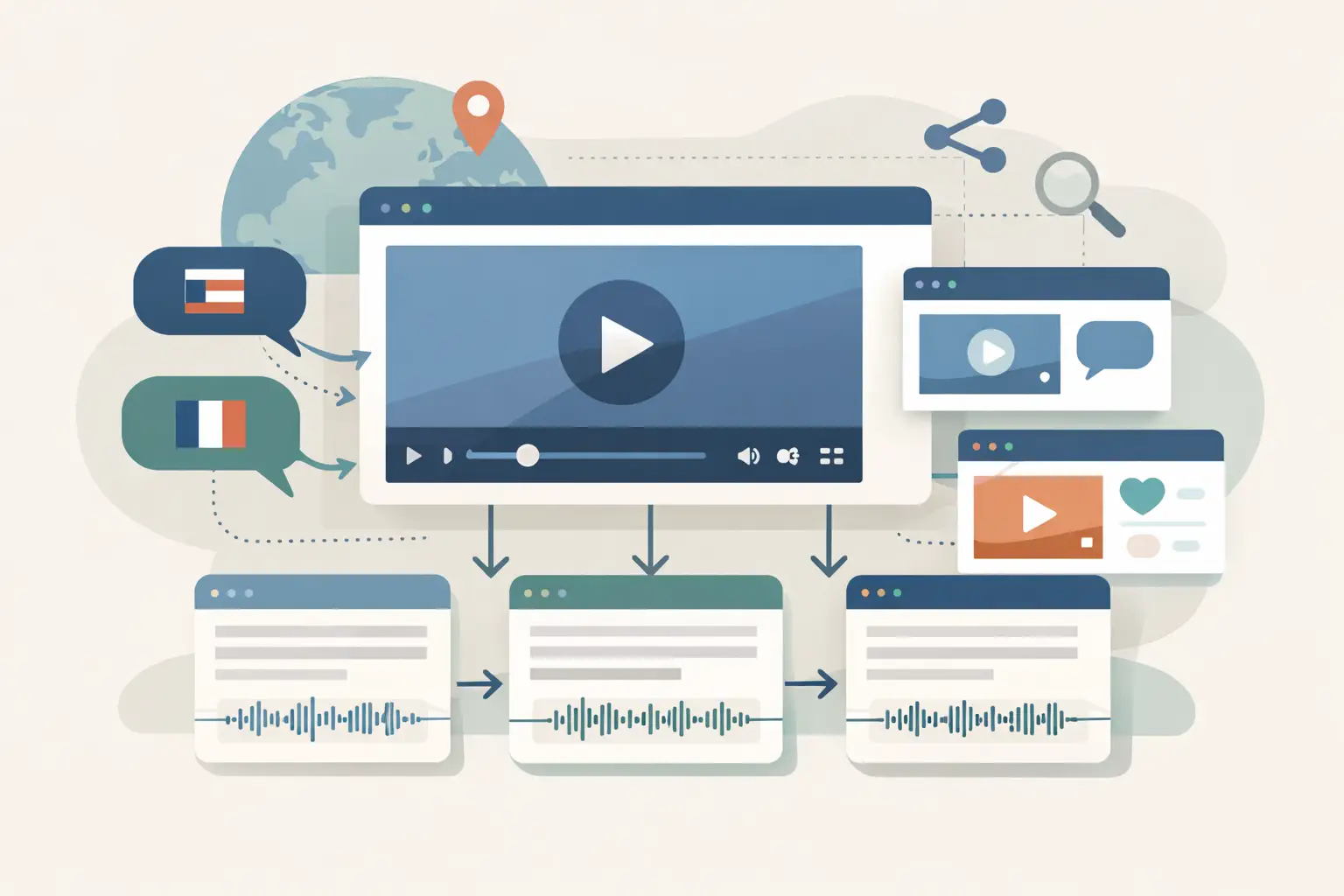
A single social video can produce a caption, a blog section, a sales objection, and a searchable source document. That falls apart when the source language changes from post to post. This multilingual social video workflow guide gives you a repeatable way to turn public social URLs into text without building a separate process for every platform and language.
TL;DR
Keep the original-language transcript as your source of record, attach language and platform metadata, then route downstream work from structured fields. Build for retries and review because social URLs, spoken language, and platform behavior can change. Use batch jobs for backlogs and an automation workflow for new content.
Start with the transcript as the source of record
The common mistake is treating transcription as the final output. For a multilingual pipeline, it is the raw source that feeds everything else: captions, translations, summaries, content briefs, topic tagging, and retrieval systems.
Store the original-language transcript before you ask another system to translate or summarize it. When a translated phrase looks wrong later, you need a direct path back to the spoken words and the original video URL.
A useful record has more than transcript. Keep the public URL, platform, detected or selected language, processing status, date collected, and a stable internal ID. If you process competitor content, add the account name and post date too.
Map platform friction before you automate
TikTok, Instagram, YouTube, and Facebook all accept public sharing URLs, but they do not behave like four versions of the same platform. Treat URL intake as a validation problem, not a text field you trust.
| Platform | Common input issue | What to store | Workflow handling |
|---|---|---|---|
| TikTok | Short links and redirects can obscure the final post URL | Original submitted URL and resolved URL | Resolve and validate before creating the transcription job |
| Reels, posts, and shared URLs can use different path formats | Content type plus URL | Keep content type optional and let failed items enter a retry queue | |
| YouTube | A video can have a standard URL, short URL, or Shorts URL | Video ID when your intake process can extract it | Deduplicate by a normalized ID or normalized URL |
| Public visibility can change after a URL enters your queue | Collection timestamp and status | Record failures rather than repeatedly retrying inaccessible items |
Do not send private, paid, or membership-gated URLs into the workflow. A URL that worked yesterday can also become unavailable after a post is deleted, restricted, or made private. Your system should mark that item for review and move on.
Build the multilingual social video workflow in seven steps
1. Define one intake schema
Pick one object shape for every source, even if URLs arrive from a form, spreadsheet, webhook, or social monitoring tool. Avoid separate TikTok and Instagram schemas unless the fields truly differ.
Use fields such as source_url, platform, requested_language, campaign, submitted_at, and external_reference. requested_language can be blank when you want the transcription service to determine the spoken language, or populated when your campaign already knows it.
2. Normalize URLs before the transcription step
Strip tracking parameters only if your source tool adds them and you know they do not affect access. Preserve the submitted value in a separate field for debugging.
Normalization has two practical benefits. It reduces duplicate jobs when the same clip enters through different channels, and it gives your team a clearer failure log when a platform-specific URL format fails.
3. Transcribe public URLs in the original spoken language
Use a service built for social video URLs and language coverage that matches your queue. ReelScribe transcribes public TikTok, YouTube, Instagram, and Facebook videos, supports 99+ languages, and can run as bulk work, through its API, or through an n8n community node.
Do not translate before storing the original transcript. Translation is a derived asset, while the transcript is the evidence your later steps depend on.
For mixed-language clips, set an expectation in your review rules: one dominant transcript language may be practical, while code-switching terms, names, and slang can need attention downstream. A language field should describe the main spoken language, not pretend every clip is linguistically uniform.
4. Add status fields that let the pipeline recover
Every job needs an explicit state. A simple set is queued, processing, complete, needs_review, and failed.
Keep the failure reason with the record. “URL unavailable” calls for a person or a later retry. “Missing language mapping” is a configuration fix. If all failures become a generic error, your automation will create the same bad jobs again.
5. Route completed transcripts by purpose
One transcript can feed several destinations, but those destinations should not receive the same payload. A RAG index needs clean text, source attribution, language metadata, and chunk boundaries. A content team may need the transcript, a concise summary, and a list of reusable claims.
Use a routing field such as use_case or destination. That makes it possible to process one shared queue while keeping client research, internal knowledge, and content repurposing separate.
6. Translate only when the destination requires it
If your search index supports multilingual retrieval, keep original-language text as the primary document and add translations as secondary documents when needed. If your newsletter is English-only, create an English version for the editorial workflow while retaining the source transcript.
This choice depends on who will query the output. An English-speaking marketing team may need translation immediately. A multilingual research team will often get better context from the source text first.
7. Review exceptions, not every transcript
Human review belongs where errors change the decision. Flag short clips with little usable speech, language mismatches, transcripts that are empty, or videos containing names and product terms your downstream system treats as high-value.
Do not create a manual approval gate for every social post unless the output is going into published copy or a high-stakes decision. For a competitor-monitoring database, sampling and exception queues usually make more sense.
An n8n workflow that stays maintainable
The n8n community node matters because it keeps the transcription action inside the workflow where your intake, routing, and storage already live. You avoid a browser-tab handoff and reduce the custom glue code you would otherwise own.
A practical workflow can follow this sequence:
- Trigger from a webhook, schedule, Airtable-style database update, or form submission.
- Validate that
source_urlis present and that the platform is one you accept. - Normalize the URL and compute a deduplication key.
- Check your database for an existing completed or processing item with that key.
- Send new public URLs to the transcription node.
- Save the returned transcript and metadata to your source-of-record table.
- Use conditional branches to send completed text to translation, summarization, storage, or indexing steps.
- Send failures and ambiguous items to a review queue with the original URL and error detail.
Keep the transcription node focused on transcription. Put translation, text cleanup, and vector indexing in separate nodes. That separation makes retries safer because you can rerun a failed downstream step without paying to process the video again.
Do not hard-code assumptions about a node's field names or API request shape from an old workflow screenshot. Check the installed node version and its available parameters in your n8n instance. When you use the API directly, use the current API documentation for the endpoint and payload instead of copying an unverified curl example into production.
Batch processing versus event-driven processing
Use batch work when you have an existing archive, a new client’s backlog, or a research project that starts with hundreds of URLs. The goal is controlled throughput: collect inputs, remove duplicates, process them, then inspect failures as a group.
Use event-driven processing when new videos should enter a downstream system soon after your team finds them. This works well for a competitor watchlist, creator submissions, or a channel where each new Reel triggers a content brief.
| Workflow type | Best for | Main trade-off | Recommended safeguard |
|---|---|---|---|
| Batch | Backlogs and historical research | Failures can pile up before review | Validate URLs and deduplicate before submission |
| Event-driven | Ongoing monitoring and rapid repurposing | A bad source event can trigger repeated work | Store idempotency keys and route errors separately |
| Hybrid | Recurring campaigns with a backlog plus new posts | More workflow logic to maintain | Use one schema and separate queues by processing mode |
A hybrid setup is usually the practical choice for agencies. Run a batch import when onboarding a client, then keep an event-driven workflow for net-new posts.
Keep language metadata useful downstream
A language code by itself is often too thin. Save the language used for transcription, the target language for any translation, and the language of the final published asset as separate fields.
For example, a Spanish Instagram Reel might create a Spanish source transcript, an English internal summary, and a Spanish caption draft. Those are three related records, not one text field overwritten twice.
Also preserve the platform and URL with every derivative. If a researcher finds a useful sentence in a RAG response, they need to trace it back to the public clip quickly. Source attribution makes the system usable after the first week, when the database has grown beyond anyone's memory.
Measure the workflow where it breaks
Track job volume, completion rate, failure reason, processing time, duplicate rate, and the number of items sent to review. These metrics tell you whether the bottleneck is URL intake, platform access, language handling, or a downstream branch.
Avoid using transcript length as a proxy for value. A 20-second clip can contain a product claim worth capturing, while a five-minute clip can produce little that your team needs. Tagging by campaign, account, and use case gives you a better view of output quality.
Start with one intake source and one destination this week. Feed ten public URLs through it, inspect the failure states and language metadata, then add batch handling or downstream branches once the base record is reliable.
Ready to turn your videos into text?
Start with 25 free credits — no credit card required. Works with Instagram, TikTok, Facebook and YouTube.
Try one free — no sign-up →See plans and pricingAlso see: Top n8n Video Workflow Nodes for Social Video · Social Video URL Tool Review for Automation · 7 Best Multilingual Transcription APIs for Video · n8n automation for social video transcription