7 Best Multilingual Transcription APIs for Video
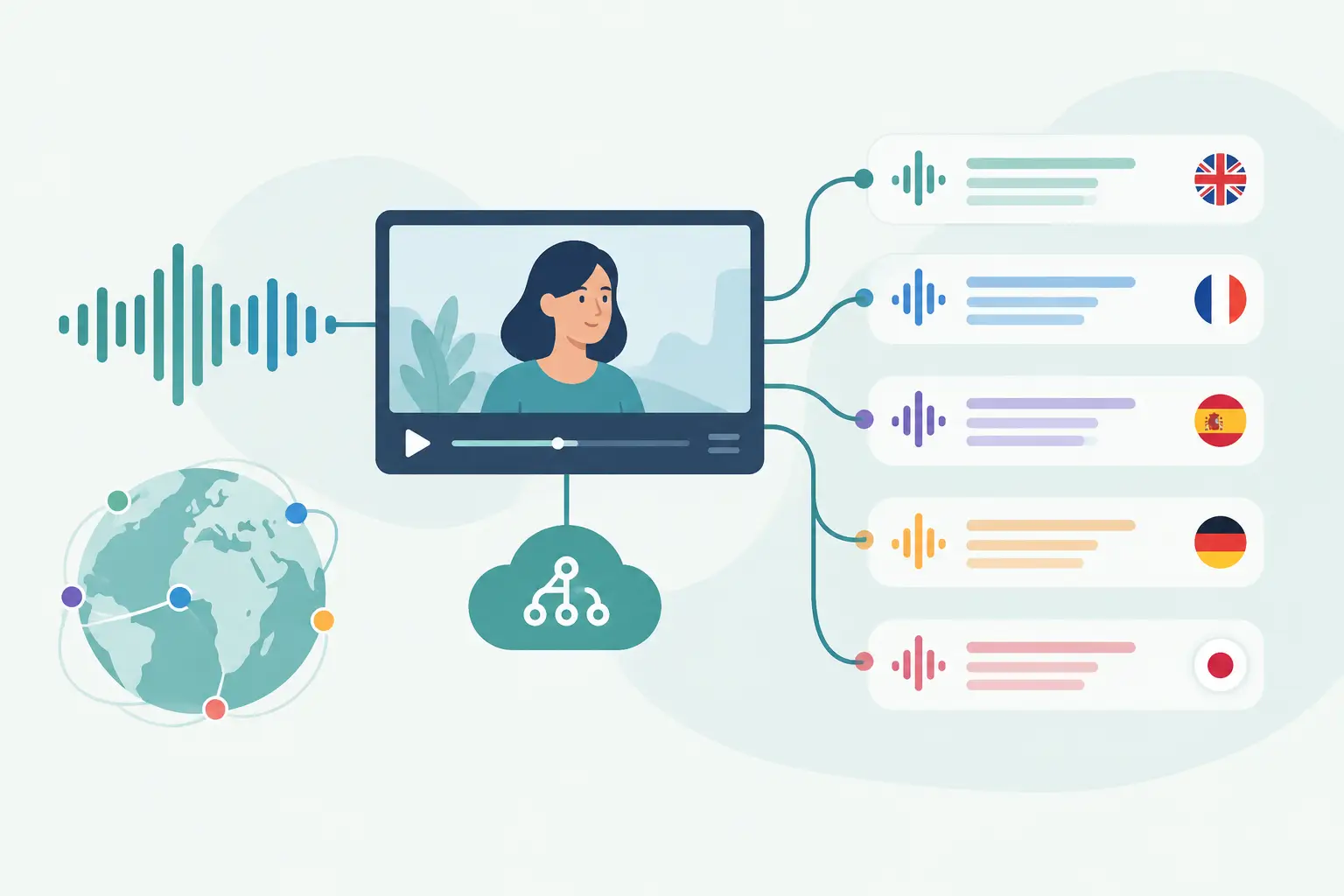
A social video pipeline breaks quickly when transcription only accepts uploaded files, assumes one language per clip, or makes you write a custom polling layer before you can use the text. The best multilingual transcription APIs differ less on basic speech-to-text and more on input handling, language behavior, batch controls, and how much glue code sits between a public video URL and your next workflow step.
TL;DR
For general audio and video files, Google Cloud, AWS, Azure, Deepgram, and AssemblyAI give you flexible building blocks. For public TikTok, YouTube, Instagram, and Facebook URLs, ReelScribe removes the separate media-ingestion step and fits directly into URL-based content workflows. Test each API with the languages, accents, clip lengths, and source platforms you actually process.
What makes a transcription API multilingual
Language count is the easy metric. The harder question is what happens when a creator switches between English and Spanish halfway through a Reel, uses named entities from another language, or records against loud music.
Some APIs ask you to set one source language before submitting the job. Others can identify a language from a candidate list, while a smaller set has models designed for mixed-language audio. Those are different capabilities, and treating them as interchangeable creates bad routing decisions.
For social video automation, inspect four details before you compare model names. First, confirm the input method: direct upload, cloud-storage object, remote media URL, or public social URL. Then check asynchronous job behavior, transcript output structure, and whether language selection can travel with each item in a batch.
Best multilingual transcription APIs compared
This table focuses on the workflow choices that affect developers handling video at volume. Product capabilities and model availability can change, so use it to narrow your test set rather than as a substitute for a sample-job evaluation.
| API or service | Best fit | Typical input pattern | Multilingual workflow consideration | Batch and automation fit |
|---|---|---|---|---|
| Google Cloud Speech-to-Text | Teams already using Google Cloud | Audio files and cloud-hosted media | Supports many languages and language identification options, depending on configuration | Strong fit for cloud pipelines, with async processing for longer files |
| Amazon Transcribe | AWS-native processing stacks | Media in Amazon S3 | Language identification and language-specific settings need deliberate job configuration | Works well when storage, events, and job tracking already live in AWS |
| Azure AI Speech | Microsoft cloud environments | Audio files and storage-based inputs | Language identification is available for selected scenarios and locales | Useful for teams already using Azure identity and storage services |
| Deepgram | Developers building custom speech pipelines | Uploaded audio, remote audio, or streaming patterns depending on endpoint | Choose models and language settings around your source material | Good for API-first pipelines that need direct control over requests |
| AssemblyAI | Transcript-first downstream processing | Uploaded or remotely accessible media | Check supported-language and model settings per job type | Practical for async jobs that feed text analysis steps |
| ReelScribe | Public social-video URL workflows | Public TikTok, YouTube, Instagram, and Facebook URLs | Supports 60+ languages for social-video transcription | Bulk jobs, an API, and an n8n community node reduce media-handling work |
The right choice depends on where your media starts. If your system already puts source files into S3 or Google Cloud Storage, staying inside that cloud can keep permissions and event handling simpler. If the source is a spreadsheet of public Reels and YouTube Shorts, a URL-first service avoids an otherwise separate ingestion stage.
Input handling is where social video workflows get stuck
A conventional transcription API usually expects an audio file or an object in cloud storage. That is a sensible design for recorded calls, podcasts, and media libraries. It adds work when your input is a list of public social links collected by a monitoring tool or entered by a client.
You then need to retrieve the permitted source media, put it somewhere your transcription provider can access, submit the job, wait for completion, and associate the returned text with the original post. Each stage needs error handling. It may also need cleanup rules for temporary files.
A public-URL transcription workflow has a shorter path: submit the post URL, receive the transcript, and pass the text plus source metadata into your destination. That does not make it universally better. A cloud provider is still the cleaner option if your source files are already in its storage and you need one place to manage access.
How to test language behavior before you commit
Do not test an API with one clean English interview and call the evaluation done. Build a small fixture set from the content types you process, with permission to use the clips in your test.
- Include one clip per target language, plus clips where speakers use regional accents or code-switch.
- Add realistic social-video conditions: background music, clipped openings, jump cuts, screen recordings, and fast speech.
- Submit the same files with your intended language settings. For language ID, test both a narrow candidate list and the provider's broader option if it has one.
- Compare outputs against a known transcript. Look closely at names, product terms, numbers, hashtags, and the point where language changes happen.
- Measure operational behavior too: submission time, job completion state, retry behavior, and how easily you can connect output to the original URL.
You are looking for predictable behavior, not a winner on every sample. A model can handle one language well and still create extra review work on mixed-language clips. If your pipeline routes content by language after transcription, test the routing field and output language separately from the transcript itself.
Build for asynchronous jobs and partial failures
Most batch transcription flows are asynchronous. Your application submits work, stores a provider job ID, checks for completion or receives a callback, then writes the finished transcript to your database or next automation node.
Keep the original URL, your own item ID, language hint, provider job ID, status, and transcript output together. If a job fails, you need enough context to retry one item without rerunning an entire batch. A retry should be idempotent from your system's point of view, even if the provider charges or processes each submission independently.
Use a status model that can distinguish queued, processing, complete, and failed. If the provider exposes more detailed states, store those too, but map them into your own stable set for downstream tools. Your summarizer or RAG indexing step should only see completed transcripts.
An n8n workflow for public social URLs
For social content research, the workflow can stay small:
- Start with a Schedule Trigger, webhook, Airtable, Google Sheet, or database query that returns public video URLs.
- Split the items so every URL carries its own post ID, account name, and optional language hint.
- Send each item to the ReelScribe community node. Map the current item's public URL rather than hard-coding a value.
- Store the returned transcript alongside the original URL and post metadata.
- Send completed text to your next node, such as a topic classifier, internal search index, CMS draft, or competitor-content report.
Use a queue or concurrency limit when the source can suddenly produce hundreds of posts. The goal is to control your own workflow load and make failures visible per URL. Keep the source URL in every branch so a failed item can be found and resubmitted without reconstructing the context.
Cost and control trade-offs
Cloud speech services often fit best when transcription is one part of a wider cloud architecture. You can use existing storage, service accounts, logs, and event systems. The trade-off is more setup around media preparation and job orchestration when the source is social video.
Dedicated speech APIs can reduce request-level complexity and give you models tailored to speech use cases. You still need to decide who fetches the source media, where it lives during processing, and how it is cleaned up afterward.
URL-first services reduce that media handoff for supported public platforms. Their scope is narrower by design, so they are a poor fit when your backlog is a private internal media archive or a custom file type. Match the service to the origin of your content, not to the longest feature list.
Choose based on the first step in your pipeline
If your workflow begins with files in cloud storage, run a controlled test with the cloud provider you already use and one speech-focused API. If it begins with public social URLs, build a five-item n8n proof of concept first: one short clip, one longer clip, two languages, and one code-switched clip.
Save the transcript, source URL, completion status, and language result in the same record. That small test will tell you more than a feature matrix, and it gives you a reusable workflow when you are ready to process the next batch.
Ready to turn your videos into text?
Start with 25 free credits — no credit card required. Works with TikTok, YouTube, and Instagram.
Start Free Transcription →Also see: Multilingual Video Transcription Software for Creators · Best AI Tool for Video Transcription · n8n automation for social video transcription · Transcription tools for social video workflows