Social Video URL Tool Review for Automation
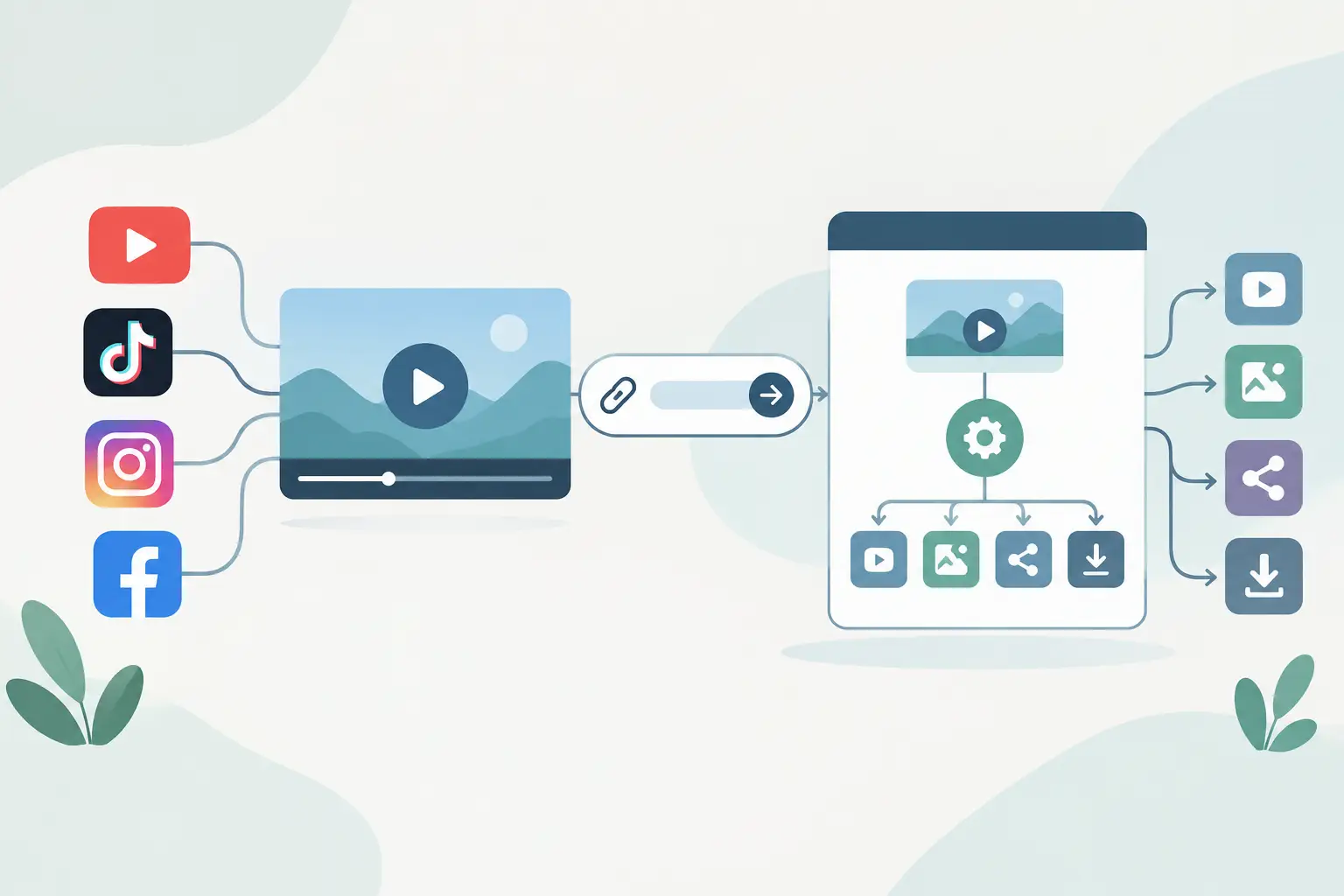
A social video URL tool review should test more than transcript quality. If you are sending dozens of public Reels, TikToks, Shorts, or Facebook videos into a content pipeline, the useful questions are how URLs enter the system, where jobs fail, how batches behave, and whether the transcript can move to the next step without manual cleanup.
TL;DR
URL-based transcription works best when your source videos are public, your pipeline can handle platform-level failures, and you need text rather than downloaded media. ReelScribe is a strong fit when you need transcripts from major social platforms, 99+ languages, batch processing, and an API or n8n path for repeatable workflows.
What this social video URL tool review tests
A URL transcription tool should accept a public video link, retrieve the accessible media needed for transcription, and return text you can use elsewhere. That sounds simple until you process content across TikTok, Instagram, YouTube, and Facebook, where public visibility, redirects, short links, and platform changes can affect a job.
For automation builders, the product is the whole path from source URL to stored transcript. A good review needs to cover input friction, output handling, language support, bulk behavior, and the amount of custom code between each stage.
For content teams, the test is more practical. Can you turn a set of competitor Reels into searchable notes, turn creator interviews into newsletter source material, or prepare captions from your own published clips without opening every video one by one?
Where social video URL transcription gets difficult
Social platforms are inconsistent in ways that matter to an automated workflow. A URL that loads in your logged-in browser may still be unavailable to a third-party service if the post is private, restricted, deleted, or behind a membership gate. Build your workflow around public URLs and treat access failures as expected states, not rare exceptions.
Platform quirks affect batch jobs
TikTok links often arrive as short URLs or copied share links. Instagram URLs may point to Reels, posts, or video content nested in a broader post format. YouTube has standard watch URLs, Shorts URLs, and shortened URLs. Facebook URLs can include extra tracking parameters and different paths for Reels and posts.
Your source-normalization step should preserve the original URL for auditability while removing obvious tracking parameters only when your own workflow can do that safely. Do not assume that every URL format resolves identically forever. Keep failed inputs in a retry queue so a single platform issue does not stop the rest of a batch.
Language detection adds another trade-off. Automatic detection helps when a queue includes many markets, but you may want to pass a known language when the source account publishes consistently in one language. That gives your team a more controlled input and makes debugging easier when a transcript looks wrong.
Review: URL-first transcription versus common approaches
The right option depends on what happens after transcription. A browser tool works for a few videos. A general speech API works when you already have an audio file. A URL-first tool earns its place when public social URLs are the input your team already has.
| Approach | Best input | Batch handling | Automation fit | Main trade-off |
|---|---|---|---|---|
| ReelScribe | Public TikTok, YouTube, Instagram, and Facebook URLs | Built for multiple jobs | API and n8n community node | Depends on public URL access and platform availability |
| Browser-based transcription app | Individual uploads or pasted URLs | Usually manual | Limited unless you add your own automation | Operators spend time moving files and copying outputs |
| General speech-to-text API | Audio or video files you already control | Strong when you manage storage | High with custom code | You must first acquire, store, and pass the media file |
| Manual transcription workflow | Any playable public video | Slow at volume | Low | Human effort rises with every additional clip |
ReelScribe removes the media-file handoff for the public social platforms it supports. Instead of collecting a URL, obtaining a local asset, placing it in cloud storage, and sending a file reference to a transcription API, you submit the source URL and work with the returned text.
That reduction in glue code matters most in recurring pipelines. A one-off transcript can tolerate manual steps. A daily competitor-monitoring job with 50 new videos cannot rely on somebody downloading files, renaming them, and pushing them into a folder before the workflow starts.
The trade-off is clear: URL-first processing has a dependency on the source post remaining public and accessible. If your team owns the original files and needs complete control over media storage, a file-based transcription API may still be the better system design.
How it fits in an automation workflow
A useful workflow starts with a source list, not a browser tab. Your URLs might come from an Airtable base, a Notion database, an RSS-driven collector, a webhook, or a spreadsheet maintained by a content team.
- Collect public video URLs and store the source platform, account name, publication date, and campaign or competitor tag beside each URL.
- Validate the URL before transcription. Reject blank values, duplicates, and URLs from unsupported sources before they consume a job slot.
- Send each valid URL to the transcription step. In n8n, use the ReelScribe community node and map the incoming URL field from the prior node rather than pasting a fixed link into the node.
- Store the resulting transcript with the original URL and metadata. Keep the raw transcript separate from any summary, translation, or extracted topics generated later.
- Route failures to a separate branch. Record the URL, source platform, error state, and timestamp so you can retry selectively after checking whether the post is still public.
That structure keeps transcription isolated from downstream transformations. If you later change your summarization prompt or RAG chunking strategy, you can rerun those steps from stored transcript text instead of sending the same social URLs through transcription again.
For bulk work, do not fire every item at once simply because your workflow tool can. Process in measured batches, log each source URL, and make retries idempotent. If a run stops halfway through, your next run should identify completed items and continue with the remainder rather than creating duplicate transcript records.
A practical n8n pattern
Use one branch for input cleanup and one for post-processing. The cleanup branch checks that each item has a public URL and a stable identifier. The post-processing branch can split transcripts into chunks, create summaries, extract claims, or send text to your search index.
Keep the transcription node close to the start of the workflow. That makes platform access errors visible before your workflow spends compute on tasks that require transcript text. It also gives you a clean point to measure volume by platform, language, or source account.
Avoid hard-coding assumptions about returned text length. A 15-second clip and a 10-minute YouTube video create very different payloads, and downstream nodes may have their own size limits. Add chunking after transcription when your destination system needs smaller records.
What content teams should check before committing
Run a representative test set, not five hand-picked videos. Include short clips, longer videos, different accents, videos with music under speech, and each social platform you plan to use. If you publish or monitor multilingual content, include those languages too.
Check the output against the job you actually need done. A transcript for a search index needs clear text and source metadata. A transcript used to draft a blog post may need timestamps or a review pass from an editor. A competitor-analysis workflow may only need the spoken claims, hook, and call to action extracted afterward.
Also check the operational details that become visible after the first week: Can your team submit jobs in bulk? Can an automation builder use the same transcription capability through an API or n8n? Can you trace a stored transcript back to the exact public post that produced it?
When a URL tool is the wrong choice
Do not use URL transcription for private posts, paid content, membership-only pages, or videos your workflow cannot access publicly. You should also use a file-based route when your organization requires its own controlled media archive before processing.
A URL tool is not a video downloader or editor. Its job is to turn accessible social video speech into text so another part of your stack can search, summarize, classify, translate, or repurpose it.
Start with a small production-like batch from the platforms and languages you already handle. Send the transcripts into one real destination, measure where manual work remains, and then expand the workflow once the failure path is as clear as the happy path.
Ready to turn your videos into text?
Start with 25 free credits — no credit card required. Works with Instagram, TikTok, Facebook and YouTube.
Try one free — no sign-up →See plans and pricingAlso see: n8n automation for social video transcription · n8n transcription node review for social video · Top n8n Video Workflow Nodes for Social Video · Transcription tools for social video workflows