Competitor Monitoring n8n Workflow Example
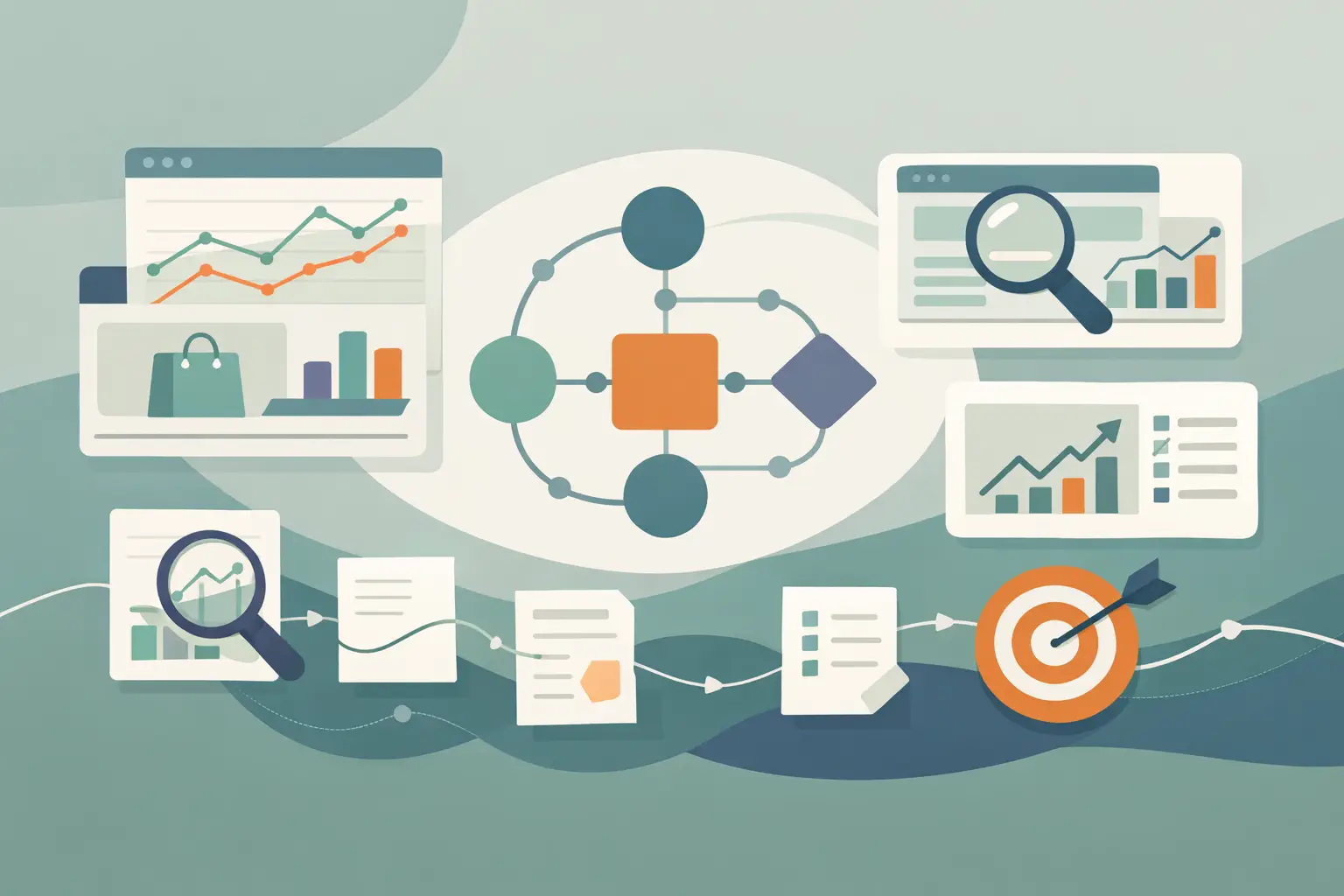
A competitor can publish five Reels before your weekly review meeting, and by then the useful part is already buried: the new hook, offer, objection handling, or product claim. This competitor monitoring n8n workflow example turns public social video URLs into searchable text and sends your team only the items worth reading.
TL;DR Use n8n to collect public competitor video URLs, deduplicate them, and pass new URLs to a transcription step. Store the transcript with the source metadata, then alert your team when defined topics, phrases, or content patterns appear. Start with a URL watchlist if you need predictable inputs, because social platforms do not all expose profile-level content in the same way.
What this workflow should produce
The goal is not a firehose of transcripts in Slack. You want a small, queryable record for every new public video, plus an alert when that record matches a reason your team cares about.
A useful output has the competitor name, platform, public URL, publish date when your source provides it, transcript, and a stable ID or URL hash for deduplication. Add an analysis field later if you want summaries or labels, but keep the original transcript. It gives you something to check when an automated summary gets a claim wrong or removes context.
The collection method depends on the platform and how current you need the feed to be.
| Input method | Best for | What n8n receives | Main trade-off |
|---|---|---|---|
| Shared Google Sheet or Airtable-style table | Small teams and high-signal monitoring | Public video URLs added by a person or another process | Someone or something must add URLs |
| YouTube channel feed or approved API source | Channels with regular uploads | Video URL, title, date, and sometimes description | Works best where the source exposes a stable feed |
| Social listening or data provider | Larger watchlists across platforms | Normalized URLs and source metadata | Adds another vendor and its own limits |
| Webhook from an internal collector | Teams that already collect social posts | A structured event for each new URL | You own the collector and its maintenance |
For TikTok and Instagram especially, treat URL discovery as its own adapter. Platform access, page structure, and third-party source behavior can change. If your team already finds competitor videos manually, a watchlist table is often the fastest reliable first version.
The competitor monitoring n8n workflow example
Build this as two workflows if you expect volume: one workflow discovers and queues URLs, and another transcribes and analyzes them. Separating the jobs makes retries easier and stops a temporary transcription failure from blocking discovery.
For a first version, one scheduled workflow is enough.
1. Create a watchlist with source metadata
Make a table with competitor, platform, url, and status columns. If your source can provide a publish timestamp or title, keep those too. Do not depend on titles being present or consistent across platforms.
Only add public URLs that your team is allowed to monitor. The workflow reads a public video URL for transcription. It does not need to download or save the video.
2. Trigger on a schedule and read new rows
Use a Schedule Trigger to run every few hours or once each morning. Connect it to the node that reads your watchlist, then filter for rows whose status is new.
A daily run is usually enough for messaging and creative research. Run more often when competitors announce limited-time promotions or when you monitor a launch week. More frequent polling creates more duplicate checks and more alerts, so it should match an actual decision cycle.
3. Normalize the incoming items before deduplication
Different sources name fields differently. Put a Code node before storage so the rest of the workflow always receives the same shape.
Use this code in an n8n Code node when each incoming item includes a URL and optional competitor and platform fields:
return items .map(({ json }) => { const url = String(json.url ?? json.videoUrl ?? '').trim();

if (!/^https?:\/\//i.test(url)) { return null; }

return { json: { url, competitor: String(json.competitor ?? 'Unknown'), platform: String(json.platform ?? 'Unknown'), sourceTitle: String(json.title ?? ''), publishedAt: json.publishedAt ?? null, sourceId: String(json.sourceId ?? url), }, }; }) .filter(Boolean);
This is deliberately plain. A URL is a practical dedupe key when each source emits canonical URLs. If one provider adds tracking parameters or creates multiple URL formats for the same post, store a normalized URL or use that provider's source ID instead.
4. Check storage before you transcribe
Query your database using sourceId or url. If the record already exists, stop that branch. If it does not, insert a row with a queued status, then continue to transcription.
Postgres works well when you want historical queries by competitor, date, or keyword. A simple table also works for a small watchlist. What matters is that you write the record before calling the transcription step, so a retry does not create multiple jobs for the same video.
5. Send the public URL to ReelScribe
Install the ReelScribe n8n community node and authenticate it with your account credentials. In its transcription action, map the URL input to this n8n expression:
{{$json.url}}Select the language that matches the source video, or use the node's available language handling for mixed watchlists. ReelScribe transcribes public TikTok, YouTube, Instagram, and Facebook video URLs, supports 99+ languages, and can sit inside the same workflow rather than forcing someone to work from a browser tab.
Keep this node isolated behind an error branch. A removed post, an unsupported URL format, or a source-side restriction should mark the row as failed with the error message and let the rest of the batch continue.
6. Store the transcript and generate a focused alert
After transcription, update the queued record with the returned text and mark it complete. Use the exact output property shown by your installed node version when you map the transcript into your database. Community-node output can change, so avoid copying a field name from an old workflow export.
Then run your first analysis as a simple rules check. For example, look for words associated with launches, pricing language, competitor comparisons, hiring, or feature claims. Rules are cheap, visible, and easy to tune before you add an LLM step.
This Code node creates a short alert only when a transcript contains one of your tracked terms:
const transcript = String($json.transcript ?? $json.text ?? ''); const terms = ['launch', 'new feature', 'pricing', 'free trial', 'hiring']; const found = terms.filter((term) => transcript.toLowerCase().includes(term) );

return found.length ? [{ json: { ...$json, matchedTerms: found, alertText: `${$json.competitor} mentioned: ${found.join(', ')}`, }, }] : [];
Map the actual transcript field into transcript before this node if needed. Send alertText, the video URL, and a short transcript excerpt to Slack, email, or your internal queue. Keep the full text in storage rather than pushing long transcripts into a chat channel.
Make alerts useful instead of noisy
Keyword matching catches direct announcements, but it misses indirect language. A competitor may say "we cut setup time" without saying "new feature." Once you have enough stored transcripts, add an LLM classification step that returns a small JSON object such as category, claim, evidence quote, and confidence.
Do not alert on every classification. Set a rule such as: send an alert only for product changes, pricing mentions, campaign launches, or a repeated theme across three posts in seven days. A weekly digest is better for creative patterns. Immediate alerts are better for offers and launch claims.
Also preserve the evidence quote. Your team should be able to see the sentence that triggered the label without reading a three-minute transcript.
Handle the failure cases early
This workflow has three common failure points: URL discovery, duplicate records, and transcript processing. Give each one a visible status in your database: new, queued, complete, failed, and optionally ignored.
Use n8n error handling to capture the failing URL, node name, and error message. Retry temporary failures with a limited retry policy, then send persistent failures to a review queue. Retrying forever just burns workflow runs and makes diagnosis harder.
For bulk backfills, throttle batches and keep each competitor's rows separate enough to inspect. A 200-video import is useful for research, but it should not create 200 notifications. Store first, analyze in batches, then send one digest with the highest-signal changes.
Start with ten URLs, not ten competitors
Create a watchlist with ten recent public URLs from two competitors, run the workflow manually, and inspect the stored records. Fix your URL fields, dedupe key, and alert criteria before you schedule it. Once those records look useful, connect your preferred discovery source and let n8n handle the repetitive part.
Ready to turn your videos into text?
Start with 25 free credits — no credit card required. Works with Instagram, TikTok, Facebook and YouTube.
Also see: Automate Video Transcription with the ReelScribe n8n Node · RAG pipeline video transcript example that works · Process Instagram Reels in n8n with less code · How to Transcribe Non-English Social Clips Fast