How to Transcribe Non-English Social Clips Fast
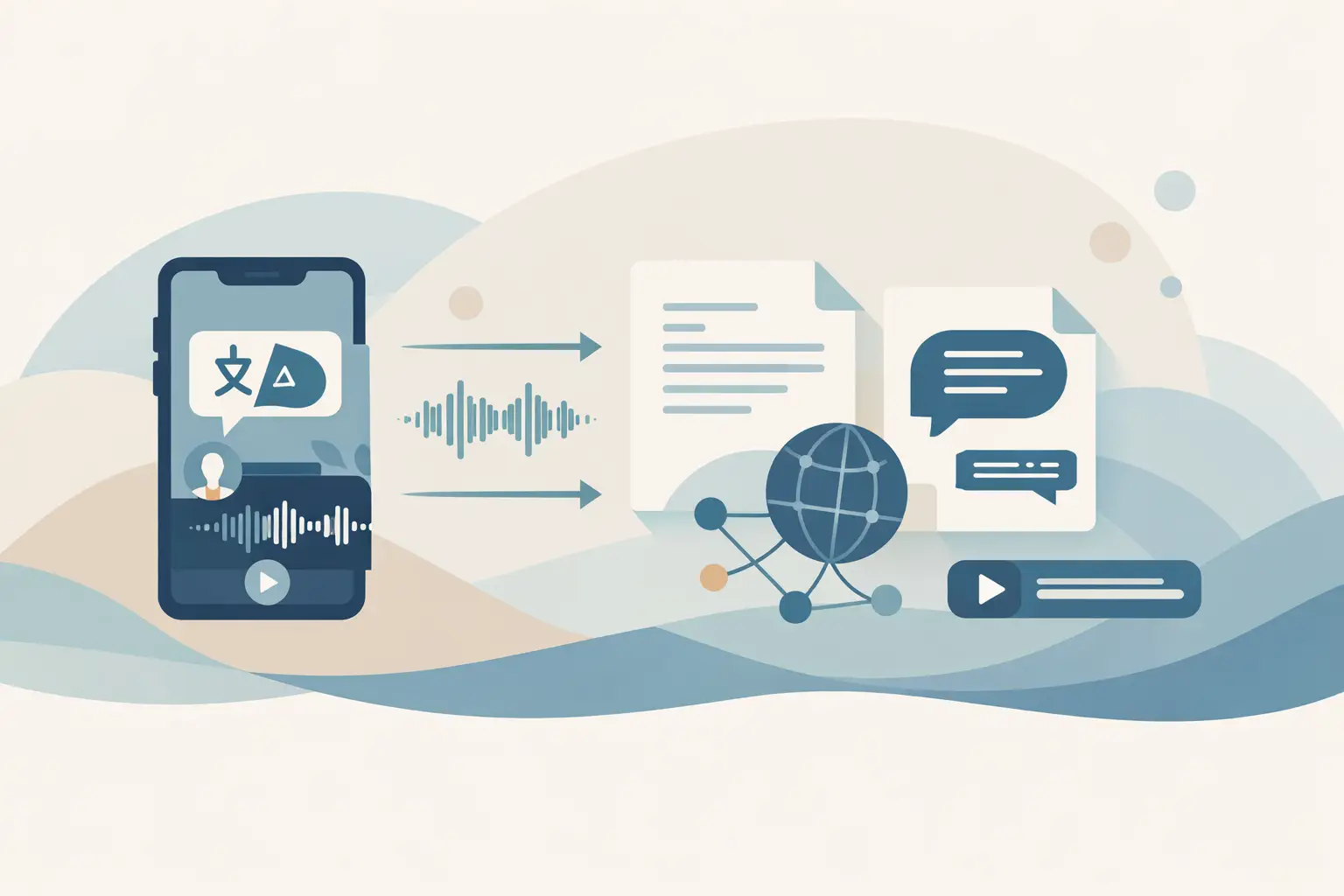
A Spanish Instagram Reel can have useful product feedback buried between jokes, fast cuts, and background music. A Japanese YouTube Short may explain a competitor's feature before its English launch. When you transcribe non-English social clips, the hard part is rarely getting text alone. You need enough context around that text to route it, search it, and reuse it without mixing languages or losing the source.
TL;DR: Start with a public clip URL, identify the spoken language when you can, and store the transcript with the source URL and language metadata. For repeated work, pass clip URLs through an n8n workflow so transcription feeds your existing research, content, or knowledge-base pipeline.
Why non-English social clips need a different workflow
Short-form video is messy input. Creators often speak quickly, use slang, switch between a local language and English product terms, or rely on text overlays that do not match the audio. A transcript is still useful, but you should treat it as one field in a structured record rather than the final asset.
The language attached to a post is often a poor proxy for the language spoken in it. A creator can publish a Korean clip with an English caption, while an agency may post the same campaign in several languages. Capture the spoken language separately from the account country, caption language, and market you assigned to the clip.
Public URL behavior also differs by platform. Build a small validation step before you submit a batch, especially if URLs come from a scraper, spreadsheet, or another workflow.
| Platform | Common friction | What to keep with the transcript | Useful automation trigger |
|---|---|---|---|
| TikTok | Captions and on-screen text can differ from the spoken audio | Creator handle, post date, campaign tag | New URL added to a research table |
| Instagram Reels | Links can be copied in different formats and posts may be edited | Account name, market, Reel URL | New Reel found from a monitored account |
| YouTube Shorts | A Short may include a longer description that is unrelated to the clip audio | Channel, title, publish date | New video from a channel feed |
| Facebook video | Reposts can obscure the original source and language context | Page name, original URL, region | New public post from a tracked Page |
Use only public video URLs that your workflow can access. If a post stops being public, flag it for review instead of retrying it indefinitely.
Set language expectations before transcription
You will get cleaner downstream results when the workflow already knows what it is looking at. For a campaign with a known market, add an ISO language code such as es, pt, ja, or ar to the row or incoming item before transcription. That metadata helps the next steps decide which summarization prompt, editor queue, or search index should receive the result.
Do not assume a country maps to one language. Spanish social clips from Mexico, Argentina, and Spain share a language but differ in vocabulary. India, Switzerland, and many African markets need more careful handling because a single clip can move between multiple languages in a few seconds.
Code-switching is where blind automation needs a checkpoint. If the presenter says most of a clip in Portuguese but reads an English product name, keep the original transcript as the source record. Create a translated or normalized derivative later if your team needs one, and label it clearly so nobody mistakes it for the original speech.
Keep the source transcript separate from your analysis
A transcript answers, "What was said?" Your workflow may also need to answer, "Is this a competitor mention?" or "Which feature is being discussed?" Those are separate outputs.
Store the raw transcript, the source URL, language metadata, and your generated summary in different fields. When an analysis prompt produces a bad classification, you can rerun that step without paying to transcribe the clip again or overwriting the underlying text.
Build an n8n flow for non-English clips
For one-off research, paste a public URL into a browser tool and export the resulting text into your notes. At volume, use the ReelScribe n8n community node to keep transcription inside the workflow that already collects clips and routes results. The node lets you submit social URLs without writing request code around every job.
A practical flow starts with a table, webhook, or scraper that produces one item per clip. The following record is your own normalized input, not an API payload:
{
  "clipUrl": "https://social-platform.example/public-clip",
  "spokenLanguage": "es",
  "market": "MX",
  "collection": "competitor-launches",
  "sourceAccount": "examplebrand"
}
Use this sequence in n8n:
- Add a trigger that returns one public clip URL per item. A Google Sheet row, Airtable record, webhook, or scheduled collector all work if they produce consistent fields.
- Add a Set node to normalize the URL and attach your language, market, and collection fields. Keep the original URL unchanged in a separate field for auditing.
- Add the ReelScribe node and map
clipUrlinto its URL input. Submit one item per clip, then inspect the first execution to see the transcript fields returned by your installed node version. - Add a validation branch. Send items with empty or unusually short transcript output to a review queue, and pass usable transcripts to the next node.
- Store the transcript with the original metadata before running summaries, translations, embeddings, or notifications.
The inspection step matters because node output can change between versions, and downstream mappings should use the fields your instance actually returns. Do not hard-code a transcript path from a screenshot or somebody else's workflow.
If you process many clips, use batching to control the rate at which items move through the workflow. A batch node can send a manageable set of URLs, wait for those jobs to finish, and then continue. This also makes failed items easier to isolate than one large execution with hundreds of unrelated clips.
Decide what happens after the transcript exists
The next action depends on why you collected the clips. Content teams usually need text they can search and quote internally. Automation builders often need a clean input for another system.
| Goal | Store alongside the transcript | Next automated action |
|---|---|---|
| Competitor monitoring | Brand, product, market, post date | Classify topic and alert a channel when a tracked feature appears |
| Content repurposing | Creator, campaign, spoken language | Draft a source-language outline for an editor |
| Social listening | Topic tags, account, engagement snapshot | Group clips by recurring phrase or theme |
| RAG ingestion | Source URL, language, collection, retrieval date | Chunk the transcript and send it to your index |
For RAG, preserve the clip URL in every chunk's metadata. A retrieved answer is more useful when the person reviewing it can trace a sentence back to a specific Reel or Short. Also retain the original language. Translating everything before indexing can help an English-only team, but it can remove wording that matters for local search and product names.
For content repurposing, avoid treating a transcript as publish-ready copy. Spoken language has repetitions, false starts, and phrases that make sense only with the video. Give an editor the transcript plus the source link and a short brief about the target audience.
Check the transcripts that can break your pipeline
You do not need to read every clip end to end. You do need targeted checks where social audio tends to fail: names, numbers, URLs spoken aloud, product SKUs, and mixed-language phrases.
Create a review rule for items that contain important entities. For example, if a transcript mentions a competitor, route it to a human only when it also contains a new product term, a price claim, or a launch date. That keeps review focused on records where a small wording error changes the decision.
Background music creates another trade-off. A clip with loud music may still contain enough speech for topic discovery, while a precise quote may need manual verification against the video. Use automated transcription for discovery and routing, then verify exact wording before you publish or make a decision based on it.
Make batch jobs easier to debug
Bulk processing fails most often because the input is inconsistent, not because the transcript step is complicated. Normalize URLs before they enter the transcription node, deduplicate repeated clips, and attach a stable item ID from the first node onward.
Keep job status in your destination table or database. Use states such as queued, transcribed, needs_review, and failed so a rerun targets only unfinished work. Store failure details separately from the transcript field, since an inaccessible public URL and a short clip with little speech need different follow-up.
Start with a batch of 10 public clips in two or three languages. Inspect the returned fields, test your review branch on mixed-language audio, and then raise the batch size once the records land where your team expects.
Ready to turn your videos into text?
Start with 25 free credits — no credit card required. Works with Instagram, TikTok, Facebook and YouTube.
Try one free — no sign-up →See plans and pricingAlso see: How to Turn Video Clips Into Transcripts Fast · How to Transcribe TikTok Videos Fast at Scale · How to Batch Transcribe Facebook Video Links · How Accurate Is AI Transcription for Social Video?