How to Turn Video Clips Into Transcripts Fast
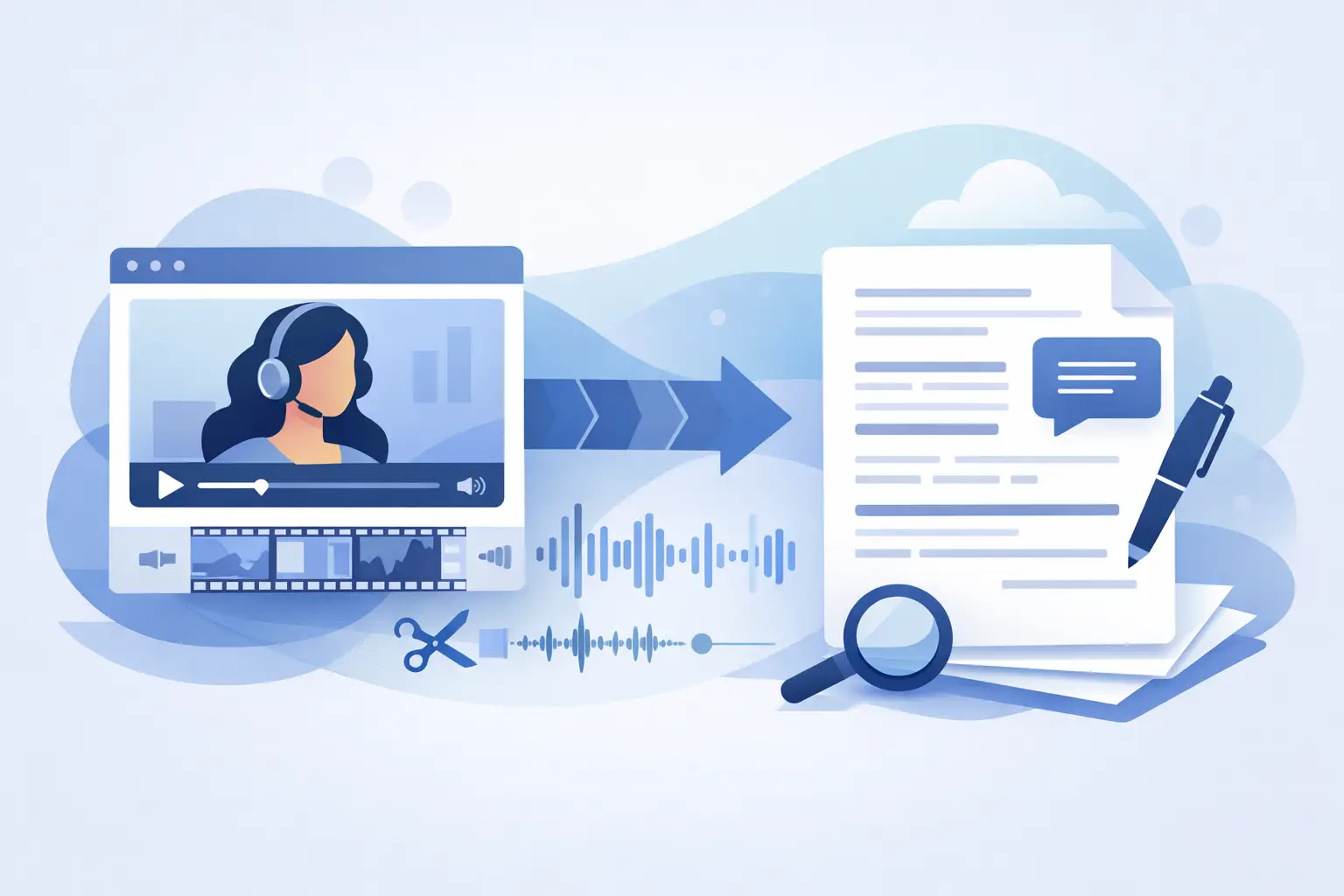
A 45-second Reel can contain the hook for your next newsletter, three caption ideas, a customer quote, and a searchable record of what was said. The problem is that none of that value is easy to use while it is trapped in a video file. When you turn video clips into transcripts, short-form content becomes usable material for publishing, planning, accessibility, and analysis.
Manual transcription is rarely a good use of a creator or social team's time. Pausing, rewinding, typing, and checking timestamps can take far longer than the clip itself. AI transcription changes that equation by producing a working text version in minutes, often seconds, so the team can focus on editing and distribution rather than data entry.
Why Turn Video Clips Into Transcripts?
Video is built for attention. Text is built for reuse. A transcript gives a short TikTok, Instagram Reel, or YouTube Short a second life outside the feed where it first appeared.
For creators, the transcript can become a video description, blog draft, email section, carousel outline, or bank of future content ideas. For social media managers, it creates a clear record of brand messaging and makes it easier to pull approved quotes from a busy content calendar. Agencies can use transcripts to review deliverables, report on campaigns, and share clip insights with clients without asking everyone to watch every asset.
Transcripts also support accessibility. Captions help viewers who watch without sound, while a clean transcript gives people another way to consume and search your content. If your videos include product instructions, lessons, interviews, or industry advice, searchable text makes that information more useful after the initial post has lost momentum.
The biggest gain is operational. Once spoken content is text, it can move through the same workflows as every other marketing asset: editing, approvals, documentation, repurposing, and performance analysis.
The Fastest Way to Turn Video Clips Into Transcripts
The right workflow starts before you upload a file. Clear source audio produces better text, which means less cleanup later. You do not need a studio-quality setup for every social post, but speech should be audible above music, effects, and background noise.
1. Choose the clip and protect the original context
Start with the final published clip or the cleanest available export. If you are transcribing a video pulled from TikTok, YouTube, or Instagram, make sure it includes the full spoken section you want to use. A clipped opening sentence or cut-off call to action can change the meaning of the transcript.
Keep the video title, platform, date, and campaign name attached to the file when possible. Those details make transcripts easier to find later, especially when you are processing dozens of clips each week.
2. Use AI transcription for the first pass
Upload the video to an AI transcription tool built for short-form content. The software listens to the spoken audio and converts it into editable text. For a single post, speed is the main benefit. For a backlog of clips, the real advantage is processing multiple files at once rather than treating every video as a separate task.
ReelScribe is designed for this kind of workflow, with transcription for social video, support for more than 60 languages, and bulk processing for teams handling content at volume. The goal is simple: get from video to usable text without adding another complicated production step.
3. Review the moments AI is most likely to miss
AI gives you the draft, not a reason to skip review. Spend a few minutes checking names, product terms, locations, numbers, acronyms, and calls to action. These are the details that can affect credibility, search relevance, and conversion.
Also check words that sound alike. A transcription engine may hear “site” instead of “cite,” or mistake a brand name for a common phrase. If the clip uses fast pacing, slang, overlapping speakers, or a trending audio track under the dialogue, expect more cleanup. That is normal, not a failure of the workflow.
4. Format the transcript for its next job
A raw transcript is useful, but a formatted transcript is easier to act on. Add paragraph breaks where the speaker changes direction. Remove filler words if the text is becoming a blog section or client-facing document. Keep the wording more literal if the transcript is being used for compliance, research, or an interview archive.
This is where the best approach depends on the outcome. Captions need short, readable lines timed to the video. A content repurposing draft can be cleaner and more structured. An internal research transcript may need timestamps and speaker labels so the team can return to the original moment quickly.
5. Save it where your team will actually use it
A transcript that sits in a downloads folder does not improve your workflow. Give it a consistent name and store it beside the source video, content brief, or campaign folder. Include the platform and publish date if your team manages similar clips across channels.
For recurring content, create a simple convention such as: campaign name, platform, topic, date, and transcript. That small bit of organization makes it much easier to find the exact customer quote, product explanation, or creator talking point months later.
What Makes a Transcript Worth Using?
Speed matters, but a fast transcript that creates hours of editing work is not a win. The useful standard is fit for purpose. A draft for brainstorming can tolerate minor errors. A transcript used in captions, education, legal review, customer research, or a published article needs closer attention.
Audio quality has the largest effect on accuracy. Clear speech, one primary speaker, and limited background sound usually produce the cleanest results. Heavy music, multiple people talking over each other, poor microphone placement, and sudden cuts make any transcription harder.
Language selection matters too. If a creator switches between English and Spanish, or uses regional terms and names, make sure the selected language settings match the clip. Multilingual teams should review culturally specific phrases rather than assuming a direct transcription or translation will capture the intended tone.
Timing is another trade-off. If you only need the spoken words, a plain transcript is enough. If the text will become captions or help an editor locate specific statements, timestamps are worth keeping. They add structure without forcing someone to scrub through the entire video again.
Put Each Transcript to Work Across Your Content System
The best teams do not transcribe video just to create a document. They use the text to reduce the effort of making the next asset.
A product demo transcript can reveal the exact questions prospects ask. Turn those questions into an FAQ, a sales enablement note, or a follow-up video series. An interview clip can supply strong pull quotes for LinkedIn posts, a podcast description, or a creator brief. Educational videos can become lesson notes, downloadable study material, or searchable support content.
Transcripts are also useful for content analysis. Pull several top-performing clips from a month and read them together. You may notice repeated opening phrases, a type of example that gets more engagement, or recurring audience objections. Video analytics show what performed. The transcript often helps explain why.
For agencies and media teams, batch transcription makes this process more practical. Instead of reviewing content one clip at a time, convert a group of campaign assets into text, then scan for messaging patterns, brand claims, required disclosures, and repurposing opportunities. That is a much faster way to turn a content library into an active resource.
Common Mistakes That Slow the Process Down
The first mistake is treating the transcript as the final deliverable. It is the source material. Plan the next action before you generate it: captions, a blog draft, searchable notes, a client report, or a content brief. A defined use case tells you how much cleanup is needed.
The second is ignoring file organization until the library becomes unmanageable. A few clips are easy to track from memory. A hundred clips across three platforms are not. Consistent naming and folders prevent duplicate work and make bulk processing more valuable.
The third is editing every hesitation out of every transcript. That level of polish is unnecessary for internal notes and can erase a speaker's personality when you are repurposing creator content. Edit for clarity, accuracy, and the destination format, not for perfection.
Finally, do not wait until the end of a campaign to transcribe everything. Turning clips into text close to publishing keeps the language, audience feedback, and creative context fresh. It also lets your team spot a useful quote or a follow-up angle while the topic is still moving.
The next video you publish already contains more than a viewable post. Capture the words while the clip is fresh, file them where your team works, and let that 30-second recording do more than one job.
Ready to turn your videos into text?
Start with 25 free credits — no credit card required. Works with TikTok, YouTube, and Instagram.
Start Free Transcription →Also see: How to Repurpose Video Content Into Text Fast · How to Transcribe Non-English Social Clips Fast · How to Convert Video Captions to Text Fast · How to Convert TikTok Video to Text Fast