How to Convert TikTok Video to Text Fast
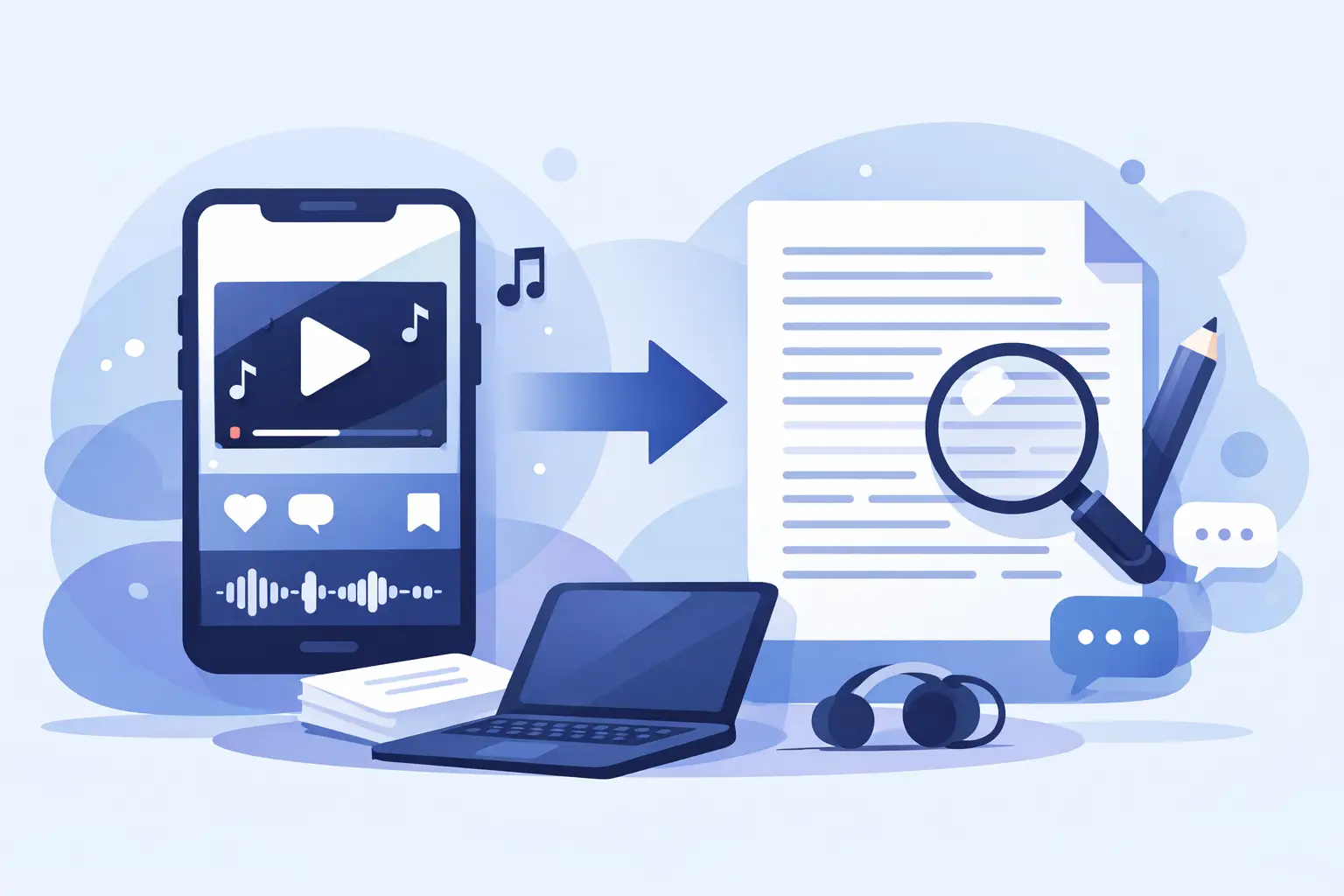
A 30-second TikTok can turn into a caption, carousel, blog draft, email hook, or ad script - if you can get the words out of the video without wasting half your day. That is exactly why creators and marketers keep searching for how to convert TikTok video to text. The goal is not just transcription. It is speed, reuse, and getting more mileage from content you already made.
If you post often, manual transcription falls apart fast. You pause, rewind, type, fix missed words, and repeat. That might work for one clip. It does not work for ten, fifty, or a full content calendar. The better approach is to use AI transcription built for short-form video, then clean the output just enough for whatever comes next.
Why convert TikTok video to text in the first place?
Most teams do not need a transcript just to have a transcript. They need text because text is easier to search, edit, repurpose, approve, and publish across channels.
A TikTok transcript can become on-screen captions, subtitles for accessibility, a YouTube Shorts description, quote graphics, internal content notes, and raw material for blogs or newsletters. If you manage client accounts or a brand publishing pipeline, text also helps with compliance review, handoff between team members, and content archiving.
There is also a reach benefit. Spoken content trapped inside video is hard to reuse. Once it is text, it becomes flexible. That matters even more if you publish in multiple languages or run campaigns across TikTok, Instagram, and YouTube.
How to convert TikTok video to text
The fastest method is simple: get the video file or source clip, upload it to an AI transcription tool, choose the spoken language, generate the transcript, then export or copy the text. For most users, that entire process takes minutes instead of the manual hour-by-hour approach.
The exact workflow depends on what you need at the end. If you only want the words for a quick caption or repurposing pass, a raw transcript is enough. If you need polished captions, speaker separation, or multilingual output, you will want a tool that gives you editing control after the transcript is generated.
Step 1: Start with the highest-quality TikTok source you have
Cleaner audio gives you better text. If you have the original exported video before upload, use that. Downloaded versions can still work, but audio compression, background music, and overlapping sounds can reduce accuracy.
This is where a lot of transcription issues start. People blame the tool when the real problem is poor source audio. If the speaker is clear and the background noise is manageable, AI transcription is usually very fast and very usable.
Step 2: Upload the video to an AI transcription tool
Once your file is ready, upload it and let the system process the audio. If the platform supports TikTok, Instagram, and YouTube workflows, even better. That usually means it is designed for short-form content, not just long meetings or enterprise recordings.
A creator-focused tool should make this part feel light. Upload, detect speech, generate text, and move on. ReelScribe is built around that kind of workflow, especially for users handling social video volume instead of occasional one-off files.
Step 3: Select the language and review the output
This matters more than people think. If your TikTok includes slang, niche terms, or multilingual speech, choosing the correct language up front can improve output significantly. Many creators also publish for bilingual audiences, so language support is not a nice extra. It is part of the workflow.
After generation, skim the transcript instead of rewriting it from scratch. Most edits are usually names, brand terms, product names, or punctuation. That is a much faster job than typing every sentence manually.
Step 4: Export the text based on the job
If you need a blog starter, export plain text. If you need subtitles, you may want timestamps or caption formatting. If your team is repurposing clips at scale, it helps to keep transcripts organized by campaign, creator, or platform.
That is the real value of converting TikTok video to text. You are not creating another file to manage. You are turning short-form video into reusable working material.
The manual method vs AI transcription
You can transcribe TikTok videos manually. For a very short clip, that may seem fine. But the trade-off is brutal once volume increases.
Manual transcription gives you total control, but it is slow and mentally repetitive. AI transcription is dramatically faster, and for most creator and marketing use cases, the first pass is accurate enough to edit in minutes. The only time manual work makes more sense is when the audio is extremely messy, the content is highly technical, or every line needs legal-level precision.
For everyone else, AI wins on speed. And speed matters because transcription is rarely the final deliverable. It is one step in a chain that includes editing, posting, repurposing, reporting, and publishing again.
What affects transcription accuracy?
If you are wondering why one TikTok transcribes almost perfectly and another needs cleanup, there are a few usual reasons.
Audio quality is the biggest factor. Clear speech, limited background music, and minimal overlap help a lot. Accent variation and fast speech also affect output, though modern AI tools are much better at this than older speech-to-text systems. Specialized language, industry terms, and creator-style phrasing can still require light edits.
TikTok-specific editing can also create problems. Jump cuts, sound effects, trending audio layered under speech, and reaction-style stitching all make audio harder to read. That does not mean transcription fails. It just means expectations should match the source.
Best use cases after you convert TikTok video to text
For creators, the obvious use is captions. But that is only the start. A transcript can quickly become script notes for your next post, content snippets for Instagram, talking points for a newsletter, or a short article draft.
For marketers and agencies, transcripts make approval workflows easier. Teams can scan messaging without watching every video in full, pull quotes for campaign assets, and organize content libraries in a way that is actually searchable.
For educators, podcasters, and media teams, transcripts improve accessibility and make content easier to adapt across formats. If you are producing a lot of short-form video, text helps you build a system instead of handling every asset manually.
Should you use TikTok's built-in text tools?
Sometimes, yes. If all you need is a quick draft for a single post, native tools can be enough. They are convenient because they are already inside the platform.
But there are limits. Built-in tools are usually less useful for exporting clean text, managing multiple files, processing in bulk, or repurposing content outside TikTok. They are posting tools first, workflow tools second. If your goal is scale, cross-platform reuse, or multilingual processing, dedicated transcription software is the better fit.
What to look for in a TikTok-to-text tool
Speed matters, but speed alone is not enough. You want accurate speech recognition, support for multiple languages, and a workflow that does not slow down once you have more than a few files.
Bulk processing is the feature many teams ignore until they really need it. If you manage a lot of creator content, campaign edits, or archived video, processing one file at a time becomes its own bottleneck. Export flexibility matters too. Plain text, captions, and easy copy-paste options all help depending on where the transcript is going next.
The best tool is usually the one that fits your publishing workflow, not the one with the longest feature list. For social teams, that means platform relevance, fast turnaround, and low friction.
A smarter way to handle TikTok content
If you are regularly searching for how to convert TikTok video to text, the bigger issue is probably not transcription. It is workflow drag. When every clip needs to be watched, typed, cleaned, and repurposed by hand, content operations slow down fast.
Turning TikTok videos into text should feel instant because, with the right setup, it mostly is. Clean audio in, usable text out, then move that text into captions, blogs, scripts, approvals, or archives. That is the point.
The more often you publish, the more valuable this becomes. A transcript is not just documentation. It is the fastest way to make one piece of short-form content do more work for you.
Ready to turn your videos into text?
Start with 25 free credits — no credit card required. Works with Instagram, TikTok, Facebook and YouTube.
Try one free — no sign-up →See plans and pricingAlso see: How to Convert Video Captions to Text Fast · How to Repurpose Video Content Into Text Fast · How to Turn Video Clips Into Transcripts Fast · How to Transcribe TikTok Videos Fast at Scale