How to Transcribe TikTok Videos Fast at Scale
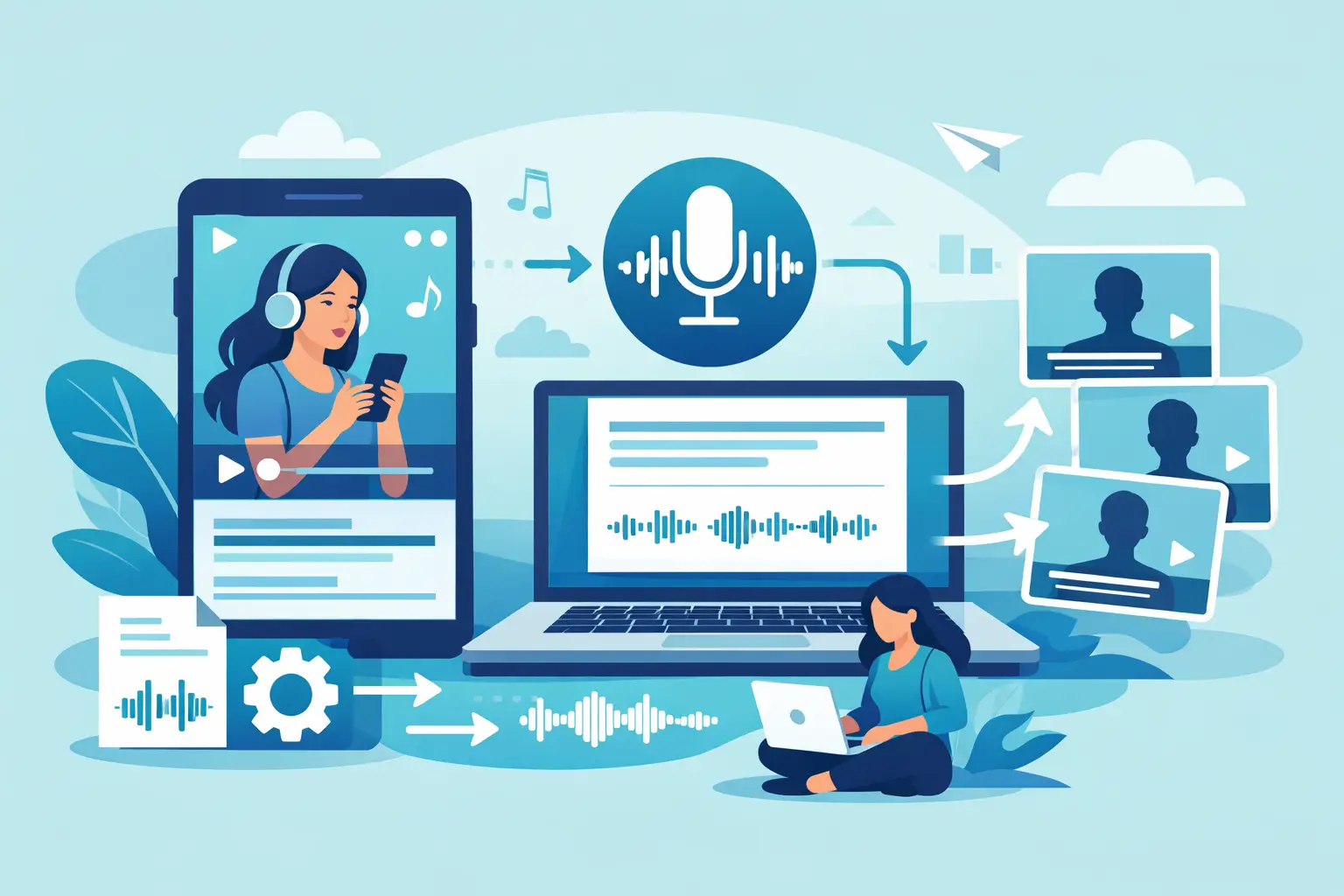
A 45-second TikTok can contain a week’s worth of usable content: a strong hook, customer language, a product objection, a tutorial, or a point of view worth turning into a post. The bottleneck is getting that spoken content out of the video. To transcribe TikTok videos fast, you need a workflow built around speed before perfection - one that creates usable text in minutes without creating another editing job.
For creators, marketers, and social teams, transcription is no longer just an accessibility task. It is the starting point for captions, content repurposing, research, documentation, and faster approvals. The right process makes every published TikTok easier to reuse across your content operation.
Why TikTok transcription gets slow
Manual transcription looks simple until it becomes repetitive. You pause a clip, type a sentence, rewind for a name or number, clean up filler words, then format the result for captions. One video may take 10 or 20 minutes. A week of creator content can take hours.
TikTok adds a few complications. Speakers often talk quickly, use trending audio, switch between voices, speak over music, or reference products and names that standard speech tools miss. Auto-captions inside an app can help viewers, but they are not always the clean, exportable transcript a marketing team needs for a blog draft, campaign notes, or searchable content library.
The goal is not to eliminate review. It is to remove the slowest part: typing every word yourself.
How to transcribe TikTok videos fast with AI
The fastest workflow is straightforward: prepare the source video, upload it to an AI transcription tool, review only what matters, and move the text into its next job. The key is keeping each step small.
Start with the best available video file
Use the original video file when you have it. Original exports usually preserve clearer audio than a screen recording or a heavily compressed re-upload. Clear audio improves recognition, especially when a speaker talks quickly or uses industry-specific terms.
If you are transcribing a creator partnership, request the final video file as part of the asset handoff. That one operational habit saves time later and gives your team a version that is easier to caption, archive, and repurpose.
When the TikTok itself is the only source, use a video copy you have permission to process. Keep rights and platform rules in mind, particularly when working with customer videos, paid partnerships, or third-party creators.
Upload instead of typing
An AI transcription platform converts spoken audio into text automatically. For social teams, that is usually the practical choice because the video itself is already the source of truth. You do not need to copy dialogue from on-screen captions or listen through the clip word by word.
Upload the video, select the spoken language, and let the tool generate a transcript. A platform designed for short-form media, such as ReelScribe, is useful here because it supports TikTok, Instagram, and YouTube workflows rather than treating social clips as an edge case.
For a single short video, the process should feel nearly immediate. For a campaign folder or a backlog of creator assets, bulk upload matters more than shaving a few seconds off one transcription. Processing multiple videos in one pass keeps your team from repeating the same setup steps all day.
Review the high-risk details, not every syllable
AI output is a strong first draft, not a reason to skip judgment. Review the parts where small errors can cause real problems: product names, prices, discount codes, calls to action, customer quotes, statistics, competitor references, and proper names.
You can usually scan the transcript while listening at normal speed, rather than stopping every few words. If the text will become public captions, check punctuation and line breaks as well. If it is for internal research or a rough content draft, a lighter review may be enough.
That distinction matters. A transcript used to pull themes from 50 customer testimonials does not need the same polish as captions on a paid ad. Match review time to the risk and visibility of the final output.
Pick the output before you transcribe
Fast transcription is easier when the team knows what the text is for. A raw transcript, caption file, blog outline, and quote bank require different levels of cleanup. Decide on the destination first so the transcript does not get edited twice.
For captions, retain the speaker’s natural rhythm but remove obvious recognition errors. Short lines are easier to read on a phone, and punctuation helps viewers follow fast speech. For a newsletter or blog post, remove repeated phrases and reshape spoken language into clear written sentences. For internal research, keep timestamps or video titles attached so teammates can return to the source quickly.
A simple naming convention prevents a common content operations problem: great clips that nobody can find later. Include the creator or account name, campaign, topic, date, and platform in the file name. A transcript labeled “video_final_2” is not a useful asset three months from now.
Turn one transcript into more content
The transcript is where a TikTok becomes reusable. Instead of treating a published video as a finished piece, treat it as a searchable source document.
A strong 30-second product demo can become a captioned repost, a short LinkedIn post, an email tip, a help-center FAQ idea, or a sales enablement snippet. A founder’s quick opinion can become a thread, a blog section, or a collection of recurring content angles. Customer videos can reveal the exact phrases buyers use when describing a problem.
The most effective teams do not repurpose every word. They look for the strongest line, the clearest explanation, the most useful objection, or the question that keeps appearing across videos. Text makes those patterns visible faster than scrubbing through a folder of clips.
This is especially valuable for agencies and teams managing several accounts. Once every video has a transcript, you can scan for repeated campaign messages, identify topics that earned the most attention, and build future scripts from language that already resonated with an audience.
Handle multilingual TikTok content without slowing down
TikTok audiences are often multilingual, and language should not force your team into a separate process. If a creator speaks Spanish, Portuguese, French, or another language, choose the correct spoken language before transcription. That gives AI a better starting point than forcing every clip through an English setting.
More than 60 language options can be useful for global creator programs, customer research, and regional social teams. But accuracy still depends on the recording. Music, overlapping voices, code-switching, and regional slang can require extra review, particularly for public-facing captions or translated marketing copy.
Keep transcription and translation as separate decisions. First, create an accurate record of what was said. Then decide whether the audience needs translated captions, a translated summary, or only an internal English version. Combining those jobs too early can make it harder to verify the original meaning.
Build a batch workflow for weekly content
The biggest speed gains arrive when transcription becomes part of publishing, not a cleanup task at the end of the month. Set a recurring handoff: when videos are approved or published, add the files to a batch for transcription. The transcript then lands with the rest of the campaign assets while the topic is still fresh.
For a small creator team, that might mean processing every Friday. For an agency, it may mean a daily batch sorted by client and campaign. Either approach is better than waiting until someone needs a quote from a video and has to search through old posts.
A practical batch workflow has four parts:
- Gather final video files in one clearly named folder.
- Process the videos together and select the correct language for each clip.
- Do a focused quality check on brand terms, offers, names, and key claims.
- Save the approved transcript beside the video and tag its repurposing opportunities.
This creates a useful archive without adding a complicated production system. It also makes handoffs easier when a social manager, editor, strategist, and client all need access to the same source material.
Avoid the mistakes that create rework
The most common mistake is expecting a transcript to serve every purpose without editing. A raw AI transcript may be perfect for search and analysis but too rough for published captions. Another is relying on in-app captions as the only record of a video. They can be helpful for viewers, yet they are not always easy to organize, reuse, or bring into a broader workflow.
Also avoid transcribing only your own polished posts. Competitor analysis, customer testimonials, creator submissions, interviews, and educational clips can all provide useful language and topic ideas when you can search them as text. Just make sure your use respects permissions and the intended use of the source material.
Finally, do not let transcript cleanup become a bottleneck of its own. Set a review standard based on the asset. Spend extra time where accuracy affects trust. Move quickly where the transcript is simply helping your team find ideas, quotes, and moments worth developing.
The next time a TikTok performs well, do not let its value stay trapped in a video feed. Get the words out while the insight is fresh, give the transcript a clear next use, and let one short clip do more work for your content team.
Ready to turn your videos into text?
Start with 25 free credits — no credit card required. Works with Instagram, TikTok, Facebook and YouTube.
Also see: How to Transcribe TikTok Videos: 4 Methods Compared (2026) · How to automate TikTok URL transcription at scale · How to Batch Transcribe Facebook Video Links · How to Transcribe Non-English Social Clips Fast