How to Repurpose Video Content Into Text Fast
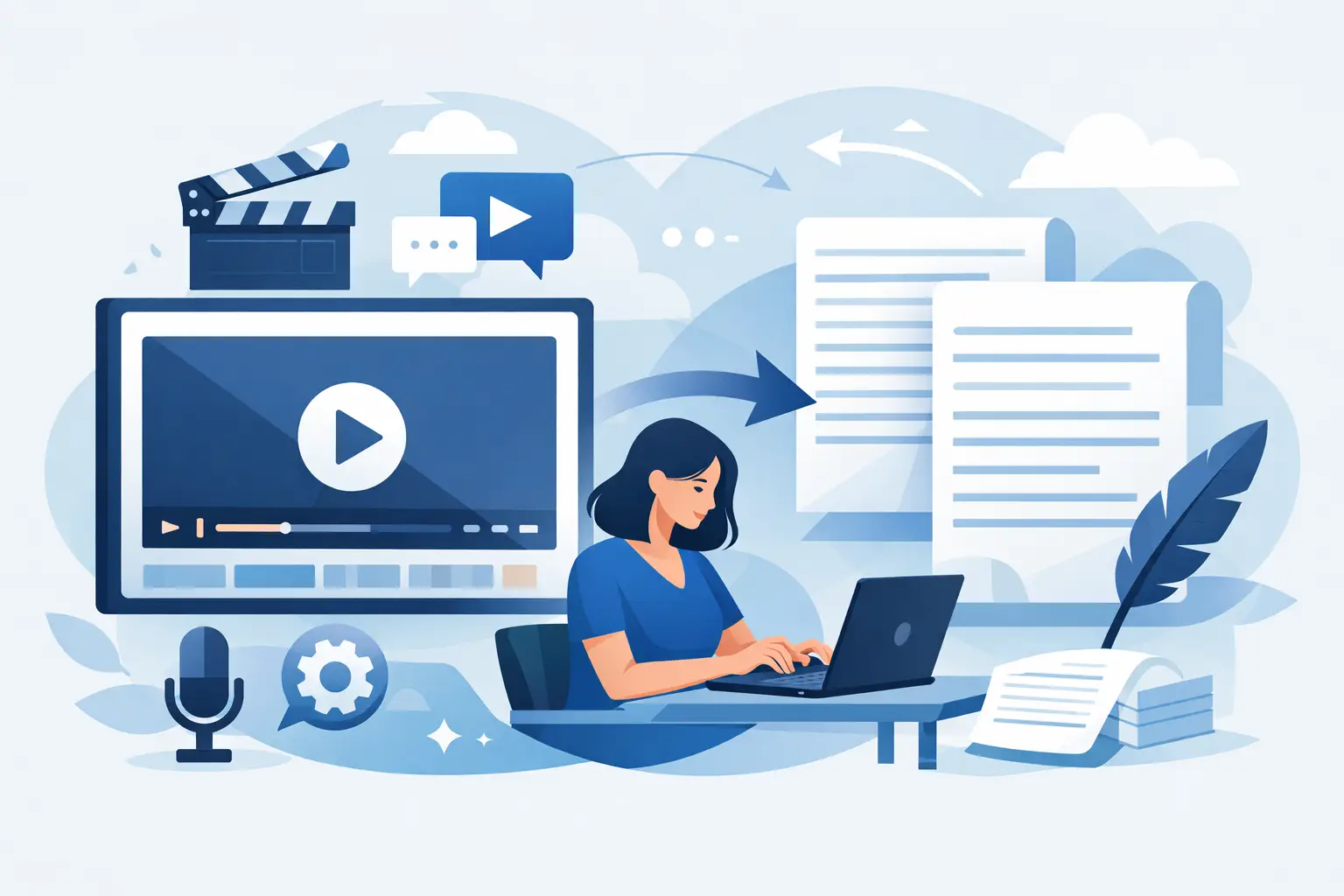
A 45-second TikTok can take hours to turn into a blog post, email, caption set, and client-ready content brief - if you start with a blank page. When you repurpose video content into text first, the spoken words become the source material for every format that follows. You spend less time replaying clips and more time publishing useful content where your audience already is.
For creators, social teams, and agencies, this is not a nice-to-have workflow. It is how one recording keeps working after the original post stops getting views.
Start with a clean video transcript
The fastest repurposing workflows begin with a transcript, not a rough memory of what was said. Upload the original video, generate the text, then review it before creating anything new. This gives you a searchable record of the hook, key points, examples, calls to action, and audience questions already inside the video.
Automated transcription is especially useful for short-form content because volume is usually the real challenge. A social manager may need to process dozens of Reels, Shorts, and TikToks every week. Manually typing even a one-minute video creates a bottleneck that compounds across campaigns.
Accuracy still matters. AI can mishear brand names, product terms, acronyms, and slang. Do a quick pass to correct those details, remove filler when needed, and break long blocks into readable sections. You do not need to polish the transcript into an article at this stage. You need reliable source text.
If you publish in more than one language, keep the original-language transcript alongside any translation. That makes it easier to preserve context, create localized captions, and review what was actually said before adapting the message for a new audience.
How to repurpose video content into text that fits each channel
A transcript is raw material, not finished copy. The best text format depends on where it will live and what the reader needs to do next. A viewer may tolerate fast cuts and repeated phrases. A newsletter reader wants a clear point quickly. A blog visitor needs useful context and structure.
Turn the hook into social copy
Your first spoken line often makes strong caption copy because it was designed to stop the scroll. Pull that opening statement from the transcript, tighten it, and use it as the lead for an Instagram caption, LinkedIn post, or X post.
Then add the supporting insight from the video in two or three short paragraphs. Keep the original voice, but remove verbal detours that make sense on camera and feel repetitive in text. If the video asks a question, use that question to invite comments or start a conversation.
A creator explaining “three mistakes that hurt reach” can turn the video into a short caption with the same opening, a compact explanation of each mistake, and a prompt asking followers which issue they see most often. No new research required.
Build a blog post from one clear idea
Not every short video deserves a 1,500-word article. A strong opinion, tutorial, framework, or recurring audience question usually does. Look at the transcript and identify the central promise. Then organize the spoken points into a logical reading order.
Add context that video may have skipped: who the advice is for, when it applies, where it can fail, and what readers should do next. This is where repurposing becomes more than transcription. You are turning quick expertise into an asset people can find, read, and share later.
Avoid copying a transcript word for word into a blog. Spoken language includes pauses, restarts, and side comments. Preserve the useful insight, but reshape it for scanning. Clear headings, short paragraphs, and practical examples make the text easier to use.
Create emails without starting from scratch
A useful video can become a focused email when you choose one takeaway instead of trying to cover every point. Use the transcript to find the strongest insight, lead with the problem it solves, and explain the action in plain language.
This works well for product tips, campaign lessons, creator updates, and educational content. A quick video about planning a month of Reels, for example, can become an email about one planning habit that saves time. The video drives attention. The email gives the idea more room to work.
Turn spoken answers into an FAQ or knowledge base
Creators and support teams often answer the same questions on video: how pricing works, how to use a feature, what results to expect, or how to troubleshoot a common issue. Those answers should not disappear into a feed.
Use transcripts to collect recurring questions and turn the clearest answers into help content, onboarding documents, or internal playbooks. This improves consistency across your team and gives customers a text-first option when they do not have time to watch a video.
Keep the message native to the format
Repurposing does not mean pasting identical copy everywhere. It means adapting one core idea without redoing the thinking from zero.
A YouTube transcript may support a detailed article because the original video has more explanation. A TikTok transcript may be better for a caption, carousel outline, or brief email. An Instagram Reel with a strong visual demonstration may need extra written context so text-only readers understand the steps.
The trade-off is speed versus depth. You can publish a lightly edited transcript quickly, but it may not be useful enough to earn saves, search traffic, or replies. You can expand every video into a long article, but that can waste time when the topic only needs 150 words. Match the effort to the value of the idea and the channel's expectations.
A repeatable workflow for high-volume teams
When you publish frequently, the goal is not to decide from scratch what every video should become. Build a simple system around your content pillars.
First, transcribe new videos in batches. Next, label each transcript by topic, campaign, audience, and platform. Then flag moments that contain a strong hook, a practical tip, a customer question, a statistic, or a clear call to action. Those markers make it easier for anyone on the team to turn video into text without watching every clip again.
For teams managing content across TikTok, YouTube, and Instagram, bulk transcription removes one of the most repetitive steps. ReelScribe is built for that social-video workflow, helping teams turn multiple videos into usable text quickly while supporting more than 60 languages.
Create a lightweight review step before publishing. Check names, numbers, claims, and references. Make sure the rewritten version has a clear purpose, whether that is getting readers to reply, save the post, understand a process, or take the next step. Fast output is valuable, but inaccurate or context-free copy creates cleanup work later.
Make your video library searchable
Text makes video easier to manage long after the first post goes live. Once transcripts are organized, you can search for past mentions of a product, campaign theme, customer pain point, or phrase used by a founder. That is useful when planning follow-up content, preparing sales enablement materials, or proving that a topic has already resonated with your audience.
A searchable transcript library also helps you spot patterns. Maybe your best-performing videos repeatedly address the same objection. Maybe viewers respond to practical examples more than broad advice. The transcript gives you a faster way to analyze the language behind your content, not just the view count attached to it.
For agencies, this becomes especially useful during reporting and client reviews. Instead of hunting through old posts, you can pull the exact messaging used in a campaign and identify ideas worth revisiting in a new format.
Do not lose the human voice
AI makes transcription fast, but the finished text should still sound like the person or brand behind the video. Keep distinctive phrases when they add personality. Preserve direct opinions when they are the reason people watched. Edit out filler, not the point of view.
The most effective repurposed content feels intentional, not recycled. It gives people who missed the video a useful way to consume the idea and gives existing viewers a reason to save, share, or revisit it.
Your next useful article, email, caption, or support resource may already be sitting inside a video you published last week. Turn the words into text while the idea is still relevant, then put that content to work wherever your audience prefers to read.
Ready to turn your videos into text?
Start with 25 free credits — no credit card required. Works with TikTok, YouTube, and Instagram.
Start Free Transcription →Also see: How to Convert Video Captions to Text Fast · How to Convert TikTok Video to Text Fast · How to Turn a Video into a Blog Post with AI (2026 Workflow) · How to Turn TikTok Videos into Blog Posts (Step-by-Step Guide)