Best YouTube Video to Text Converter
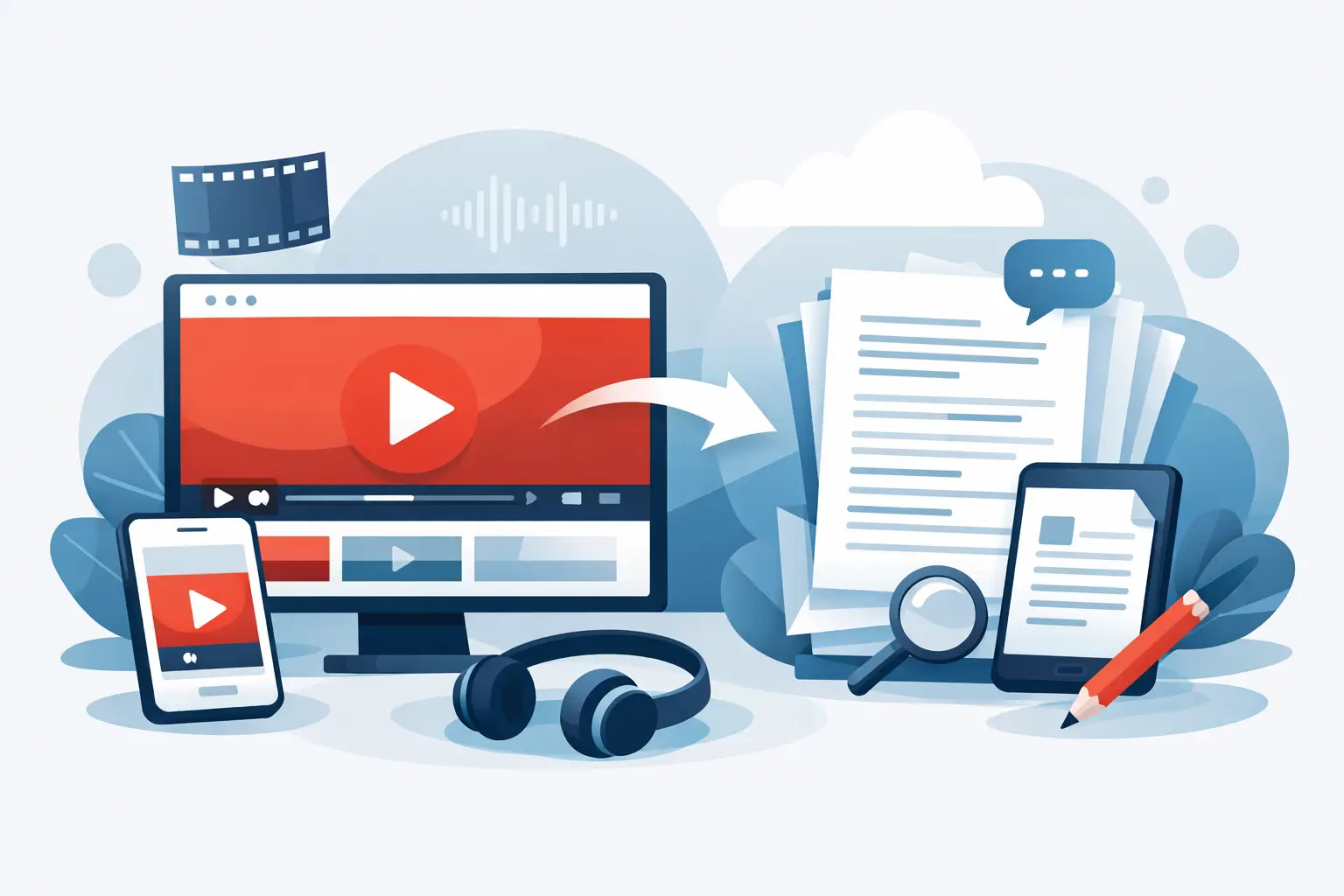
A 12-minute YouTube video can turn into a blog post, email, caption file, quote graphic, podcast summary, and searchable archive. The bottleneck is usually transcription. A good youtube video to text converter removes that delay and gives creators, marketers, and media teams usable text in minutes instead of hours.
That sounds simple, but not every converter is built for the way social teams actually work. Some are fine for one-off uploads. Some are decent on accuracy but slow on turnaround. Others fall apart when you need multiple videos processed fast, different languages supported, or text you can actually reuse without heavy cleanup.
What a youtube video to text converter should actually do
At a basic level, a converter takes spoken audio from a YouTube video and turns it into written text. But for most teams, basic transcription is not enough. The real value is in how quickly that text becomes useful.
If you run a content pipeline, you are not just trying to "get a transcript." You are trying to publish captions faster, pull clips for social, repurpose long-form video into short-form copy, hand off notes to an editor, or make your content searchable. That means the best tools need to do more than recognize words. They need to fit directly into a production workflow.
For YouTube-heavy creators, that usually means three things: speed, accuracy, and output flexibility. Speed matters because delays create backlog. Accuracy matters because AI transcription that needs too much editing stops saving time. Output flexibility matters because raw text is only the first step.
Where basic transcription tools fall short
A lot of transcription software was designed for meetings, interviews, or general business audio. That works up to a point, but YouTube content is different.
Creators deal with fast speech, jump cuts, background music, multiple speakers, and platform-driven publishing schedules. Marketers and agencies often need to process several videos at once, not one file at a time. Educators and podcasters may need transcripts in multiple languages or text that is easy to repurpose into lesson notes, descriptions, or supporting content.
This is where trade-offs show up. A tool might be cheap but too slow for volume. It might be accurate on clean audio but weaker on social-style edits. It might support transcription but not bulk processing. It might give you text, but not in a format that fits captions, content repurposing, or internal documentation.
A youtube video to text converter should reduce work, not shift it to another part of your workflow.
How to evaluate the right tool for your workflow
The best choice depends on what happens after the transcript is generated. If you only need occasional text from a single video, your requirements are light. If your team publishes across YouTube, TikTok, and Instagram every week, the bar is much higher.
Start with turnaround time. Fast output is not just a convenience. It affects publishing speed, edit cycles, and how quickly a team can turn one video into multiple assets. If transcription takes too long, your repurposing window shrinks.
Then look at accuracy in real-world conditions. Studio-quality audio is easy. The better test is whether the software handles voice variation, casual delivery, and creator-style production without creating a cleanup job. No AI transcript will be perfect every time, but the gap between "usable now" and "needs 30 minutes of editing" is huge.
Language support matters more than many teams expect. Even if your main audience is in English, multilingual transcription helps with localization, subtitles, international campaigns, and broader accessibility. For agencies and media teams, this becomes a scaling issue fast.
Finally, consider volume. Bulk processing is one of the clearest differences between a tool made for casual users and one built for active content operations. If you are managing a channel, a client roster, or a media library, batch handling is not a bonus feature. It is how you avoid repetitive manual work.
Why speed changes the value of transcription
Speed gets marketed a lot, but it matters for a specific reason. Fast transcription changes what teams are willing to do with video.
When text takes too long to generate, people stop repurposing aggressively. They skip newsletter versions, delay article drafts, and postpone searchable archives because the manual effort feels too high. Once transcripts are available almost immediately, the economics of content reuse change.
A creator can publish on YouTube and quickly pull the transcript into short-form hooks, show notes, and quote-based social posts. A marketing team can turn webinar recordings into campaign assets without waiting on manual transcription. An educator can convert lessons into written materials the same day.
That is why a fast youtube video to text converter is not just a utility. It is a production multiplier.
Accuracy matters, but perfect accuracy is not the only goal
Most users ask one question first: how accurate is it? That is fair, but accuracy is only part of the decision.
If your use case is legal documentation or highly technical terminology, you may need more review no matter which tool you choose. But for creators and marketers, the bigger question is whether the output is clean enough to move directly into the next step. Can it become captions with minor edits? Can it serve as a draft for a blog post or summary? Can a team member search it, scan it, and reuse it quickly?
In practice, the best tool is often the one that delivers strong accuracy plus speed, flexible output, and support for the kind of content you publish every day.
The real use cases behind conversion
This is where value becomes obvious. Most users are not converting YouTube videos to text just to read them back.
They want captions that improve retention and accessibility. They want searchable transcripts for internal archives. They want to pull quotes, timestamps, summaries, and key talking points without relistening to an entire video. They want to transform a single recording into a blog post, LinkedIn post, email, or script for the next piece of content.
For agencies and social teams, transcription also supports operations. Text makes approval easier, simplifies handoffs, and reduces the friction of managing multiple assets across clients and channels.
That is also why platform relevance matters. A tool designed around social and creator workflows will usually feel faster to adopt than software built for a broad enterprise audience. ReelScribe fits that category by focusing on social video, instant transcription, multilingual support, and bulk processing instead of bloated features most creators do not need.
What to look for before you commit
If you are choosing a youtube video to text converter, keep the checklist practical. You want a tool that handles YouTube content well, produces text quickly, supports more than one language, and scales when your volume increases. You also want outputs you can immediately use for captions, repurposing, and documentation.
Free access can be useful for testing, but it should not be the only factor. A free tool that slows your team down later is expensive in a different way. The better question is whether it saves enough time to remove friction from your publishing cycle.
Also be honest about your future workflow, not just your current one. If you are growing a channel, adding clients, or expanding into multilingual content, choose a tool that can keep up before your process becomes messy.
A better standard for video-to-text tools
The market does not need more generic transcription software. It needs tools that match how modern content teams actually work. That means fast turnaround, strong accuracy, support for multiple languages, and the ability to process lots of content without creating more admin work.
A youtube video to text converter should help you move from recording to publishing faster. It should make content easier to repurpose, easier to search, and easier to scale. If it does that, transcription stops being a chore and starts acting like infrastructure.
The smart move is to choose the tool that gives you usable text right when your content still has momentum.
Ready to turn your videos into text?
Start with 25 free credits — no credit card required. Works with Instagram, TikTok, Facebook and YouTube.
Try one free — no sign-up →See plans and pricingAlso see: Best TikTok Video to Text Converter Online Free · How to Transcribe a YouTube Video for Free in 2026 · 7 Best Bulk Video Processing Tools for Teams · 7 Best Multilingual Transcription APIs for Video