Best TikTok Video to Text Converter Online Free
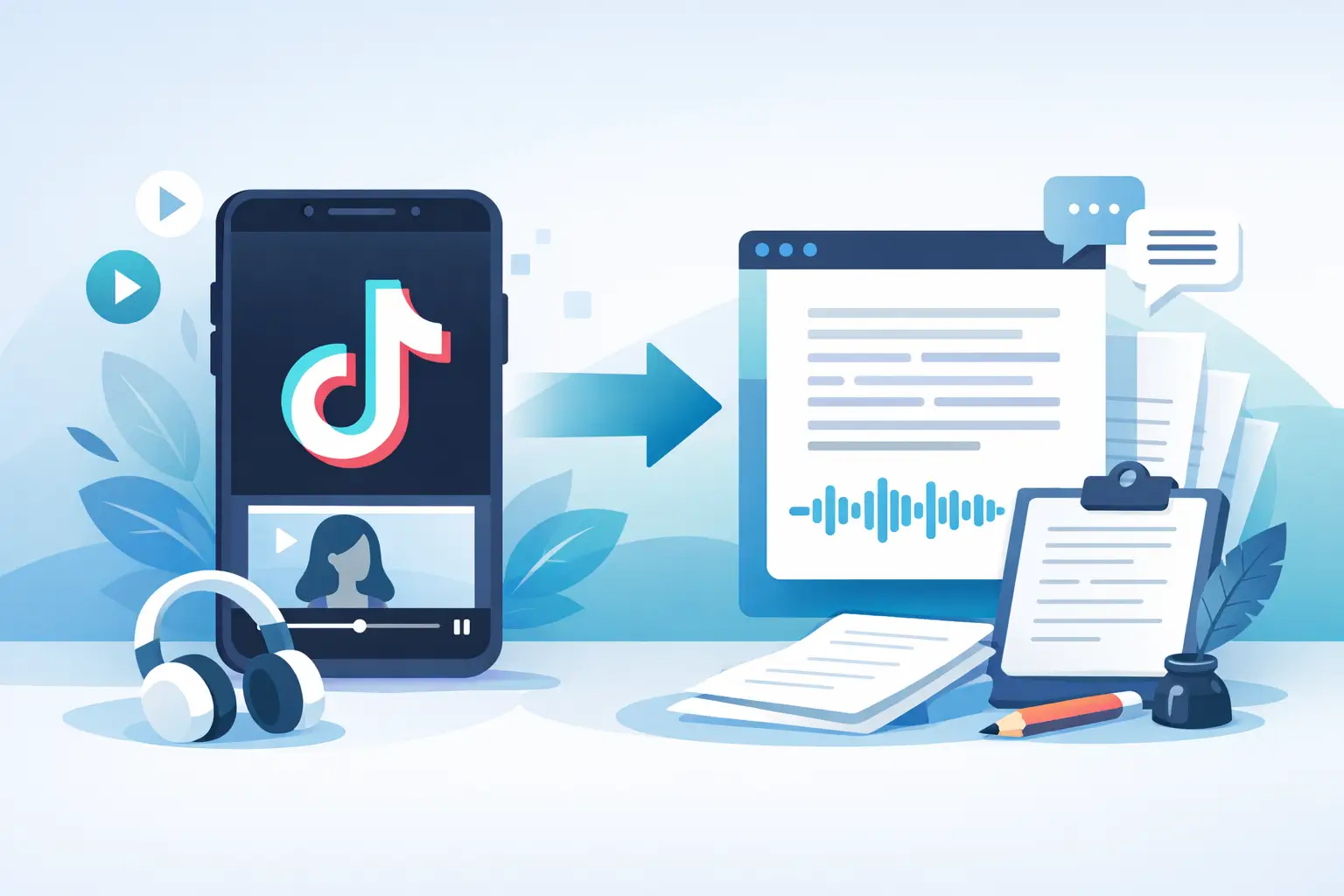
That TikTok you posted in 30 seconds can easily take 20 minutes to transcribe by hand. If you're looking for a tiktok video to text converter online free, you're probably not chasing transcripts for fun. You need usable text fast - for captions, repurposing, search, accessibility, approval workflows, or all of the above.
The problem is that “free” can mean a lot of things. Sometimes it means a hard cap on file length. Sometimes it means weak accuracy, no editing tools, or exports that create more cleanup than they save. For creators and marketing teams, the right tool is not just the one that turns speech into text. It is the one that fits how short-form content actually gets made and reused.
What a TikTok video to text converter online free should actually do
At a basic level, the job is simple: upload a TikTok video, process the audio, and return text. But if you work with social content every day, basic is rarely enough.
You need a tool that handles quick cuts, casual speech, creator slang, music under voiceover, and the inconsistent audio quality that comes with mobile-first production. A generic transcription app may technically work, but it often struggles when the content sounds like TikTok instead of a boardroom meeting.
A useful converter should also give you text that can be used immediately. That might mean captions for reposting, transcript files for documentation, or raw copy you can turn into blog posts, email content, show notes, and scripts. If you still need to spend ten minutes fixing timestamps, broken sentence splits, and missed words, the tool saved less time than it promised.
Why creators and marketers use video-to-text tools now
Short-form video moves fast, but text still does a lot of the heavy lifting. Text makes content searchable. It improves accessibility. It gives teams something to edit, approve, store, and repurpose without replaying the same clip six times.
For solo creators, transcription cuts down the admin work around every post. For social managers and agencies, it helps standardize workflows across multiple clients and channels. For educators and podcasters using TikTok as a distribution layer, transcripts turn short clips into reusable content assets.
This is where speed matters. If you publish daily or manage volume across TikTok, Instagram, and YouTube Shorts, manual transcription does not scale. Even low-volume teams start to feel the drag once transcription becomes part of captioning, reporting, localization, and content recycling.
How to judge a free TikTok video to text converter online
The first question is accuracy, but accuracy alone is not enough. A tool can get most words right and still create a frustrating workflow if formatting is messy or export options are weak.
Look at how the tool handles natural speech. TikTok audio often includes filler words, abrupt cuts, overlapping sounds, and trend-driven phrases. The best tools are strong enough to recognize real creator speech patterns, not just clean narration.
Then check speed. Online tools should feel immediate. If you are waiting around for short videos to process, the value drops fast. A converter built for social media should return usable text quickly enough to keep your content workflow moving.
Language support is another big factor. If you publish for multilingual audiences or manage accounts across regions, broad language coverage is not a nice extra. It is central to the workflow. A tool that supports dozens of languages saves you from switching platforms as your content expands.
Finally, look at volume. Many free tools are fine for one-off experiments but fall apart when you need to process ten, twenty, or fifty clips in a row. If your work involves campaigns, client batches, or weekly content libraries, bulk capability matters more than flashy interface details.
The trade-off with free tools
A free tiktok video to text converter online free can be perfect for testing, quick one-off needs, or occasional posts. It gives you a fast way to turn spoken content into editable text without adding software or setup friction.
But free tools usually come with boundaries. Those boundaries may show up as limited minutes, fewer export formats, watermarked outputs, lower priority processing, or restricted batch uploads. None of that is automatically bad. It just means you should match the tool to the job.
If you only need to transcribe a few short clips per week, a free option may be enough. If your team repurposes content at scale, a free plan is often more useful as a trial than a long-term system. The real question is not whether free is good or bad. It is whether the output saves more time than the limits cost.
Features that matter more than people think
Editing is one of them. Auto-transcription is rarely perfect, especially with music-heavy TikToks or fast speech. A good online converter should make fixes easy, not annoying. If editing the transcript feels clunky, the workflow slows down right where precision matters.
Export flexibility matters too. Some users need plain text. Others need subtitle files or formatted transcripts for team use. If your next step is repurposing content, getting the text out cleanly is part of the value.
Platform fit is another overlooked detail. Tools designed around social video understand that creators often work with short clips, multiple aspect ratios, frequent uploads, and cross-posting. That usually produces a better experience than a broad transcription product built for meetings and webinars.
A practical use case: from TikTok to usable content
Say you post a 45-second TikTok explaining a product tip. With the right converter, that single clip becomes a caption draft, a short LinkedIn post, a newsletter snippet, website copy, and a searchable transcript for your internal content library.
Now multiply that by a week of content. What looked like a small convenience becomes a production advantage. The transcript is no longer just a text version of the video. It becomes the starting point for distribution across channels.
That is why marketers and media teams care so much about transcription quality. They are not just documenting what was said. They are feeding a broader content system.
When a specialized tool makes more sense
If your content lives mostly on TikTok, Instagram, and YouTube, a social-first transcription platform usually makes more sense than a general-purpose option. The workflow is simpler, the turnaround is faster, and the features tend to reflect how social teams actually work.
ReelScribe is built around that reality. It focuses on fast transcription for short-form video, supports 99+ languages, and handles bulk processing for creators, marketers, and teams that need more than occasional text output. That difference matters when transcription is part of daily publishing, not a side task.
This is especially true for agencies and content teams. Once you are managing multiple accounts, clients, or language versions, convenience stops being a nice bonus. It becomes an operations issue. The right tool reduces repetitive work and keeps turnaround times tight without adding process overhead.
What to expect from results
No converter is perfect on every clip. Audio quality still matters. Heavy background music, crosstalk, and distorted voice recordings can lower accuracy, even with strong AI.
That said, the best online tools get you very close on the first pass. For most TikTok content, that is enough to cut manual work dramatically. You spend your time refining and repurposing, not typing from scratch.
If your goal is polished captions or publish-ready text, expect to do a light review. If your goal is internal documentation, ideation, or content extraction, a strong first draft is often all you need. The better the tool matches social content, the less cleanup you will have to do.
Choosing the right tool for your workflow
If you only care about converting one clip now and then, almost any free online option can help. If you care about speed, repeatability, multiple languages, and batch processing, the decision gets narrower fast.
The best choice is the one that fits the way your content team already works. Fast uploads, accurate output, useful exports, and support for social video formats will save more time than a tool with extra features you never touch. For TikTok-heavy workflows, simplicity is not a luxury. It is the whole point.
A good converter should disappear into your process. You upload the video, get the text, make quick edits, and move on to the next piece of content. That is the standard worth aiming for.
The smartest move is to test with real clips, not ideal ones. Use a video with music, one with quick speech, and one with creator-style pacing. If the tool still gives you text you can use right away, you found something worth keeping.
Ready to turn your videos into text?
Start with 25 free credits — no credit card required. Works with Instagram, TikTok, Facebook and YouTube.
Try one free — no sign-up →See plans and pricingAlso see: Best YouTube Video to Text Converter · Best Free AI Video Transcription Tool? · How to Convert TikTok Video to Text Fast · Best Free Video Transcription Tools (2026): 10 Tested