Guide to Short Video Transcription for Teams
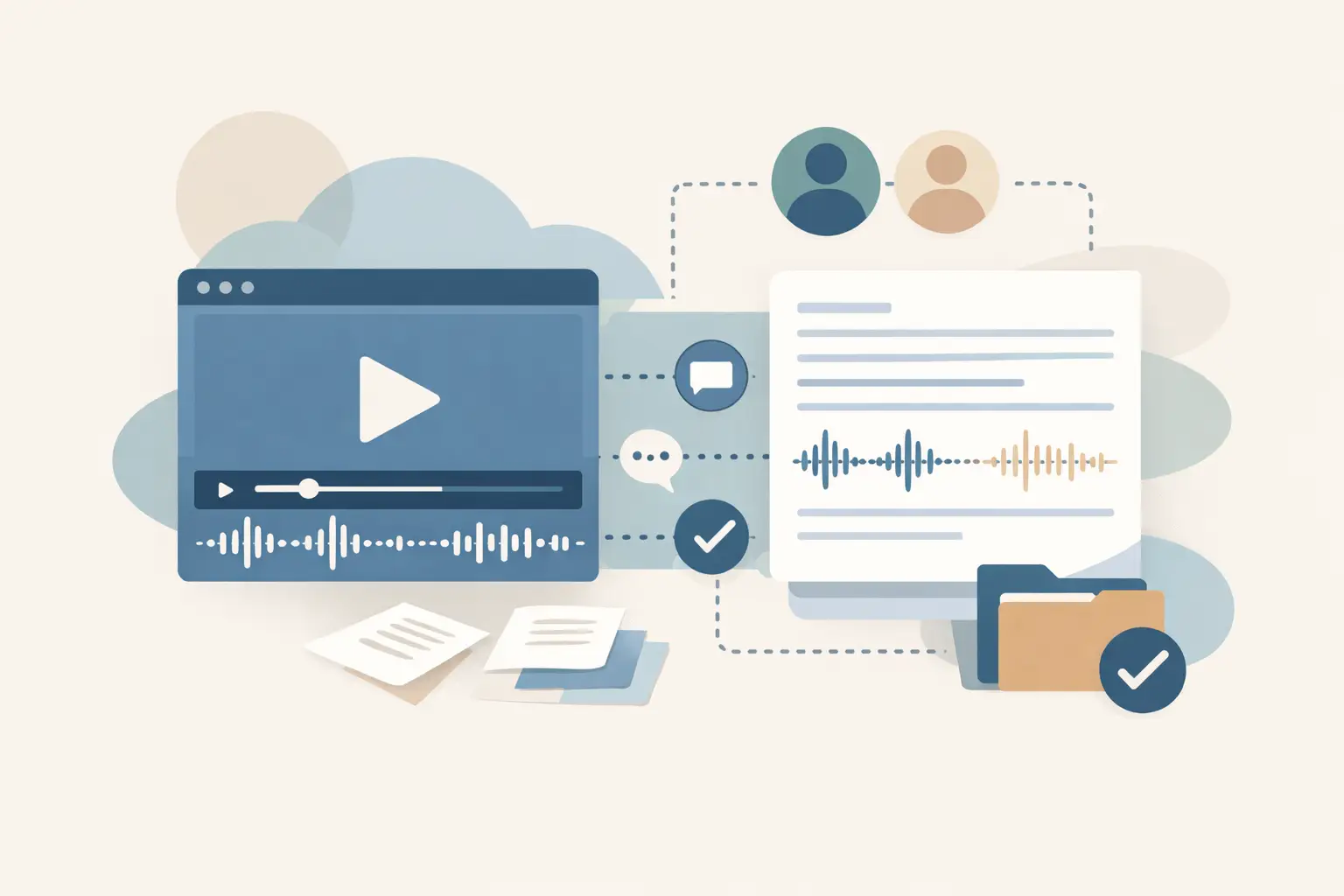
A useful guide to short video transcription starts with the constraint that trips up most teams: the clip is short, but the process around it is not. One Reel can become a caption source, a blog quote, a competitor research record, or an item in a knowledge base. At volume, copying text by hand turns a simple task into a queue.
TL;DR
Transcribe public social video from the URL, then treat the transcript as structured input for the next job. Check names and product terms before publishing, keep the source URL with every result, and use batch or workflow processing once clips arrive faster than a person can handle them. Platform access and speech quality vary, so build a review step for material that will be public.
What short video transcription needs to handle
Short video transcription converts spoken audio from a clip into text. For social teams, that text often has a second purpose immediately: captions, a post draft, a searchable content archive, or a brief for someone who did not watch the original.
The useful unit is rarely a transcript by itself. You usually need the public URL, the transcript, the language, a status value, and enough context to route the result. If the clip is part of a campaign or competitor watchlist, add the account name and collection date too.
Public social platforms create friction that ordinary audio-file transcription does not. A video may have music under speech, quick edits, spoken text that differs from on-screen text, or a caption that contains the actual product name while the speaker only says "this tool." Your pipeline should preserve those distinctions rather than assuming the transcript explains the whole post.
A practical short video transcription workflow
Use this sequence for one-off clips first. Once the output format works for your team, apply the same rules to a batch job or automation.
- Start with a public video URL. Copy the direct URL for the TikTok, YouTube, Instagram, or Facebook post you want to process. Test the link in a clean browser session if you are unsure whether it is publicly accessible. A transcription service can only read what the platform makes available publicly.
- Choose the spoken language when you know it. Automatic detection helps when a feed contains several languages, but an explicit language is useful for a campaign with known markets. This also gives your downstream workflow a reliable field for routing Spanish clips to one review queue and English clips to another.
- Send the URL for transcription. ReelScribe accepts public social video URLs and supports more than 60 languages. For a handful of clips, use the browser workflow. For a backlog of posts, submit them as a batch so results do not depend on someone keeping a spreadsheet open.
- Read the transcript against the first few seconds of video. You are looking for the terms automated speech recognition commonly confuses: brand names, people, acronyms, slang, numbers, and words covered by music. A 20-second check is cheaper than publishing a wrong product name in a newsletter.
- Store the source with the result. Keep the original URL next to the transcript, rather than pasting only the text into a document. The URL lets a reviewer verify context later and gives an automated system a stable reference for deduplication.
- Create the next artifact from the approved text. A transcript can feed a caption editor, a content brief, a summary job, or a search index. Keep generated text separate from the raw transcript so you can trace a claim back to what was actually said.
Platform quirks that affect your transcript
The same process works across platforms, but the input is not identical. This table shows where to spend review time after a result comes back.
| Platform | Common clip pattern | What to check in the transcript | Useful follow-up |
|---|---|---|---|
| TikTok | Fast narration, stitched clips, trending audio | Spoken hooks, names masked by music, abrupt cuts | Extract the first spoken claim for research or content briefs |
| YouTube | Shorts, clips, and longer public videos | Intros, quoted material, transitions between speakers | Index the transcript with title and channel data from your own source list |
| Reels with music, voiceover, and visual text | Product names, calls to action, text that exists only on screen | Pair the transcript with a manual note about on-screen copy when needed | |
| Reposted clips and page videos | Repeated intros, lower audio levels, context lost in reposting | Deduplicate by source URL before adding results to a content archive |
A transcript captures speech. It does not reliably capture every visual cue, on-screen caption, or gesture. If a claim depends on the screen, store a short human note with the transcript instead of treating speech text as a full record of the video.
When to use batches, an API, or n8n
The right entry point depends on where your URLs originate. A browser job works well for ad hoc research. A batch fits a campaign archive or a weekly competitor sweep. An API or n8n flow fits when the URL already arrives in another system.
| Approach | Best for | Input source | What you manage |
|---|---|---|---|
| Browser transcription | A few clips that need a quick result | Manually copied public URLs | Review and export decisions |
| Bulk jobs | Backfills and recurring content collections | A prepared list of public URLs | Job list, naming, and result routing |
| API integration | Product features and custom internal tools | Your app or backend queue | Authentication, retries, and storage |
| n8n community node | Low-code pipelines across several services | Items from a trigger or prior node | Node mapping, branches, and failure handling |
For automation builders, start by deciding what an item looks like before it reaches the transcription step. A small, predictable payload avoids a surprising amount of glue code:
{
  "url": "https://social-platform.example/public-video",
  "source": "competitor-watchlist",
  "campaign": "fall-launch",
  "requestedLanguage": "en"
}
The URL above is a placeholder, not an endpoint or a request format. Use the API fields and authentication details from the provider documentation when you implement the request. Do not assume that a browser form field, an API property, and an n8n node input use the same name.
An n8n workflow that stays maintainable
A practical workflow can use a Schedule Trigger, a source node that returns public video URLs, the ReelScribe community node, a review branch, and a destination node such as a database or spreadsheet. The order matters because you want each transcript to retain the metadata that identified the clip.
- In the source node, normalize every item to include a
urlfield and an identifier from your own system. - In the ReelScribe node, map the incoming URL expression to
{{$json.url}}. Select a language only when your source data knows it; otherwise use the node's supported detection behavior. - After transcription, add an IF branch for records that need review. Route clips with empty output, unusually short output, or known campaign keywords to a human queue.
- In the destination node, save the transcript with the original URL, your identifier, processing date, and source label. Use the identifier as the upsert key, not transcript text, which may change after review.
Keep retries at the workflow level and make them visible. A failed item should land in an error queue with its URL and source identifier, where someone can rerun it after checking public availability. Avoid silently dropping failures, especially when the workflow feeds a research database.
Make transcripts usable after they arrive
Raw text is valuable because it is searchable, but its value rises when you assign it a job. Content teams commonly use approved transcripts for caption drafts, quote extraction, newsletter research, and searchable campaign archives.
Automation teams can attach a summary, topic tags, and embeddings after transcription, then send the result to a RAG store or internal search tool. Keep the raw transcript alongside derived fields. If a generated summary says a competitor made a claim, you need the original words available for verification.
Language coverage changes the workflow too. A multilingual watchlist should store both the detected or selected language and the transcript text as separate fields. Translation is a later decision, since a team may want to search original phrasing, generate an English brief, or send only certain languages to a regional reviewer.
Review rules that prevent bad downstream output
You do not need to inspect every line with the same effort. Review based on the risk of the next action. A transcript used to locate themes in 200 competitor posts can tolerate more uncertainty than one used as customer-facing copy.
Set simple rules before results begin to pile up. Check proper nouns and numbers for public copy, flag clips with heavy music or multiple rapid edits, and require a human pass when the transcript triggers a high-stakes claim in your content system. That gives you a repeatable standard without turning each short clip into a long manual project.
Start with ten public URLs from the exact feed you need to process. Define the fields you want to keep, run them through the same path, and fix the review branch before you connect the workflow to a larger queue.
Ready to turn your videos into text?
Start with 25 free credits — no credit card required. Works with TikTok, YouTube, and Instagram.
Start Free Transcription →Also see: AI Transcription Software for Social Video Teams · n8n automation for social video transcription · Transcription tools for social video workflows · n8n transcription node review for social video