How to Pause Instagram Reels Instead of Mute
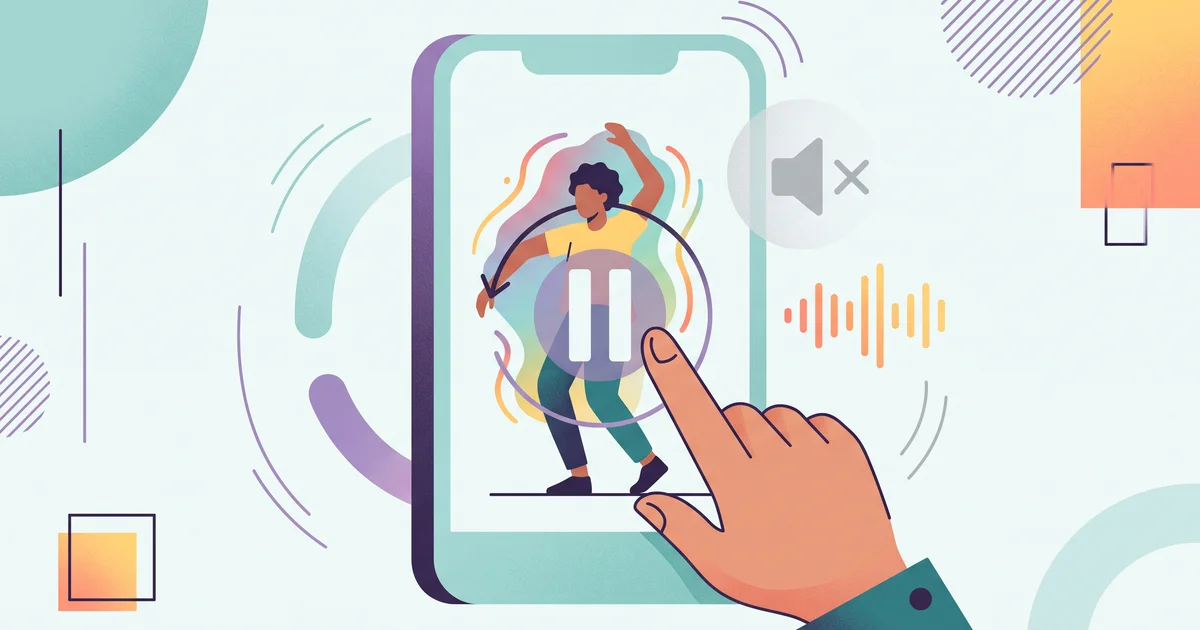
If you're trying to figure out how to pause Instagram Reels instead of mute, you've probably noticed that the old press-to-pause gesture now opens a menu in some accounts. Let's break down what's changed, how the new menu works, and the real-world workarounds content teams can use to keep reviewing public Reels without losing control.
What changed in Instagram Reels playback?
Some users report that pressing or holding the center of a Reel opens a mini-menu instead of pausing the video. This menu can include full-screen view, playback speed controls, auto-scroll, and captions. There's also feedback that holding the side of the screen to speed up a Reel now responds more slowly than before. For a walkthrough of these shifts in Reels playback, see FollowBackCheck’s user report on the new gesture and menu.
Why does pause now open a menu?
No public Instagram documentation explains this change. There's no official rollout announcement, fix, or setting to bring back the old pause gesture in the evidence reviewed here. Treat this as a real change to the app's interface, not a bug with a quick solution.
What can you do in the new Instagram Reels menu?
If your tap or press opens a menu, try these options:
- Use full-screen mode if you need more room for detail.
- Slow down playback speed if that option is shown.
- Turn on captions to catch lines you can't replay at your own pace.
- Toggle auto-scroll only if it fits your workflow.
These tweaks won’t replace a true pause button, but they help you manage playback when you need to review a specific moment.
How to pause Instagram Reels instead of mute: workarounds
There is no confirmed shortcut or toggle that restores press-to-pause. Until Instagram updates its controls, here’s what to do:
- Check your own device, account, and app version, behavior varies between users.
- Use menu tools like playback speed and captions to review spoken content.
- Watch in full-screen mode for easier visual study.
- Use a transcript-first workflow when you need quotes or script review instead of frame-by-frame pausing.
- Save the public Reel URL to revisit or review it later.
For public Reels, ReelScribe’s Instagram transcription tool can turn spoken words, and even captions and hashtags, from a Reel into text. This means you can paste a Reel link, get the transcript, and keep reviewing content without relying on video pause controls.
What remains unknown about Instagram Reels playback controls?
There are still open questions:
- Does the menu replace pause for every account, or just some?
- Is this a permanent redesign, a test, or a bug?
- Will a setting to restore the old gesture ever be added?
- Is the side-hold slowdown deliberate or not?
This uncertainty matters for teams that rely on consistent playback gestures across accounts or devices.
How should content teams adapt right now?
If you handle social video, don't rely on just one playback gesture. Instead:
- Track which accounts have the new menu and which don't.
- Switch to transcript-based review and quoting when possible.
- Keep track of the original Reel URL in your notes.
- Always double-check control changes after an Instagram app update.
If you routinely repurpose public Instagram Reels, using transcripts can keep your review workflow smooth, even if playback controls shift again. For a deeper walkthrough on this approach, see Instagram script extractor: extract and study Reel scripts or broader Instagram Reels management tips.
Bottom line
Some Instagram accounts now show a menu where press-to-pause used to be. There's no confirmed way to bring pause back based on public evidence, so your best bet is to use the menu, run your own quick account test, and move to transcript workflows if you care about precise review. To automate public Reel transcript extraction, try ReelScribe’s Instagram transcription tool, it supports any public Reel link.
Ready to turn your videos into text?
Start with 25 free credits. No credit card required. Works with TikTok, YouTube, Instagram, Facebook, Threads, LinkedIn, X and Bluesky.
Also see: YouTube Shorts Fund Eligibility in 2027 · Instagram Reels Guide 2026: Create, Optimize, Automate · Instagram Reels Download: Fast, Watermark-Free Methods · TokScript Alternatives in 2026: ReelScribe, Supadata and PixScript Compared