TikTok Transcript Download for Content Workflows
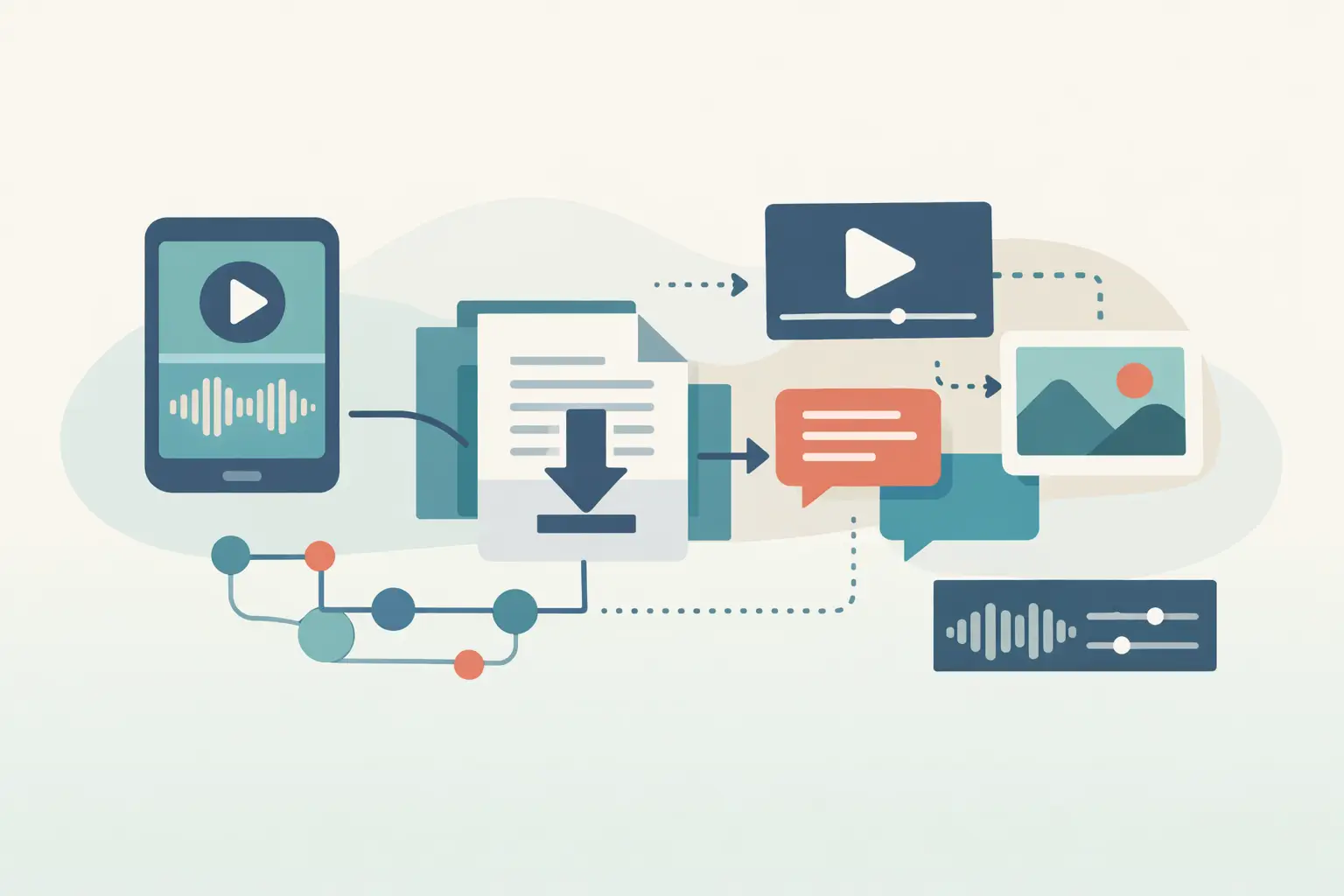
A TikTok transcript download is useful when the video itself is only the starting point. You may need the spoken text for a caption audit, a competitor-content database, a newsletter draft, or a RAG pipeline that can search what people actually said.
TL;DR
A TikTok transcript download should mean extracting reusable text from a public TikTok URL, not saving the video file. For occasional work, a browser-based transcription tool is enough. For recurring research or repurposing, send URLs through an API or n8n workflow and store the resulting text where your team already works.
What a TikTok transcript download actually gives you
TikTok does not make spoken-word transcripts a consistent, portable part of every public post. Some creators add captions, some use TikTok's auto-captions, and many posts have neither. Even when visible captions exist, they may omit words, skip context, or differ from the audio.
A transcript workflow reads the audio from a public video URL and returns text you can copy, store, search, summarize, or pass to another system. That distinction matters: this is about working with text from public videos, not downloading or saving the video itself.
For a single creator, the output may become a script archive or a source for turning one TikTok into a blog section. For an agency, it can feed a review process across dozens of client and competitor posts. For a developer, the transcript is structured input for the next node in a pipeline.
The right method depends on volume and what happens after transcription.
| Method | Best for | Input | What happens after transcription | Main trade-off |
|---|---|---|---|---|
| Manual listening and typing | One short video with unusual terminology | Video played in TikTok | You paste text into a document | Slow and difficult to repeat at scale |
| Browser URL transcription | Ad hoc research and repurposing | One public TikTok URL | You copy or export the text for the next task | Repeated work still needs manual handoffs |
| API transcription | Product features and custom pipelines | URLs submitted by your app or script | Your application receives text for processing | You maintain the surrounding workflow |
| n8n workflow | Scheduled monitoring and connected business processes | URLs from a trigger, sheet, database, or webhook | Nodes store, classify, summarize, or route the text | You need to define failure handling and storage rules |
How to get a TikTok transcript from a public URL
The basic job is simple. The details around the URL, language, and output destination decide whether it remains simple after the first ten videos.
- Confirm that the TikTok post is public. A transcription service needs a URL it can access. Do not build a workflow around private posts, paid content, or membership-gated material.
- Use the post URL, not a profile URL. A profile contains many videos and does not identify the audio you want transcribed. Capture the individual post URL from the TikTok share menu or from the browser address bar.
- Choose the language based on the spoken audio. Do not assume the account's audience language matches the video. A creator might publish English captions over Spanish speech, switch languages mid-sentence, or use a localized voiceover.
- Send the URL to your transcription tool. A URL-based service such as ReelScribe turns public TikTok links into text and supports 99+ languages. Use the browser for one-off work, bulk jobs for a batch of URLs, or the API when another system should submit the work.
- Keep the transcript with source metadata. Store the original URL, creator handle if you collect it separately, post date, detected or selected language, and processing date alongside the text. Six weeks later, a transcript without its source is much less useful.
- Review the lines that carry meaning. Product names, names of people, code names, abbreviations, and calls to action deserve a quick check. Background music, fast cuts, and overlapping speech can make any automated transcript less certain.
That last step is not busywork. If the transcript becomes search data, a prompt input, or source material for a published asset, a 30-second review of the critical phrases prevents downstream mistakes.
TikTok transcript download formats that hold up in a workflow
Plain text is often enough for reading, but it is rarely enough for an automation pipeline. Treat the transcript as one field in a record rather than as a loose file dropped into a folder.
For content repurposing, store the transcript with the source URL and a content status. A writer can then turn approved transcripts into outlines, social copy, or email drafts without asking which clip the text came from.
For search or RAG use cases, split longer transcripts into chunks after transcription. Keep each chunk tied to the original TikTok URL and an identifier for the parent video. Your retrieval layer then has a source to cite internally and a way to return to the original context when a short excerpt is ambiguous.
For competitor monitoring, preserve raw transcripts before adding summaries or tags. Summaries are useful, but they are interpretations. The original text lets you revise a prompt, reclassify a topic, or check why your system assigned a theme.
A practical record might include these fields:
source_urlplatformpublished_attranscriptlanguageprocessed_attopic_tagsreview_status
You do not need every field on day one. Start with the source URL and transcript, then add fields when a real reporting or retrieval need appears.
Build a TikTok transcript download workflow in n8n
The n8n community node is useful when transcription is one stage in a larger process rather than a task someone performs in a browser. The cleanest design separates intake, transcription, enrichment, and storage so you can change one part without rebuilding the rest.
A working workflow pattern looks like this:
- Trigger on a new URL. Use a webhook for URLs submitted from an internal tool, a schedule for a monitored list, or a Google Sheets or database trigger for a research queue.
- Validate the record. Check that the URL exists, identifies a TikTok post, and has not already been processed. A duplicate check matters when a scheduled workflow sees the same row twice.
- Pass the public URL to the ReelScribe n8n community node. Select the node action that transcribes a URL and map the URL from the incoming item. Configure the language behavior available in your node version when your queue includes multiple languages.
- Add a guard for empty or failed output. Route unsuccessful items to a review queue with the URL and error details. Do not send a blank transcript to a summarization or embedding node, where the failure can look like valid but useless output.
- Send successful text to the next system. Common destinations are a database, Notion, Airtable, Google Sheets, a vector store, or another HTTP request in your stack. Keep the source URL attached at every stage.
- Mark the source item complete. Write back a processing timestamp and status only after the transcript has reached its destination. This makes retries safer when a later node fails.
The node configuration depends on the version installed in your n8n instance, so use its displayed fields rather than copying parameter names from an unrelated HTTP example. That avoids a common failure mode: a workflow appears to run, but the URL mapping points to the wrong item or an earlier node's output.
Handle retries without duplicating transcripts
TikTok URLs can change behavior outside your workflow. A post may be removed, made private, restricted by region, or temporarily unavailable to the service reading it. Your pipeline should treat these as states to inspect, not as reasons to repeatedly create duplicate rows.
Use an idempotency rule in your own storage. The simplest version uses the canonical source URL as a unique key. If you need to reprocess a video after changing language settings or your downstream prompt, store a new processing run while keeping it attached to the same source record.
For bulk jobs, process a manageable batch first. Inspect a sample of transcripts for language mix, audio quality, and naming conventions before you push hundreds of URLs into your database. That small check is cheaper than cleaning a large collection with the wrong schema.
Where transcript quality needs human context
Short-form video has quirks that show up in the text. Creators often speak over music, cut between clips, quote someone else's audio, or begin with a phrase designed for the algorithm rather than the actual topic. A literal transcript can preserve all of that, which is useful, but your next step should account for it.
If you summarize transcripts, tell the model to separate the creator's claim from quoted audio and promotional language. If you categorize them, define a fallback tag for clips that contain too little speech. If you search them, index the full transcript and keep the URL nearby so a team member can check context.
Language switching needs the same care. A video can have English on-screen text, Hindi speech, and a Spanish comment reference. Choose transcription settings around the spoken content, then store the result language so later searches and reports do not mix language assumptions.
Use the text while the video is still relevant
Start with ten public TikTok URLs from a campaign, creator list, or competitor tracker. Transcribe them, save the text with source URLs, and identify the one manual step that keeps recurring. That step is the first candidate for an n8n workflow or API integration.
Ready to turn your videos into text?
Start with 25 free credits — no credit card required. Works with Instagram, TikTok, Facebook and YouTube.
Try one free — no sign-up →See plans and pricingAlso see: TikTok transcription for content workflows · Transcript software for social video workflows · YouTube Playlist Transcription for Content Teams · Transcription tools for social video workflows