TikTok transcription for content workflows
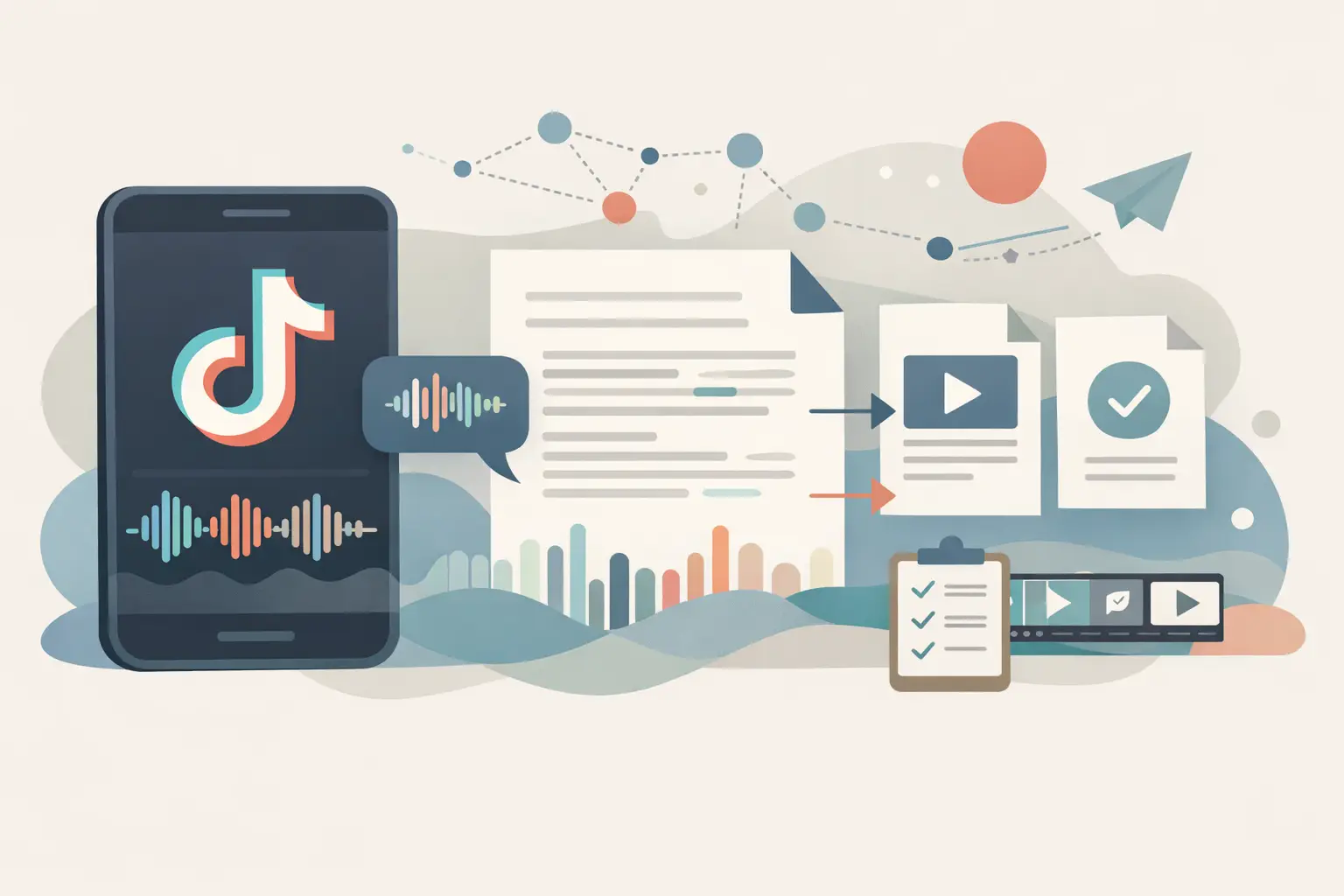
A TikTok video can contain the first draft of a campaign brief, a customer objection, or a useful product demo. Without text, it stays trapped in a feed where your team cannot search, quote, tag, or route it into the rest of your stack.
TL;DR
TikTok transcription turns spoken public videos into text you can reuse for captions, research, repurposing, and automation. The hard part is usually not converting audio to text. It is handling public URLs, language variation, batch volume, and the handoff from a transcript to the next tool in your workflow.
What TikTok transcription is useful for
TikTok transcription converts the spoken audio in a public TikTok video into written text. For a single creator, that might mean pulling talking points from an old post and turning them into a newsletter. For an agency or automation builder, it often means processing many videos and making the results searchable or available to downstream systems.
The transcript is only useful when it has somewhere to go. A plain text block can feed a caption workflow, a content database, a competitor-monitoring process, or a retrieval system that answers questions from a library of videos.
TikTok changes quickly, so the source material has a short shelf life. That makes fast intake useful, but it does not mean every video deserves the same treatment. A saved list of relevant public URLs, clear tagging, and a decision about what happens after transcription will prevent a pile of text files nobody opens.
Start with the output, not the video
Before you transcribe anything, decide what the transcript needs to do. This changes how you name jobs, which metadata you retain, and whether you process one URL or hundreds.
A social manager repurposing a founder video needs readable copy with enough context to preserve the original point. A developer building a research pipeline needs a stable record that includes the source URL, platform, processing date, language, and transcript text. A team creating a RAG dataset may also need chunking after transcription, but that is a separate stage from getting the words out of the video.
Use this simple rule: keep the original URL attached to every transcript. When a summary looks wrong or a quote needs verification, your team needs to find the source video quickly.
Common output paths
| Goal | What you keep | What happens next |
|---|---|---|
| Repurpose a post | Transcript and source URL | Edit into a blog section, email, caption, or script |
| Monitor competitors | Transcript, creator, date, topic tags | Summarize themes and compare recurring messages |
| Build a content archive | Transcript, URL, platform, language | Store in a searchable database or knowledge base |
| Feed an automation | Transcript plus structured metadata | Send to a classifier, summarizer, CRM, or webhook |
The table looks basic, but it prevents a common failure mode: collecting transcripts before anyone defines a usable destination. If your workflow ends in a spreadsheet, decide the columns first. If it ends in a database, define the record shape before you run a bulk job.
How to transcribe public TikTok videos
The basic process is short. Most friction comes from inconsistent source URLs, unclear language expectations, and trying to process a large list through a one-at-a-time interface.
- Collect the public TikTok URLs you are allowed to use. Keep them in a CSV, Airtable base, Notion database, or the queue system your team already uses.
- Remove duplicates before submitting them. A repeated URL can create repeated downstream work and make reporting harder.
- Send the URL to your transcription tool and select the language when your workflow requires it. Auto-detection can be useful, but an explicit language can be the better choice for a known market or campaign.
- Store the returned transcript with the source URL and any fields you need later, such as campaign, creator, topic, or ingestion date.
- Run text processing after transcription. Summaries, keyword extraction, topic labels, and embeddings should work from the transcript, not from manually copied snippets.
ReelScribe reads public social video URLs, including TikTok URLs, and turns them into text across 99+ languages. It also supports bulk jobs, so a queue of video URLs does not have to become an afternoon of copy and paste.
Do not treat every transcript as final copy. Short-form video often includes slang, music, quick cuts, screen-recorded audio, overlapping speech, and product names that need a human pass before publication. The transcript gets you to an editable working draft faster; it does not replace editorial judgment.
Platform quirks that affect transcript quality
TikTok content creates different problems than a webinar or a clean podcast episode. The clip may begin halfway through a sentence, use a trending sound under speech, or rely on visual context the audio never states.
Spoken wording and on-screen text can also tell different parts of the story. If a creator says, "This changed everything," while the product name appears only in a text overlay, the transcript alone will lack the name. Build a review step for high-value clips where visual text is part of the message.
Language is another practical issue. A video can mix English with Spanish, use regional slang, or include a voiceover that does not match the caption language. For research workflows, preserve the source language in your record. Translate later only when the people reading the output need it.
Treat public availability as a condition of your pipeline. A URL that worked yesterday may later be removed, restricted, or changed by the platform. Your workflow should record failed items and allow a retry or manual review rather than silently dropping them.
Use batch processing when the list is the work
Manual transcription works for one clip. It breaks down when you need to process a creator's campaign history, a weekly competitor list, or hundreds of customer testimonials.
Batch processing changes the unit of work from "open a video" to "process a source list." That is a better fit for marketers who collect URLs over time and developers who already have data arriving from scrapers, forms, databases, or monitored feeds.
Before you run a batch, normalize your inputs. Strip tracking parameters only if your source system creates duplicates from them. Keep a unique source identifier, and include a status field such as queued, processed, failed, or needs review.
A useful batch table has at least these fields:
- Source URL
- Platform
- Creator or account name
- Campaign or collection name
- Expected language
- Processing status
- Transcript text
- Processed date
That structure makes it easier to re-run failures without reprocessing the full list. It also gives your nontechnical teammates a way to review and filter results without touching the automation itself.
Put TikTok transcription into an n8n workflow
For automation builders, the value comes from removing the handoff between discovery and analysis. Your workflow can collect public TikTok URLs, pass each URL to a transcription step, then store or process the resulting text.
ReelScribe has an API and an n8n community node, which means you can keep transcription inside the workflow instead of maintaining browser-based steps. The exact node fields depend on the version you install, so use the node's current configuration panel and credentials setup rather than copying an outdated JSON export from a blog post.
A practical n8n sequence looks like this:
- Start with a trigger that receives or retrieves public TikTok URLs. This could be a schedule, webhook, database query, or form submission.
- Add a filter that rejects empty URLs and skips records already marked as processed.
- Use the ReelScribe n8n node to create the transcription job from the URL.
- Wait for completion or use the node's supported result flow, then write the transcript and status back to your database.
- Pass successful transcripts to the next step, such as topic classification, a content brief generator, an embedding pipeline, or a Slack review queue.
Keep transcription separate from summarization. When those steps are split, you can change your prompt, model, or chunking logic later without paying to transcribe the same source again. You also retain the full text for QA when a generated summary misses context.
Choose the right handling method
The right setup depends on volume and where the URLs start. A browser workflow is fine for ad hoc work. A bulk queue or n8n flow earns its keep when source lists arrive repeatedly.
| Method | Best for | Main trade-off |
|---|---|---|
| One URL at a time | Reviewing a few videos or testing an idea | Manual handoffs grow quickly |
| Bulk job | Campaign archives and periodic research lists | You still need a process for importing results |
| API workflow | Custom apps and internal tools | You maintain the surrounding integration |
| n8n workflow | Repeatable multi-step pipelines | Initial setup needs thoughtful data mapping |
Do not automate a messy process just because the volume is high. If nobody agrees on what counts as a useful video, what metadata matters, or where transcripts live, automation will produce a larger messy pile faster.
Build a review loop for high-value clips
Use a lightweight review step for content you plan to publish, quote, or use in a customer-facing asset. Check names, numbers, product terms, and sections where music or fast edits may have obscured speech.
For research, review a sample from each source type before trusting automated classifications. A clear talking-head clip behaves differently from a stitched reaction video or a screen recording with synthetic narration. That sample tells you where to add fallback logic, such as a needs-review status when the transcript is unusually short.
Start with ten public TikTok URLs from one recurring use case, define the fields you need downstream, and run them through the same path you plan to use at scale. The gaps you find in that small batch are much cheaper to fix before your queue reaches a few hundred videos.
Ready to turn your videos into text?
Start with 25 free credits — no credit card required. Works with Instagram, TikTok, Facebook and YouTube.
Try one free — no sign-up →See plans and pricingAlso see: TikTok Transcript Download for Content Workflows · YouTube Playlist Transcription for Content Teams · Transcription tools for social video workflows · Transcription API comparison for video workflows