Video Transcript Software for Social Teams
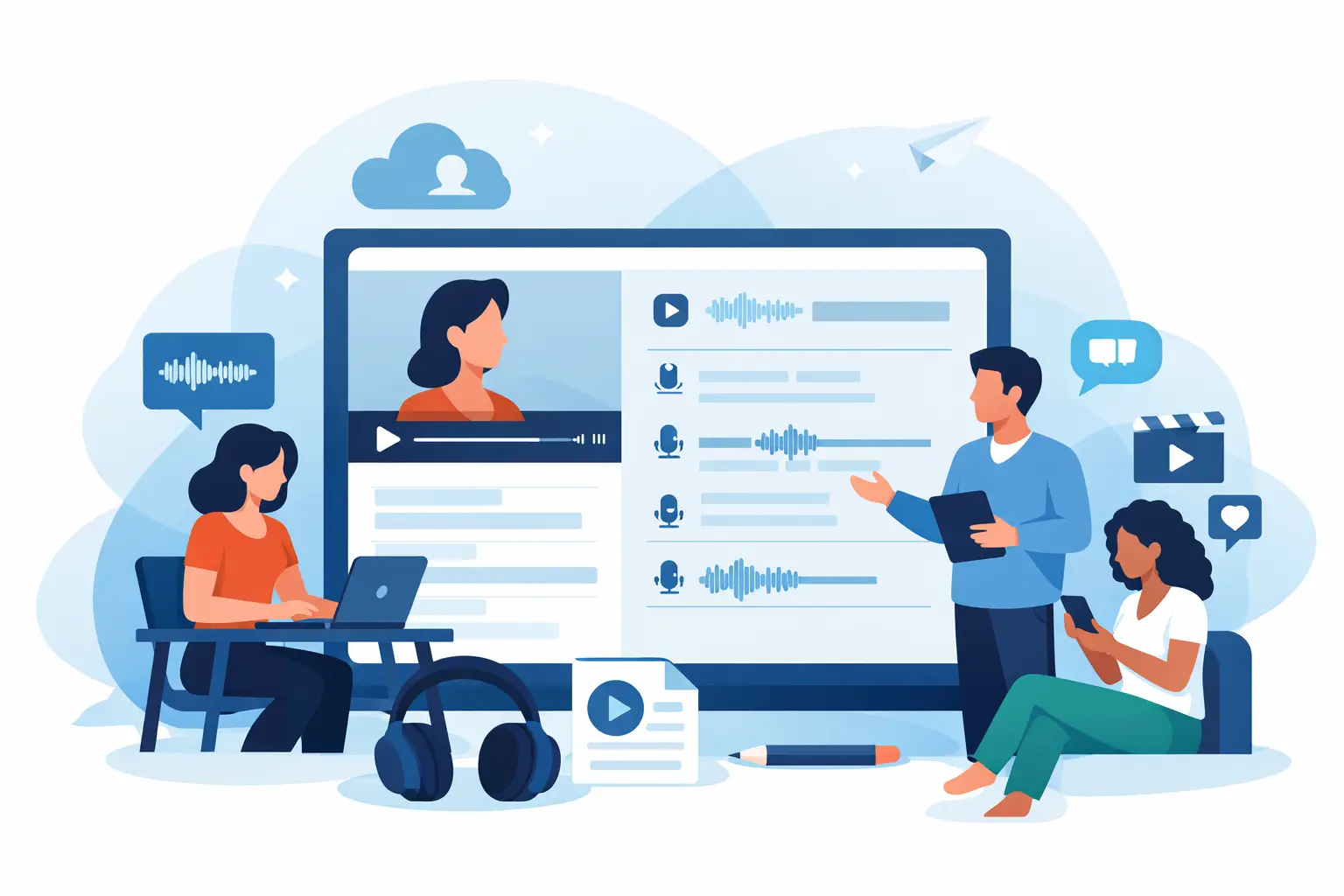
A 45-second Reel can become a caption, carousel, email hook, blog section, client note, and searchable content asset. But only if the words inside it are available in text. Video transcript software closes that gap by turning spoken social content into copy your team can edit, reuse, and publish without replaying the same clip five times.
For creators and marketing teams, transcription is no longer a back-office task. It is one of the fastest ways to get more output from content that is already performing. The right tool makes that process quick enough to use every day, whether you are handling one Instagram video or a batch of YouTube Shorts.
Why social video needs a different transcription workflow
Social video moves fast. A creator might publish several clips in a day, while an agency may manage dozens across client accounts each week. Downloading files, uploading them one at a time, waiting for a transcript, then cleaning up the text creates friction that compounds quickly.
Generic transcription tools can work for a long interview or meeting recording. They are not always designed around the way social teams actually work: short clips, quick turnarounds, platform-specific formats, frequent reposting, and high volumes. A useful social-video workflow starts with speed, but it cannot stop there. The transcript needs to be easy to find, review, copy, and turn into the next piece of content.
That matters because the spoken line that earned a pause, comment, or share is often the best raw material for everything that follows. If it remains trapped inside a video, your team has to recreate it manually. If it is transcribed, it can move through your content system immediately.
What video transcript software should do for your team
The best video transcript software does more than generate a block of text. It should reduce the time between posting a video and putting its ideas to work elsewhere.
Turn clips into publishable text quickly
Speed changes behavior. If getting a transcript takes too long, teams reserve it for major projects. If it takes minutes, transcription becomes part of the standard publishing routine.
Use the transcript to write a caption that matches the video, pull a quote for a graphic, create a LinkedIn post, or turn a tutorial into a short email. For a creator, this can mean more consistent publishing without filming more. For an agency, it can mean a clearer system for delivering repurposed assets to clients.
Fast output also helps when trends are moving. A timely video may need captions, a text post, and a client approval note on the same day. Waiting until tomorrow can make the moment less relevant.
Handle the platforms your audience already uses
TikTok, Instagram, and YouTube are not side channels for most creator-led businesses. They are where ideas are tested, audiences grow, and brand voice becomes visible. A transcription tool that fits those platforms removes unnecessary steps from the process.
Look for a workflow that accepts the video sources you actually manage. If your team spends its day moving between social platforms, a tool built around those inputs is more practical than one designed mainly for conference calls or enterprise archives.
Compatibility is also about content format. Social clips often include fast speech, hooks delivered in the first few seconds, informal phrasing, creator jargon, music, and jump cuts. No automated transcript will be perfect in every situation, but software should give you a clean starting point that is easy to review rather than an output that requires a full rewrite.
Support multilingual content without slowing production
Language coverage is a workflow requirement, not just an expansion feature. A creator may interview guests in different languages. A brand may run campaigns for multiple markets. An agency may manage accounts with different audience segments. In each case, manual transcription becomes expensive and slow very quickly.
Software that supports more than 60 languages gives teams room to work across markets without building a separate process for every language. The trade-off is that accuracy can vary based on audio quality, regional accents, overlapping speakers, and industry terminology. Treat the transcript as a strong first draft, then give high-visibility copy a quick human review before publishing.
For multilingual teams, consistency matters as much as coverage. Keep names, product terms, and branded phrases documented so editors know what to check. A few minutes of review can protect the clarity of a caption or educational post.
Process content in bulk when volume rises
Bulk processing is where transcription becomes an operational advantage. One video at a time is manageable for a solo creator. It is not enough for a social manager planning a month of clips, a podcast team cutting highlights, or an agency preparing campaign reporting.
With bulk transcription, a team can process a library of videos and create a searchable text layer across the entire content set. That makes it easier to identify recurring topics, find memorable quotes, locate product mentions, and pull material for future posts.
The benefit is not simply saving a few clicks. It gives your team a better content inventory. Instead of asking, “What did we say in that clip from three weeks ago?” you can search the transcript, find the moment, and repurpose it with confidence.
A practical workflow for turning transcripts into more content
The strongest transcription process is simple enough to repeat. Start by transcribing every video that contains useful speech, not only the clips you plan to repurpose immediately. The videos you overlook today may become valuable when you are planning next month’s campaign or responding to a new trend.
Next, scan the transcript for the opening hook, key teaching points, questions, objections, and memorable phrases. These are the sections most likely to translate into other formats. A product demo might produce a help-center answer, a customer objection for an ad, and three caption ideas. A founder video might become a newsletter introduction and several short posts.
Then clean only what needs cleaning. Correct names, numbers, calls to action, and phrases that will appear publicly. Do not spend ten minutes polishing every filler word if the goal is internal research or quick caption drafting. The level of editing should match the use case.
Finally, store the text with a clear label that includes the platform, topic, date, and campaign. This is a small habit with a large payoff. Over time, transcripts become a searchable record of your content strategy, customer language, and brand voice.
Accuracy matters, but context matters more
Teams often ask for a perfect transcript. That is understandable, especially when the output is customer-facing. But perfect accuracy is not the only standard that matters. The better question is whether the transcript gives you reliable, usable text fast enough to improve the workflow.
Audio quality remains the biggest factor. Clear speech, limited background noise, and one speaker at a time generally produce better results. A noisy event clip, a video with loud music, or a rapid group conversation will likely need more editing. That is not a reason to skip transcription. It is a reason to plan a review step for content where precision is critical.
For everyday social production, an AI transcript should eliminate the blank-page problem. Your editor starts with the actual language from the video instead of watching, pausing, typing, and rewinding. That is where the time savings become real.
Choosing video transcript software for social content
When comparing tools, focus on the work that happens after transcription. Ask whether the platform supports TikTok, Instagram, and YouTube workflows, how quickly it returns text, how many languages it covers, and whether it can handle batches without creating a bottleneck.
Also consider who will use it. A solo creator may prioritize an easy free starting point and fast single-video output. A growing media team may care more about bulk capacity, organized files, and a process that multiple people can use without training. Agencies need predictable throughput when client volume spikes.
ReelScribe is built around this social-first use case, with AI transcription for TikTok, YouTube, and Instagram content, multilingual support, and bulk processing for teams that need text at scale. The goal is straightforward: turn video into usable words before the next content task starts piling up.
The right tool will not replace creative judgment. It will remove the repetitive work that keeps your team from using its best ideas twice. Start with the videos you already have, turn their spoken value into text, and give every strong clip another chance to perform.
Ready to turn your videos into text?
Start with 25 free credits — no credit card required. Works with TikTok, YouTube, and Instagram.
Start Free Transcription →Also see: AI Transcription Software for Social Video Teams · Multilingual Video Transcription Software for Creators · How an AI Captions Generator for Social Media Works · Bulk Video Transcription for Creators at Scale