How to Build a YouTube Transcript Webhook
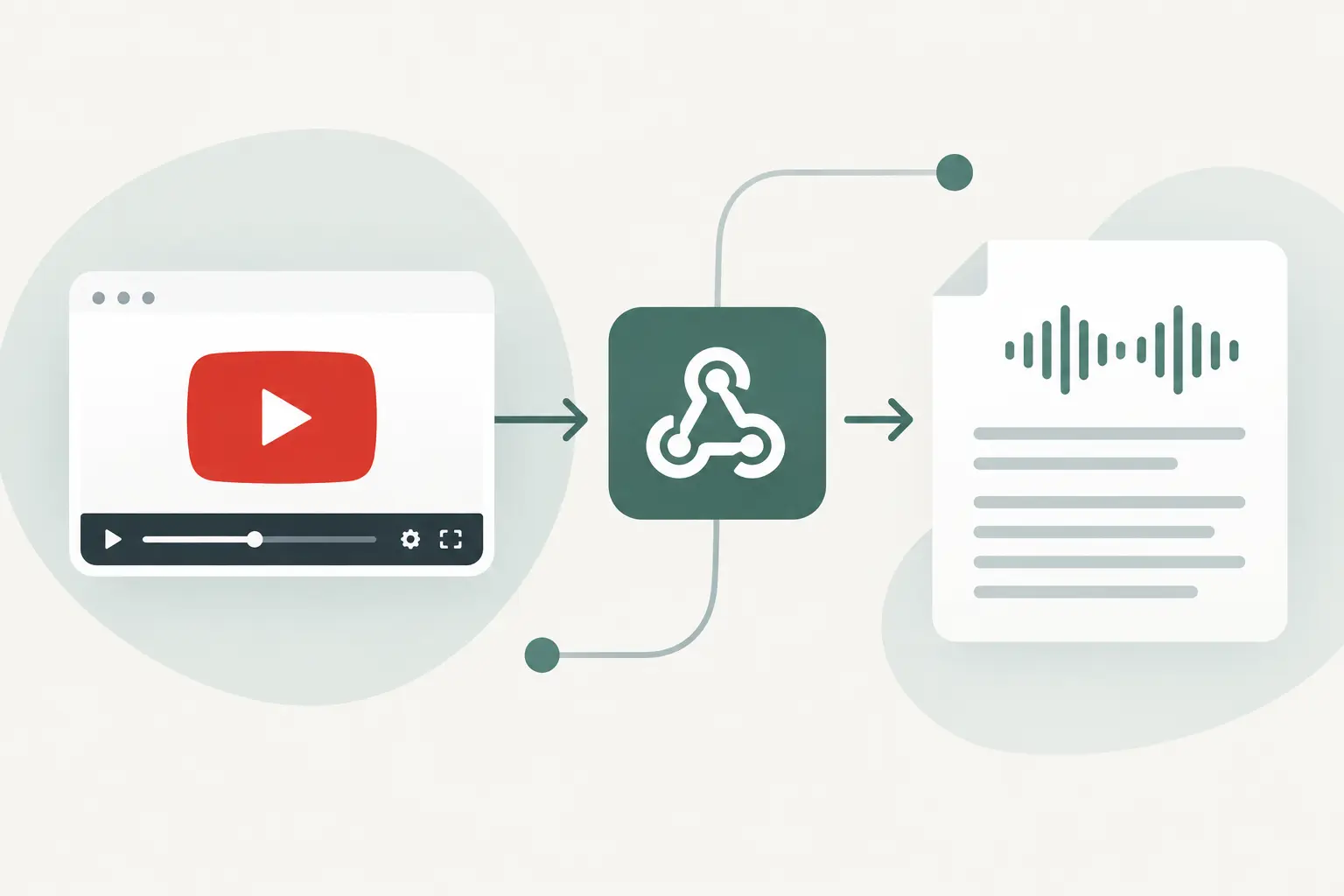
A YouTube transcript is more useful when it lands where work already happens. Build a YouTube transcript webhook and a completed video can trigger a content brief, populate a knowledge base, or enter a review queue without someone copying text between tabs.
TL;DR: Use a transcription step to turn a public YouTube URL into text, then send one normalized payload to your webhook receiver. Keep the receiver fast, store a job ID for deduplication, and move slower tasks into a queue or downstream workflow. If your transcription tool runs synchronously, n8n can send the webhook after the transcript node finishes.
Pick the webhook pattern before you write code
"Webhook" can mean two different things in a transcript pipeline. A transcription provider may call your endpoint after an asynchronous job finishes. Or your own automation can send an outbound HTTP request after it receives a transcript.
The second pattern is often easier for URL-based social transcription. ReelScribe can transcribe public YouTube URLs through its API or n8n community node, so your workflow can take the completed text and post it to the endpoint you control. You decide the payload shape, retry policy, and destination.
| Pattern | Best when | What triggers the webhook | Main trade-off |
|---|---|---|---|
| Provider callback | Transcription runs as a background job | The provider marks the job complete | Payload and retry behavior depend on the provider |
| n8n outbound webhook | You already use n8n for routing and enrichment | The transcript node completes | The n8n execution stays responsible for delivery |
| Application worker | You need custom status tracking or high volume | Your worker receives a completed job | You maintain queues, storage, and retry logic |
For a small team, start with n8n as the sender and a simple receiver. Move to a worker when you need to process many videos at once, preserve detailed job history, or isolate delivery retries from transcription runs.
Define the payload your YouTube transcript webhook sends
Do not pass a provider-specific response through every system in your stack. Create a compact internal contract instead. That gives your CMS, vector store, and reporting workflow one stable format even if you later change transcription tools.
Use fields that answer four questions: what completed, where it came from, what text was produced, and how you can identify the event again.
{
  "event": "youtube.transcript.completed",
  "job_id": "yt_01JX7K9M",
  "video": {
    "url": "https://www.youtube.com/watch?v=example"
  },
  "transcript": "Full transcript text goes here.",
  "language": "en",
  "completed_at": "2026-10-02T14:30:00Z"
}
job_id is the field that prevents duplicate work. A webhook sender can retry after a timeout even when your server finished processing the first request. Your receiver should treat a second request with the same job_id as a replay, return a successful response, and skip creating a second blog draft or database record.
Keep the original YouTube URL even if you also store a video ID. The URL helps a human trace a transcript back to its source. A video ID is better for deduplication because the same video may arrive as a youtube.com/watch URL, a youtu.be short link, or a Shorts URL.
Build the n8n workflow in five steps
This example treats n8n as the orchestration layer. The transcription node gets a public YouTube URL, a Code node normalizes its output, and an HTTP Request node sends the result to your application.
- Start with the trigger that creates your transcript job. This could be a schedule that checks a channel list, a form submission, an Airtable record, or a webhook from another app. Store the submitted YouTube URL in a field you can reference later.
- Add the ReelScribe community node and pass it the public YouTube URL. Select the language behavior that fits your pipeline. For mixed-language source material, preserve the returned language value rather than assuming every transcript is English.
- Add an n8n Code node after transcription. The code below normalizes common field names into the contract above. Adjust
source.transcript,source.text,source.url, andsource.languageto match the fields returned by your transcription node.
const source = $json;

const transcript = source.transcript ?? source.text; const videoUrl = source.url ?? source.video_url;

if (!transcript || !videoUrl) { throw new Error('Missing transcript text or YouTube URL'); }

return [{ json: { event: 'youtube.transcript.completed', job_id: source.job_id ?? `n8n_${$execution.id}`, video: { url: videoUrl }, transcript, language: source.language ?? 'und', completed_at: new Date().toISOString() } }];- Add an HTTP Request node. Set the method to
POST, use your receiver URL, choose a JSON request body, and send the current item as the body. Add anAuthorizationheader with a bearer token stored in an n8n credential or environment variable.
- Add an error path that records failed deliveries. A failed call should preserve the
job_id, destination, response status, and response body. You can retry from that record later without running transcription again.
Do not put content generation, embedding, database writes, and Slack notifications in the same request path if your receiver has a short timeout. Accept the webhook first, then hand off those slower jobs inside your application or in later n8n nodes.
Create a receiver that returns quickly
Your receiver does not need to process the transcript before it replies. It needs to validate the request, detect replays, persist or enqueue the payload, and return a 2xx status.
This Express example uses a bearer token and an in-memory Set to show the flow. Replace the Set with a database table or Redis in production. The route and authorization scheme are your own contract, so they do not depend on a provider's undocumented callback format.
import express from 'express';

const app = express(); const processedJobs = new Set();

app.use(express.json({ limit: '2mb' }));

app.post('/webhooks/youtube-transcript', async (req, res) => { const expectedToken = process.env.WEBHOOK_TOKEN; const authorization = req.get('authorization');

if (authorization !== `Bearer ${expectedToken}`) { return res.status(401).json({ error: 'Unauthorized' }); }

const { event, job_id, video, transcript, language, completed_at } = req.body;

if ( event !== 'youtube.transcript.completed' || !job_id || !video?.url || !transcript || !completed_at ) { return res.status(400).json({ error: 'Invalid payload' }); }

if (processedJobs.has(job_id)) { return res.status(200).json({ received: true, duplicate: true }); }

processedJobs.add(job_id);

// Persist the payload or enqueue downstream processing here. console.log({ job_id, videoUrl: video.url, language });

return res.status(202).json({ received: true }); });

app.listen(3000);
A 202 Accepted response says your service received the event and will process it separately. If you write to a database before replying, use a unique constraint on job_id. That database constraint is more reliable than checking memory when multiple app instances receive requests.
Handle the failure cases that create duplicate content
Transcript workflows usually fail at handoffs, not at the text conversion step. Design for those handoffs early.
First, distinguish a bad request from a temporary failure. Return 400 when the payload is missing required data. Return 401 when authentication fails. Return 500 only when a valid event cannot be persisted or queued. This makes retry behavior easier to reason about.
Second, save the source URL and job ID before passing the transcript to a summarizer or RAG pipeline. If a downstream model call fails, you can retry that stage from stored text. You avoid requesting a new transcription for a video you already processed.
Third, cap payload size deliberately. Long YouTube videos can create large transcript bodies. If your gateway has a small request limit, store transcript text first and send a storage reference through your internal queue. For short-form video workflows, sending the text directly is usually simpler.
Account for YouTube URL and language quirks
Normalize YouTube links before you use them as database keys. A canonical video ID lets youtu.be, standard watch URLs, and Shorts links resolve to one record. Keep the original submitted URL alongside that canonical value for troubleshooting.
Playlists need a decision too. A playlist URL can point to one selected video or many videos, depending on how it was submitted. Treat each video as its own transcript job rather than one oversized webhook event.
For multilingual pipelines, pass language through every stage. A transcript used for search, summaries, or captions may need its source language preserved. If you translate later, store the translated result as a separate field so the original text remains available.
Make the first event useful
Create one receiver route, send it a known public YouTube URL through your n8n workflow, and log the normalized payload before connecting any downstream automation. Once the event shape is stable, add your database, content generation, or retrieval step behind it.
Ready to turn your videos into text?
Start with 25 free credits — no credit card required. Works with Instagram, TikTok, Facebook and YouTube.
Try one free — no sign-up →See plans and pricingAlso see: How to Send YouTube Transcripts to RAG Systems · How to Transcribe a YouTube Video for Free in 2026 · How to Batch Transcribe Facebook Video Links · YouTube Playlist Transcription for Content Teams