How to Send YouTube Transcripts to RAG Systems
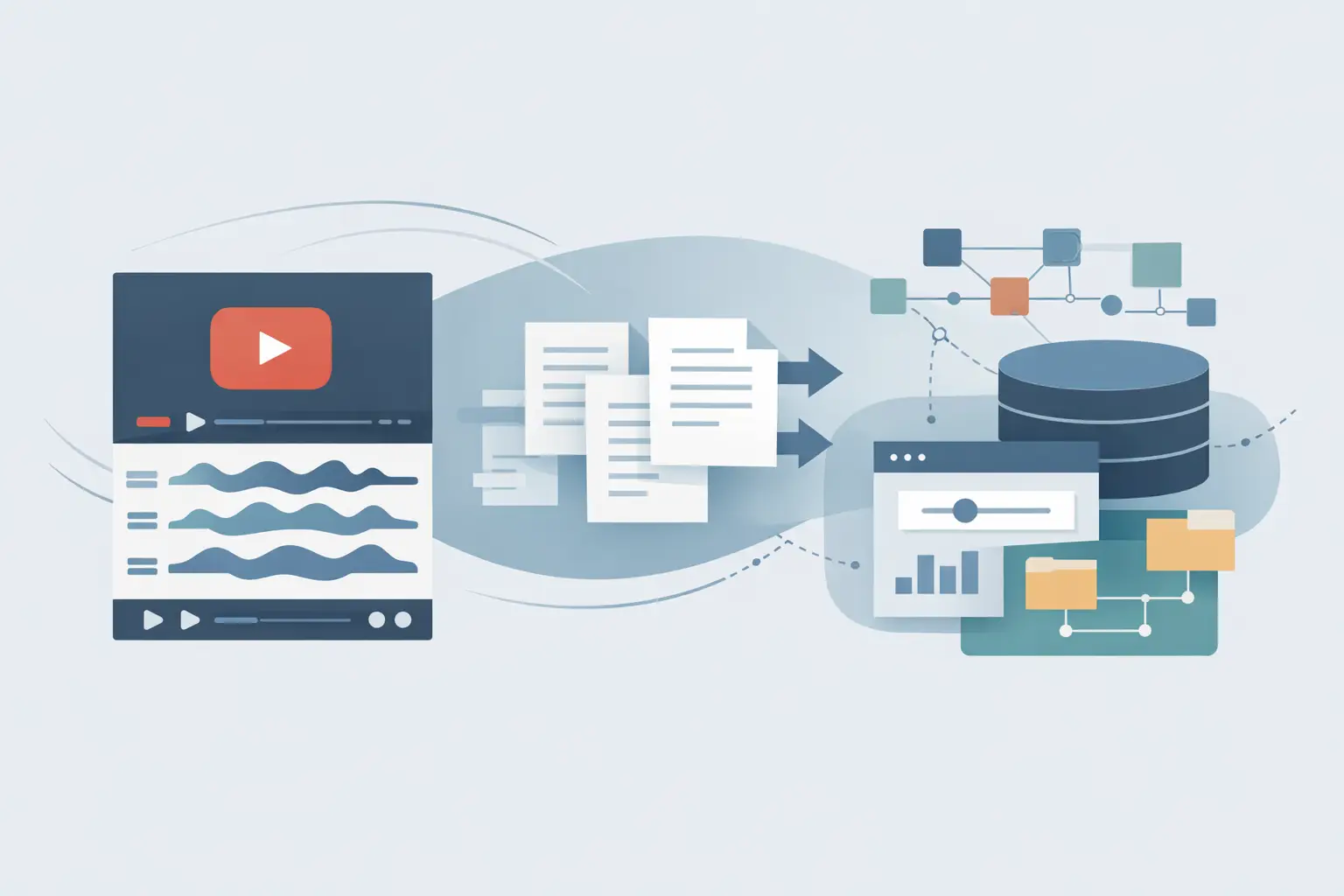
A RAG app fails in a predictable way when you feed it a YouTube transcript as one giant document: retrieval finds a plausible paragraph, then answers without enough context to be useful. To send YouTube transcripts to RAG systems reliably, treat transcription, chunking, metadata, and retrieval testing as separate jobs.
TL;DR: Transcribe public YouTube URLs, split the text on meaning rather than arbitrary page breaks, and store every chunk with its video source and time range. Test retrieval before you build a chat UI, because bad chunks look like bad model answers later.
Why YouTube transcripts need prep before RAG
A YouTube transcript is spoken language. It has repeated phrases, unfinished sentences, introductions that add little value, and references such as "this part" or "the previous video." A vector database can store all of it, but storage is not the same thing as useful retrieval.
Your RAG system needs chunks that answer a narrow question while carrying enough surrounding context to make sense. If someone asks, "What metrics did the speaker use to judge retention?" the retrieved text should contain the metric, the speaker's explanation, and ideally a timestamp that lets the user verify it in the video.
This is more noticeable with social and creator content than with clean documentation. A tutorial may jump from setup to a result and back to a caveat in under a minute. Splitting only every 1,000 characters can separate the caveat from the claim that needs it.
Build the transcript-to-RAG pipeline
Use a pipeline with explicit handoffs. That makes it easier to replace your vector store, embedding model, or transcription source without rewriting the rest.
- Start with a public YouTube URL. Keep the canonical URL as source metadata from the first step. If your workflow handles playlists or channel monitoring, also record the channel name, publish date, and any internal campaign or project ID you need.
- Transcribe the video. ReelScribe can turn a public YouTube URL into text and supports batch jobs, 99+ languages, an API, and an n8n community node. Pick the spoken language deliberately when your input set mixes English videos with multilingual creator content.
- Normalize the result. Remove duplicated title text, repeated calls to subscribe, and accidental blank blocks. Keep timestamps if the transcription result includes them. Do not strip punctuation just because embeddings work with lowercase text - punctuation and sentence boundaries help you create better chunks.
- Chunk by topic and preserve overlap. Split on paragraphs or timestamped segments first, then combine smaller segments into chunks around 300 to 600 words. Add a small overlap, usually one or two sentences, so a point that crosses a boundary remains retrievable.
- Attach metadata before embedding. Every vector needs a stable video ID, source URL, title, language, chunk number, and timestamps when available. Metadata filters matter when users ask questions about one channel, a campaign, or videos published during a specific period.
- Embed and write to your vector store. Use deterministic IDs such as
youtube:VIDEO_ID:chunk:007. That gives you a clean update path when you retranscribe a video or change your chunking rules.
- Test retrieval with real questions. Run searches before connecting an LLM. Inspect the top results and ask whether each result contains enough evidence for an answer. If it does not, fix your chunks and metadata before changing prompts.
Choose chunking based on the video type
There is no universal chunk size. A product walkthrough with clear steps behaves differently from a two-hour podcast or a fast commentary clip. The table below gives you a practical starting point.
| Chunking method | Best for | Main trade-off | Starting configuration |
|---|---|---|---|
| Fixed word windows | Short clips and uniform tutorials | Can split a sentence or idea | 350-500 words with 50-word overlap |
| Timestamped segments | Tutorials, demos, and videos users need to verify | Segment lengths vary | Combine adjacent segments until each chunk has enough context |
| Topic-aware chunks | Podcasts, interviews, and analysis videos | Needs more preprocessing logic | Split at meaningful transitions, then cap chunks around 600 words |
Fixed windows are easy to implement and often good enough for short-form video. For a 45-second YouTube Short, elaborate topic detection adds complexity without much gain.
For longer videos, timestamped or topic-aware chunks give better source citations. They also help when a user wants the answer plus the exact point in the video where the speaker said it.
Keep overlap small. Large overlaps create near-duplicate vectors, which can fill your top search results with the same idea repeated three times. If your retrieved chunks feel incomplete, first try moving the boundary to a sentence or timestamp segment before increasing overlap.
Store metadata that supports retrieval and citations
Text alone gives you semantic search. Metadata lets you control it.
A useful record has video_id, source_url, title, channel, language, published_at, chunk_index, start_seconds, and end_seconds. Add transcript_version if you expect to reprocess content with different cleanup or chunking rules.
The time fields are worth keeping even if your first RAG interface does not display citations. Later, they let you return an answer such as "The speaker covers this around 06:42" instead of a paragraph detached from its source.
Avoid putting every possible field into the embedded text. Embed the title and chunk content, and consider adding the channel name if channel identity changes meaning. Keep operational fields, IDs, and timestamps in metadata so filters stay cheap and predictable.
A local ingestion example
The following example takes a cleaned transcript from transcript.txt, chunks it by words, and writes it to a persistent Chroma collection. It uses a local sentence-transformers embedding model, so you can test the ingestion path without inventing a hosted API request.
pip install chromadb sentence-transformersfrom pathlib import Path import chromadb from chromadb.utils.embedding_functions import SentenceTransformerEmbeddingFunction
VIDEO_ID = "abc123" SOURCE_URL = "https://www.youtube.com/watch?v=abc123" TITLE = "Example YouTube video" LANGUAGE = "en"
text = Path("transcript.txt").read_text(encoding="utf-8") words = text.split() chunk_size = 400 overlap = 60
chunks = [] start = 0 while start < len(words): end = min(start + chunk_size, len(words)) chunks.append(" ".join(words[start:end])) if end == len(words): break start = end - overlap
client = chromadb.PersistentClient(path="rag_store") embeddings = SentenceTransformerEmbeddingFunction( model_name="all-MiniLM-L6-v2" ) collection = client.get_or_create_collection( name="youtube_transcripts", embedding_function=embeddings, )
collection.add( ids=[f"youtube:{VIDEO_ID}:chunk:{i:03d}" for i in range(len(chunks))], documents=chunks, metadatas=[ { "video_id": VIDEO_ID, "source_url": SOURCE_URL, "title": TITLE, "language": LANGUAGE, "chunk_index": i, } for i in range(len(chunks)) ], )
results = collection.query( query_texts=["What does the speaker recommend?"], n_results=3, where={"video_id": VIDEO_ID}, )
for document, metadata in zip(results["documents"][0], results["metadatas"][0]): print(metadata["chunk_index"], document[:240])This script intentionally keeps timestamps out because it starts with plain text. When your transcription output has timestamped segments, chunk those segments first and add start_seconds and end_seconds to each metadata object.
For production ingestion, make the write idempotent. Delete or upsert records for one video_id before adding a new transcript version. Otherwise, a retried automation can create duplicate chunks that crowd out other results.
Build this in n8n without hiding the failure points
An n8n workflow is a good fit when you monitor a list of channels, process campaign videos, or collect competitor research. Keep the workflow observable instead of compressing everything into one code node.
- Trigger from a schedule, webhook, spreadsheet row, or your content database.
- Pass the public YouTube URL into the ReelScribe n8n node or your transcription step.
- Send the transcript result to a Code node that cleans text, creates chunks, and copies source metadata onto every item.
- Generate embeddings and write the records to your selected vector database.
- Add an error branch that stores the URL, failure reason, and retry count for URLs that cannot be processed.
The useful boundary is between transcription output and vector ingestion. Save the normalized transcript or at least log its job ID and source URL there. If retrieval quality drops after a chunking change, you can rerun ingestion from known text instead of retranscribing every video.
Test the retrieval layer before adding chat
Write ten to twenty questions that people will actually ask. Include direct questions, questions that need a comparison across two videos, and questions where the correct answer is "the videos do not say." That last category catches systems that produce fluent guesses from weak retrieval.
Check three things for each query: whether the right chunk appears near the top, whether its metadata identifies the source, and whether the chunk alone supports the answer. If the result contains the right words but misses the explanation, increase contextual grouping instead of immediately swapping embedding models.
Start with one public YouTube video and five retrieval questions. Once those results point to useful chunks and source metadata, run the same pipeline against a small batch and inspect duplicates before you connect it to your RAG chat layer.
Ready to turn your videos into text?
Start with 25 free credits — no credit card required. Works with Instagram, TikTok, Facebook and YouTube.
Try one free — no sign-up →See plans and pricingAlso see: How to Build a YouTube Transcript Webhook · How to Turn Video Clips Into Transcripts Fast · How to Batch Transcribe Facebook Video Links · RAG Pipeline Trends That Matter in 2026